Visualize My Gaming Setup · Free to try

Finally see your gaming setup in your own room

Stop imagining it and start looking at it. Upload a photo of your room, drop in the gear you're eyeing, and see your actual gaming setup — in your actual space — before you spend a single dollar. Photoreal, in about thirty seconds.

Free to try · No card required · First render in ~30 seconds
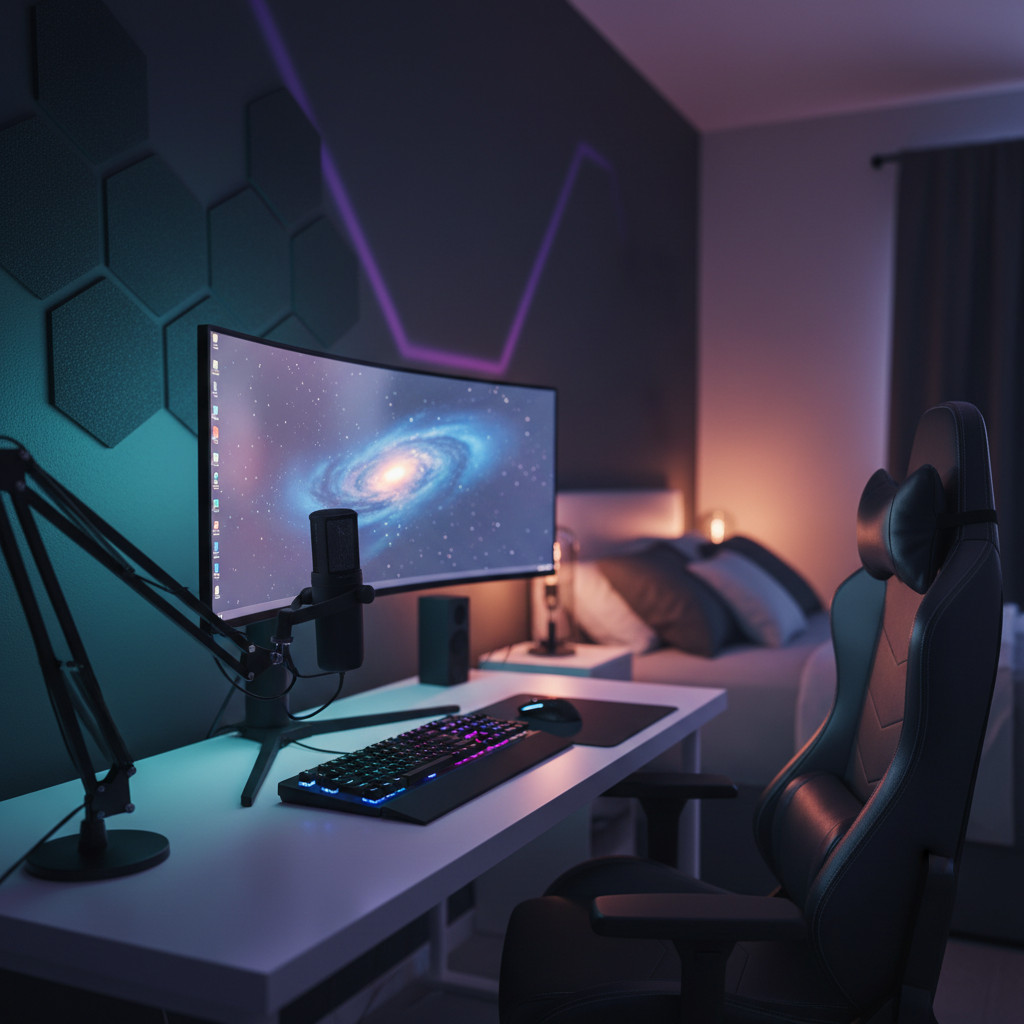
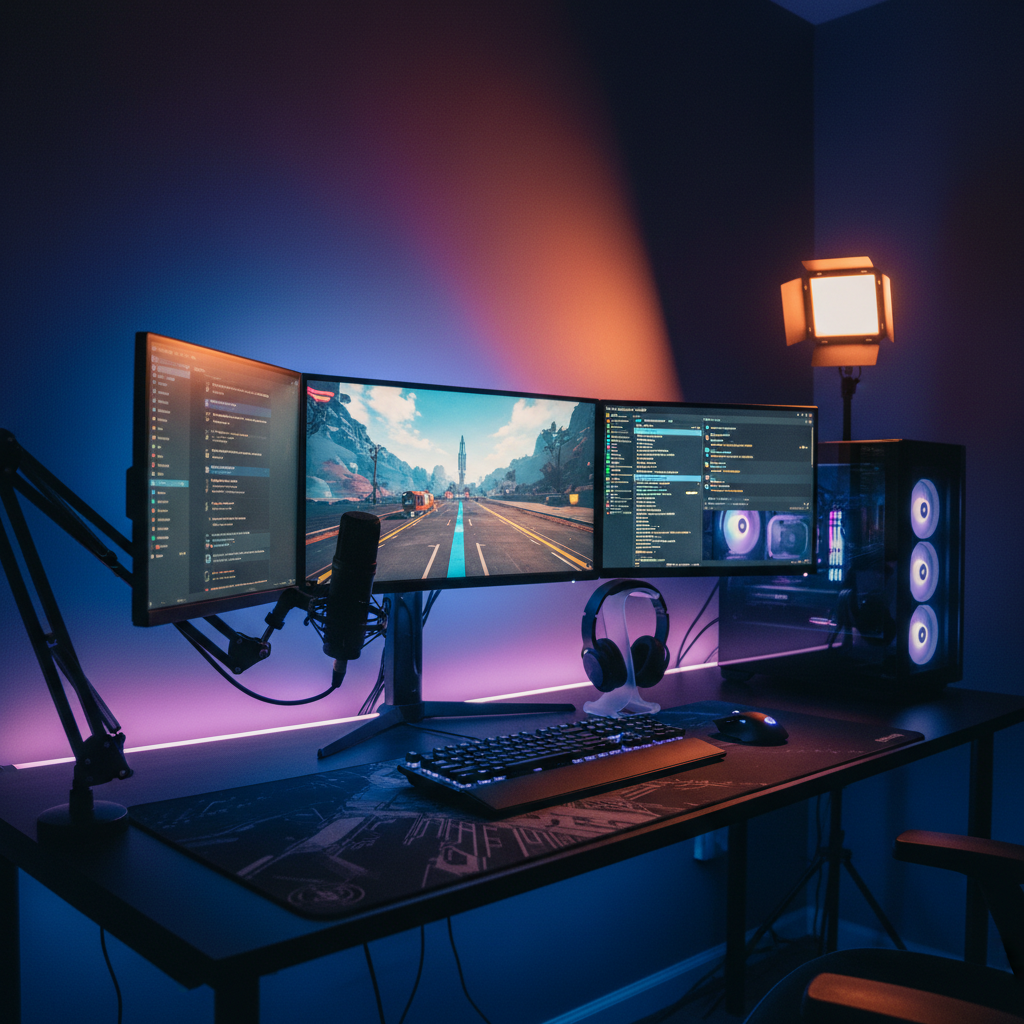
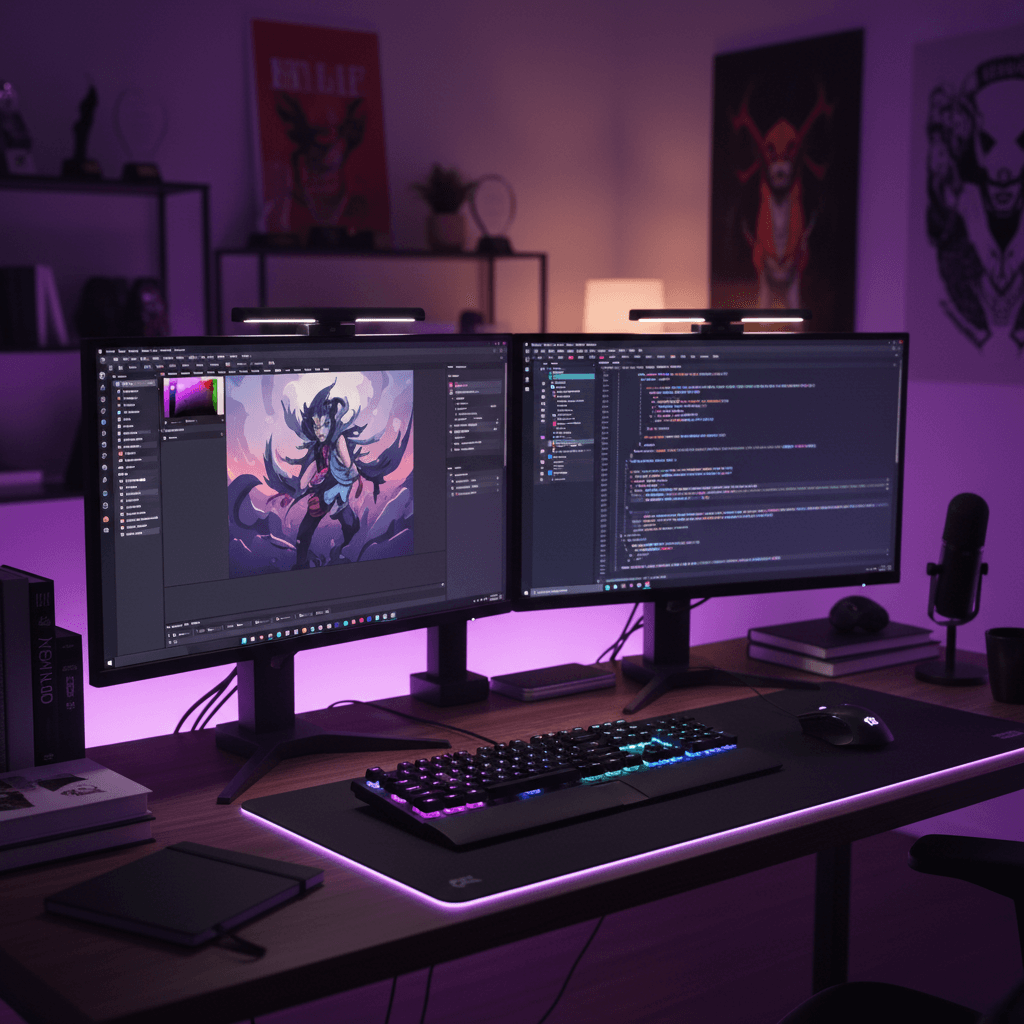
Visualize My Gaming Setup — a desk setup rendered into a real room
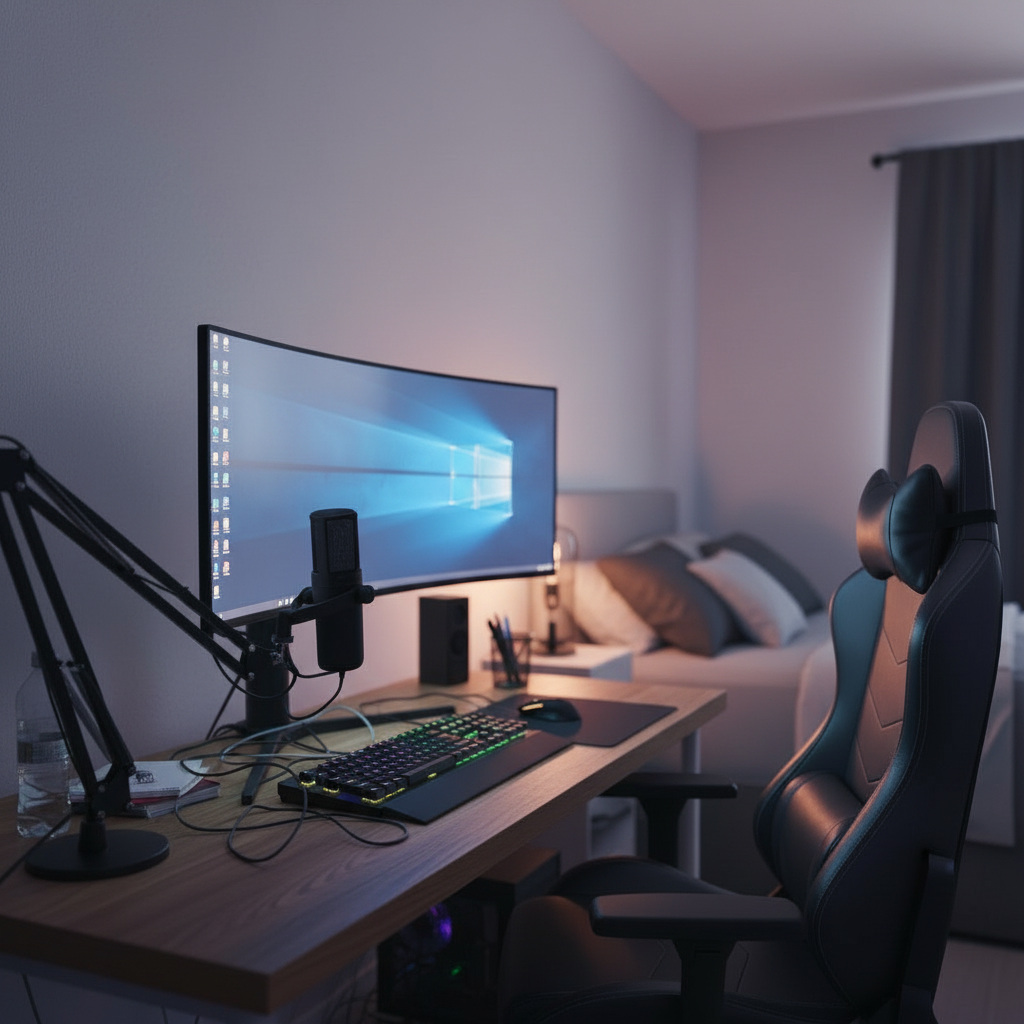
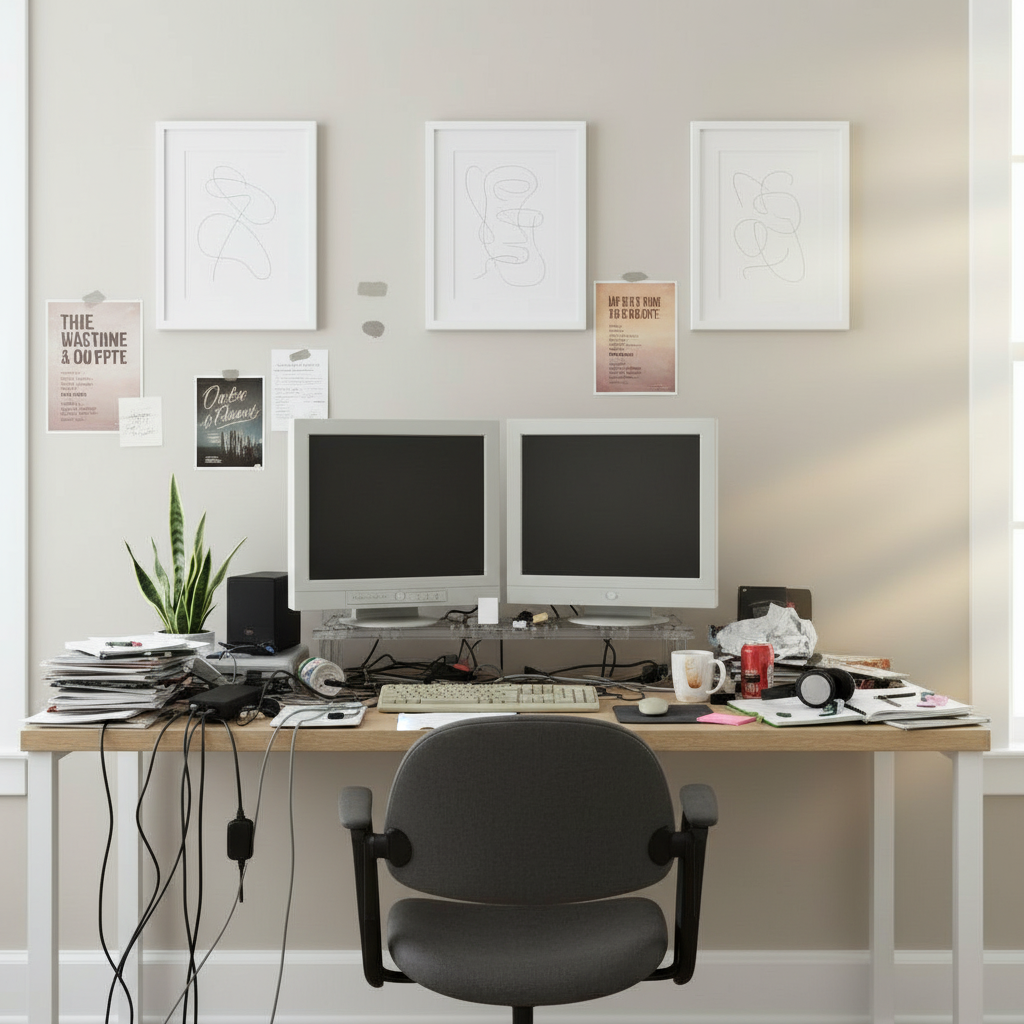
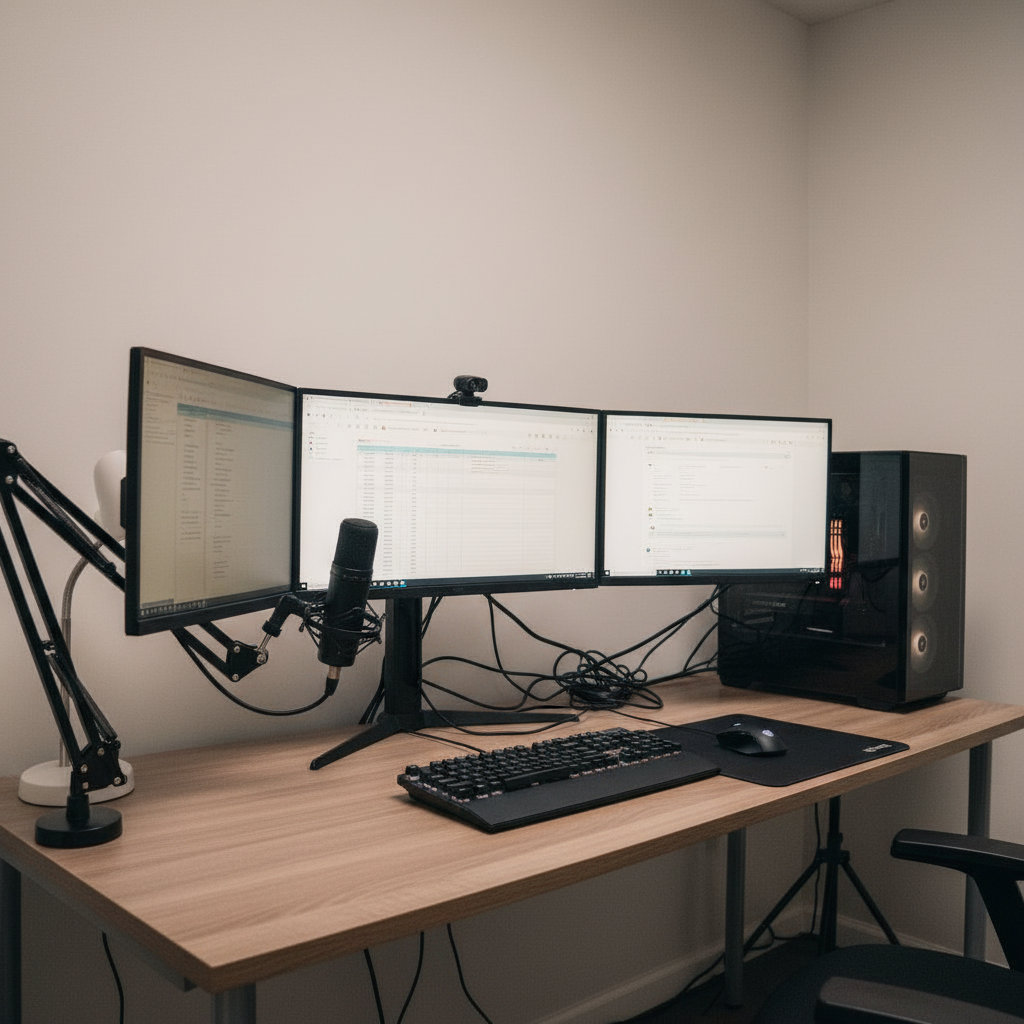
The same room before the setup was generated
Before
The idea

See it in your room
before you buy a thing

01
Anxious guesswork

You already know what you want, more or less. The problem is that you can't see it yet. You've got eleven tabs open, a cart you keep editing, and a nagging feeling that the monitor you're about to order might be too big, the desk might be the wrong wood, or the whole thing might look nothing like the picture in your head. Visualizing your gaming setup turns that anxious guesswork into a render you can actually look at, in your own room, today.

02
Your real space

This is not a generic mood board and it is not someone else's setup-of-the-week. You upload a photo of your real space and the AI puts your gear into it — the specific screen, the desk, the chair, the lighting — at honest scale and lit the way it would actually glow on your walls. The corner you're staring at right now, but finished. The version of your room that only exists in your head, made real enough to judge.

03
Payoff before purchase

The whole point is the payoff before the purchase: the relief of seeing the thing look right, or the much cheaper relief of catching that it looks wrong while it still costs nothing to change your mind. Try the options you're torn between, line them up side by side, send a render to a friend for a gut check, and only reach for your card once you've already seen the room you're paying for.

Why people use it

The confidence of
seeing it first

Less about how the AI works, more about what you get out of it: certainty before you spend.

Try the exact gear you want

Pull the specific monitor, desk, chair and lighting you're considering into your room and look at it at real scale. No more guessing how a product-page photo translates to your corner.

01

Compare what you're torn between

Stuck between an ultrawide and a dual setup, or two desk colors? Render both, put them side by side, and let your own eyes settle the debate instead of a spec sheet.

02

Catch the wrong buy before it ships

See that the monitor swallows the desk or the wood clashes with your wall while it's free to change your mind. The mistakes you avoid pay for the whole thing many times over.

03

Get a real second opinion

Share a render with a friend or the group chat and get an actual reaction to your actual room, not a vague "sounds cool." Settle it before anyone commits a single dollar.

04

Buy what you've already seen

There's a particular calm in ordering gear you've already watched sit in your room, lit and to scale. You skip the buyer's-remorse spiral and just enjoy the setup when it arrives.

05

Change your mind for free

Don't love it? Swap the screen, warm the lighting, try a different chair, regenerate. Indecision is free here — it only costs money once the boxes are actually on their way.

06

See your setup
in four steps

From cart anxiety to a render you can trust, in about a minute.

01

Photograph your space

Snap the corner where the setup will go. A quick phone photo at any angle is all the AI needs to work from.

02

Add the gear you're eyeing

Drop in the exact monitor, desk, chair and lighting you're considering, or describe the vibe you're after.

03

See it rendered in

The AI places your setup into your real room, at real scale and lit realistically, in about thirty seconds.

04

Compare, share, decide

Render a few versions, line them up, send your favorite for a second opinion, then buy with zero doubt.

The payoff

Why seeing it first
changes the whole decision

01 · The payoff

Imagination is a terrible product preview

Everyone thinks they can picture how their setup will look. Almost no one actually can. Your brain quietly drops the scale, ignores how the wall color will fight the RGB, and conveniently forgets that the desk has to share the corner with a radiator. You hold a hopeful image in your head, order against it, and then feel that small sinking moment when the real thing turns out to be bigger, bluer or busier than the picture you'd built.

Seeing your setup rendered into your real room replaces that hopeful guess with something you can actually evaluate. Suddenly the questions you couldn't answer in your head are obvious on screen: yes that fits, no that's overwhelming, that color is perfect, that one's a mistake. You're no longer trusting your imagination to do a job it was never any good at — you're just looking at the answer.
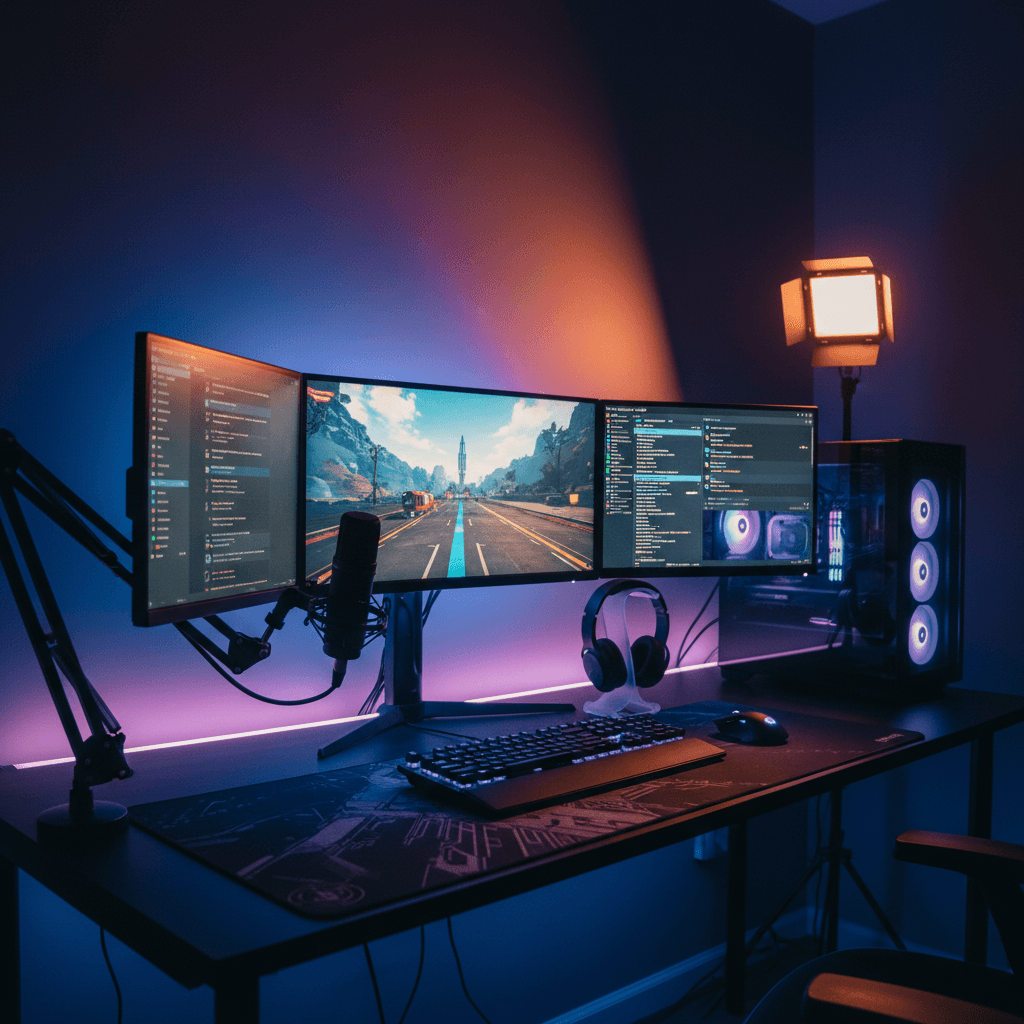
● Live renderRGB · on wallCurved · 34inCables · routed
02 · The payoff

The buys you're torn between, settled

Half of setup planning is agonizing between two options. The 34-inch or the 49-inch. The black desk or the walnut. The bold neon or the calm warm glow. You can read a hundred reviews and still not know which one is right for you, because the only thing that actually matters is how it looks in your room — and that's the one view no review can give you.

When you can render both and put them side by side, the decision stops being abstract. You see the super-ultrawide dominate the wall and instantly know it's too much, or watch the walnut warm up the whole corner and know it's the one. The comparison takes a minute and costs nothing, and it routinely flips people's choice away from the option they were about to buy on a hunch. Deciding with your eyes beats deciding with a spec table every time.

Why this beats the restSide by side
Mood board
Pretty · not in your room
Realism30%
3D planner
Accurate · hours of work
Realism22%
This generator
Photoreal · in your room
Realism92%
PickedPhotoreal beat the rest
03 · The payoff

Catching the expensive mistake while it's still free

The worst gaming-setup purchases aren't the cheap ones — they're the big, heavy, hard-to-return ones that turn out wrong. The monitor that's a size too large for the desk. The chair that won't clear the desk lip. The lighting that looks incredible in the listing and washes out to nothing against your particular wall. By the time the box is open, your options are eating the cost or wrestling with a return.

A render catches those before they ship. Because everything is sized to your room's real geometry and lit against your real walls, the misfits show up immediately, while changing your mind is still completely free. People talk about the renders that inspired their setup, but the quieter win is the returns that never happened — the single avoided mistake that often costs more than a year of the tool itself.

Room fitAuto-measured
Desk depth
28"
Arm reach
22"
Chair clear
36"
Wall offset
6"
All fits this room
04 · The payoff

A second opinion that's actually useful

When you ask a friend whether your setup plan is good, they're being polite about an idea they can't really see. "Sounds sick" is not feedback. The conversation only gets useful once there's something concrete to react to — and a photoreal render of your room is exactly that. Now they can tell you the shelf looks empty, the lighting's too cold, or that it's perfect and you should just hit buy.

Sharing a render turns the group chat into a genuine sounding board. You can drop two versions and let everyone vote, or send the finished room to the person whose taste you trust most and get a real verdict. It's a low-stakes way to pressure-test a high-stakes purchase, and it tends to surface the thing you'd talked yourself out of noticing. Then, whatever you decide, you're deciding on the actual room.

Variations · 12Same room
01 / 12
02 / 12
03 / 12
Regenerate · ~30s Run
05 · The payoff

Buying calm instead of crossing your fingers

There's a specific feeling that comes from ordering something you've already seen sitting in your room. The cart anxiety is just gone. You're not refreshing the tracking page hoping it looks like the picture, because you already know it does — you watched it, to scale, on your own walls, before you paid. That confidence is the entire reason to visualize first.

And the work doesn't vanish when you close the tab. Every render saves to your gallery and syncs across your devices, so you can sketch the setup on your laptop, refine it on your phone from the couch, and pull it back up when the next sale lands. When you finally buy, you buy the room you've already lived in for a week in your head — and it shows up looking exactly like you expected.

Parts list · 06From the render
Ultrawide 34"
LG · curved
$649
Standing desk
Walnut · 60in
$520
Ergonomic chair
Mesh · lumbar
$340
Bias light bar
RGB · USB-C
$59
Cable tray
Under-mount
$32
Total$1,847
When to use it

Every "should I
buy this" moment

Any time you're about to spend on gear, see it in your room first.

Before the big monitor buy

Check the screen size fits your desk and corner before it ships.

Stuck between two options

Render both, compare side by side, and let your eyes decide.

Picking a desk color

See which wood or finish actually works against your wall.

Planning the lighting

Preview the glow on your real walls before buying any strips.

Getting the group's verdict

Share a render and get a real reaction, not a polite shrug.

On a tight budget

See a cheaper build look great before splurging on more.

The transformation

Before and after, in your room

Drag any divider to reveal the original room under the generated setup.

After
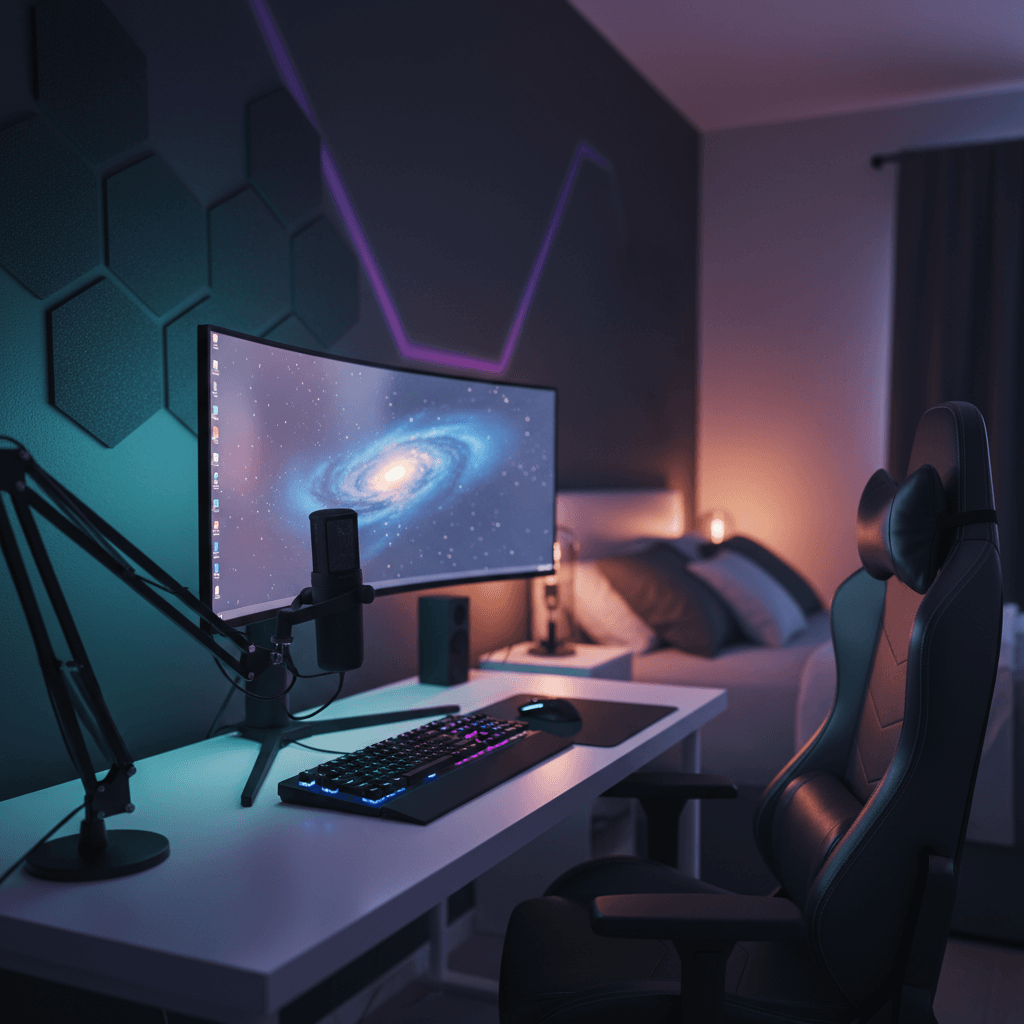
Curved · RGB · acoustic
After
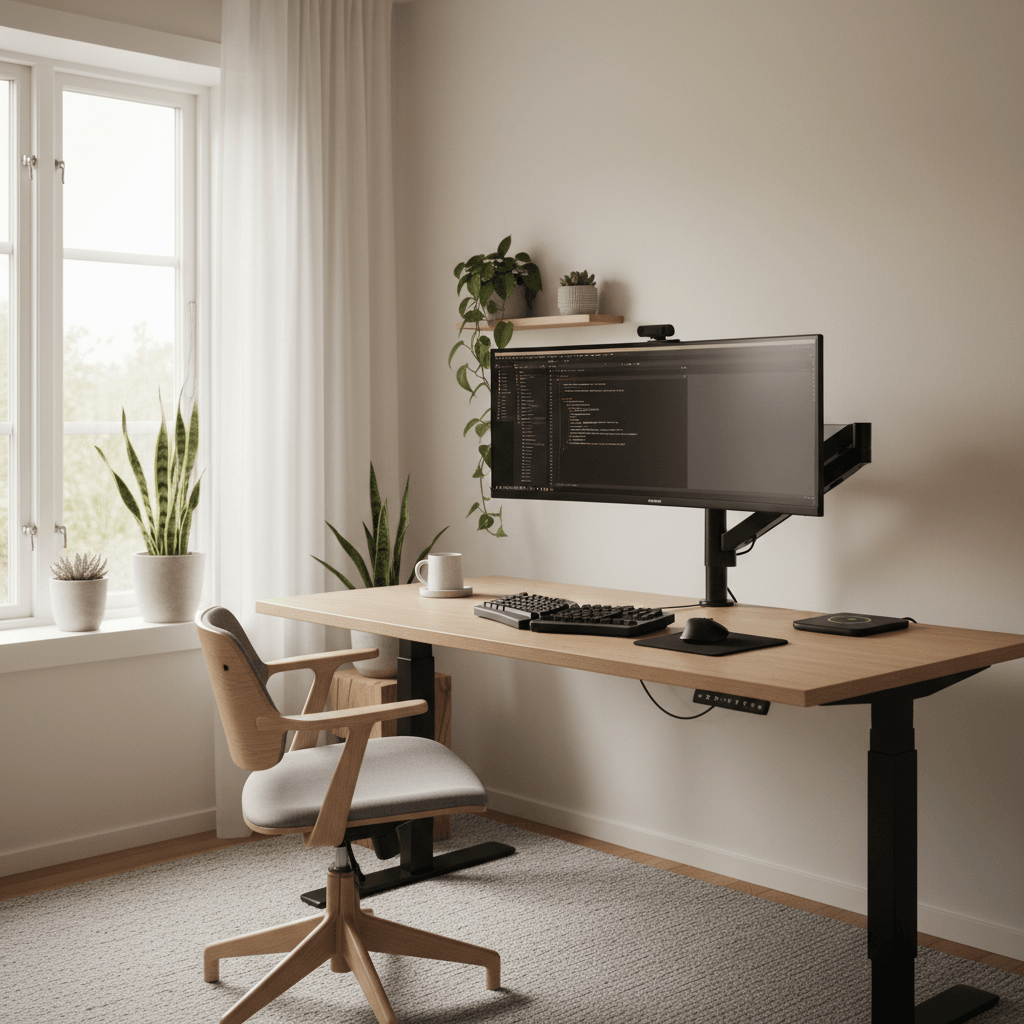
Same desk, decluttered
After
Dual 27" · mic · ambient

14,200+

Setups generated

6,300+

Active designers

4.9 / 5

Avg. rating

30 sec

To first render
FAQ

Visualize my gaming setup
questions, answered

What is a visualize-my-gaming-setup tool?

It's an AI tool that shows you your gaming setup in your own room before you buy it. You upload a photo of your space, add the gear you're considering, and it renders a photoreal image of that setup placed in your room at real scale. Instead of imagining how it'll look, you get to actually see it and decide with confidence.

Is it free to visualize my setup?

Yes. You can render setups, save them and browse the gallery for free with no credit card. The free plan includes a set number of generations each month and every style preset. Pro adds unlimited generations, higher-resolution exports, the full real-product catalog and priority rendering when things are busy.

Can I try the exact gear I'm thinking of buying?

Yes. The catalog has thousands of real products, so you can drop in the specific monitor, desk, chair or lighting you're eyeing and see it placed in your room at honest scale. It's the closest thing to trying gear in your space without ordering it, which is exactly the point of visualizing first.

Can I compare two options side by side?

Absolutely. Render each option — the ultrawide versus the dual setup, the black desk versus the walnut — and line them up to compare in your actual room. Seeing both at real scale settles the debate far faster than reviews or spec sheets, and it often changes which one you end up choosing.

Will it really stop me from buying the wrong thing?

It's one of the biggest reasons people use it. Because everything is sized to your room and lit against your real walls, misfits show up on screen while changing your mind is still free — the screen that's too big, the color that clashes, the lighting that washes out. Catching one of those usually saves more than the tool ever costs.

Can I share a render to get a second opinion?

Yes. You can share any render with a friend or the group chat to get a real reaction to your real room instead of a polite "sounds cool." It's a low-stakes way to pressure-test a high-stakes purchase, and people often spot something you'd missed before you commit.

Do I need a photo of my room?

A photo gives the most accurate, personalized result because the AI places the setup into your real space. If you just want to explore first, you can start from a blank canvas, render some ideas, and upload a room photo later to see your favorite in your actual space before buying.

Last call

See your gaming setup
before you spend a dollar

Upload your room, drop in the gear, and look at it for real before you buy. Free to try.

Free to try · No card required · 30 sec to first render