AI Desk Setup Generator · Free to try

The AI desk setup generator that uses your real room

Upload one photo and let the AI build a complete, photoreal desk setup inside your actual space — monitors, desk, chair, lighting and cable management, sized to your room and lit like the real thing.

Free to try · No card required · First render in ~30 seconds
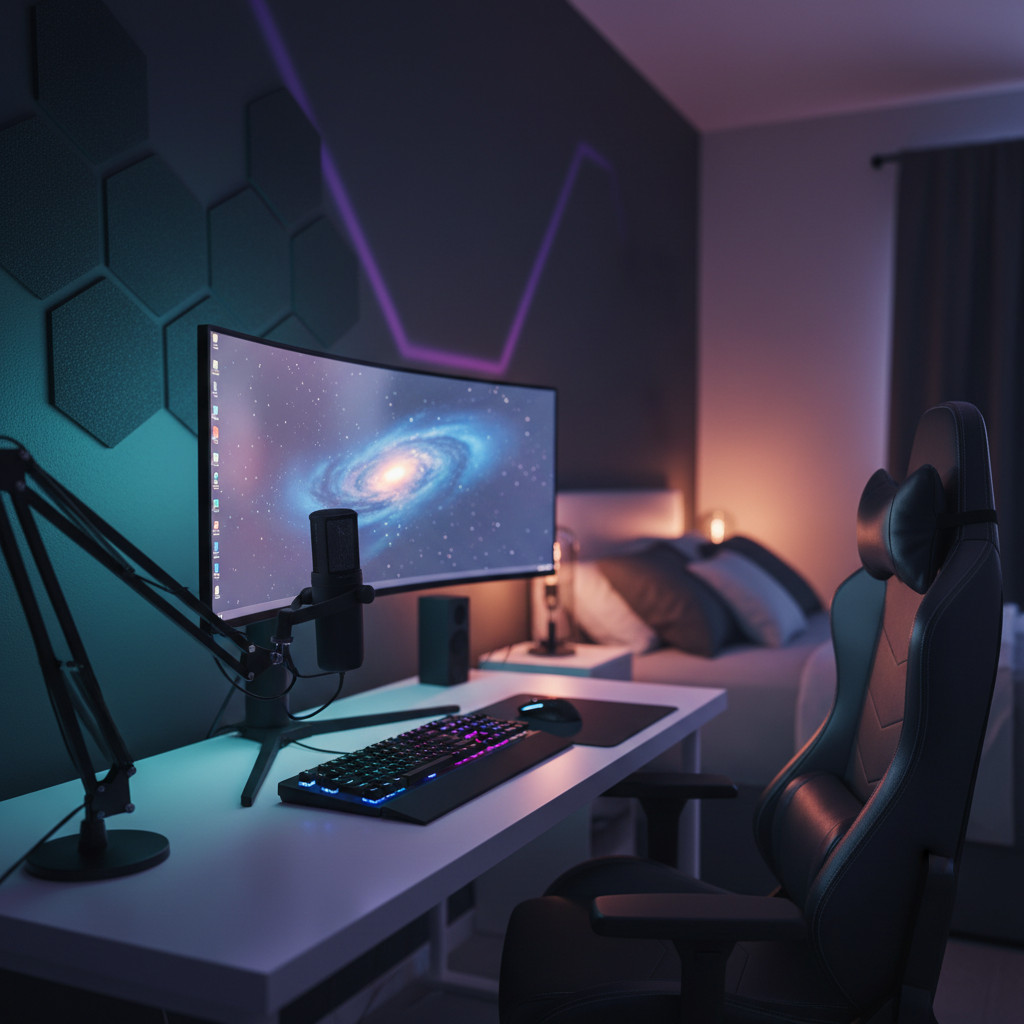
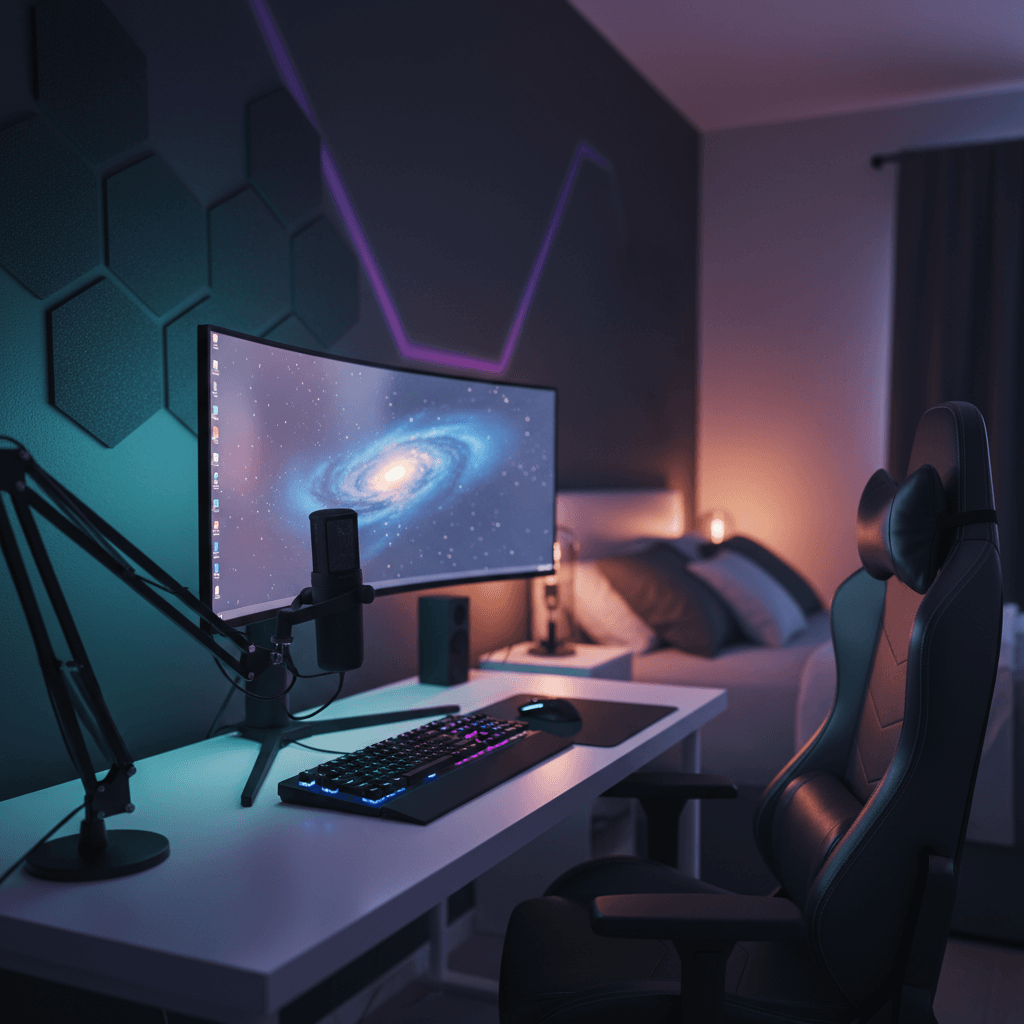
AI Desk Setup Generator — a desk setup rendered into a real room
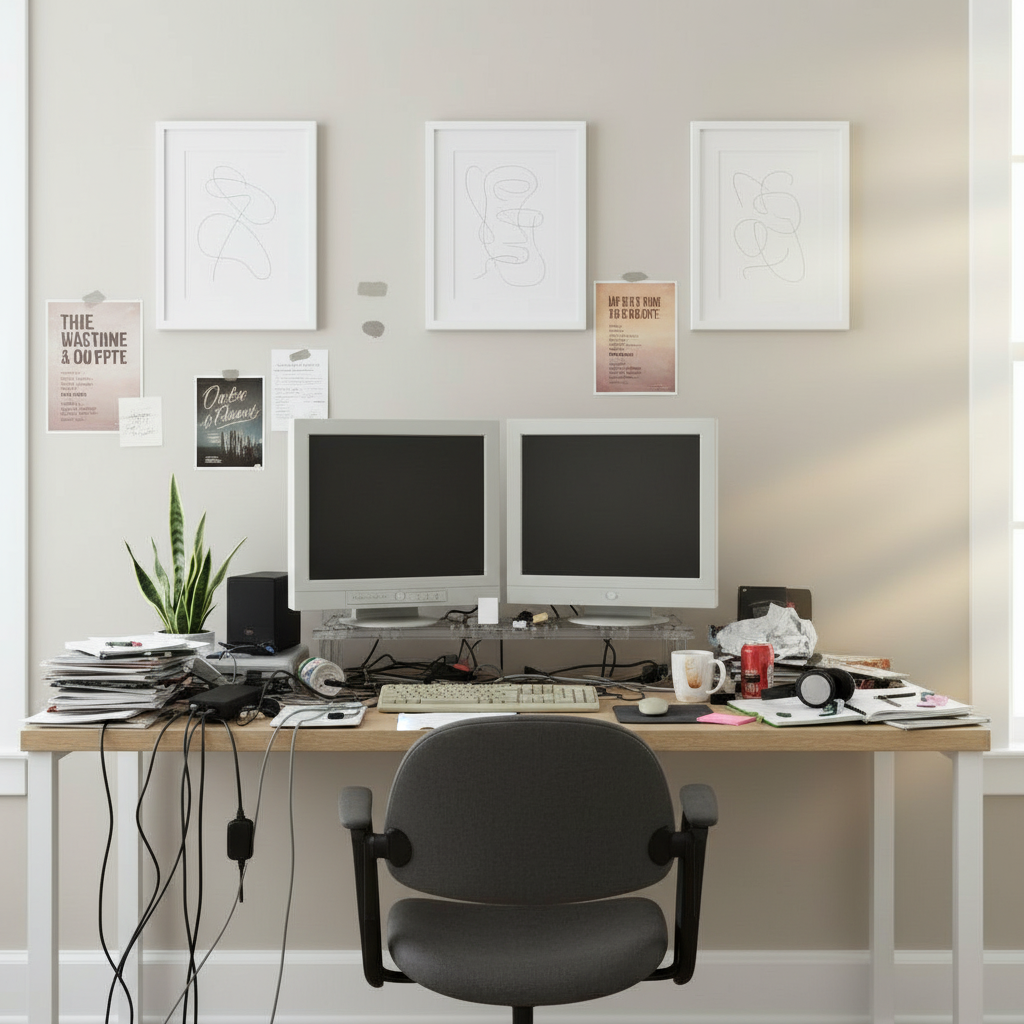
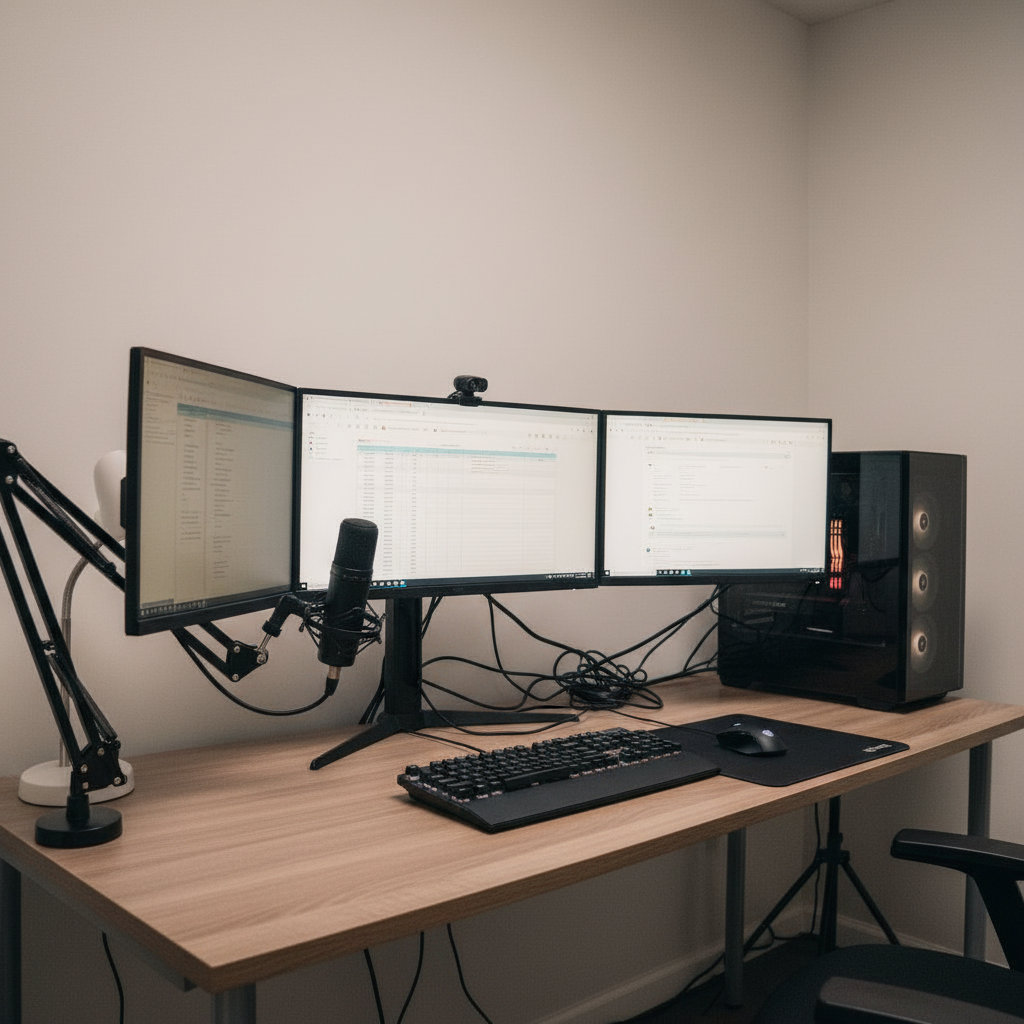
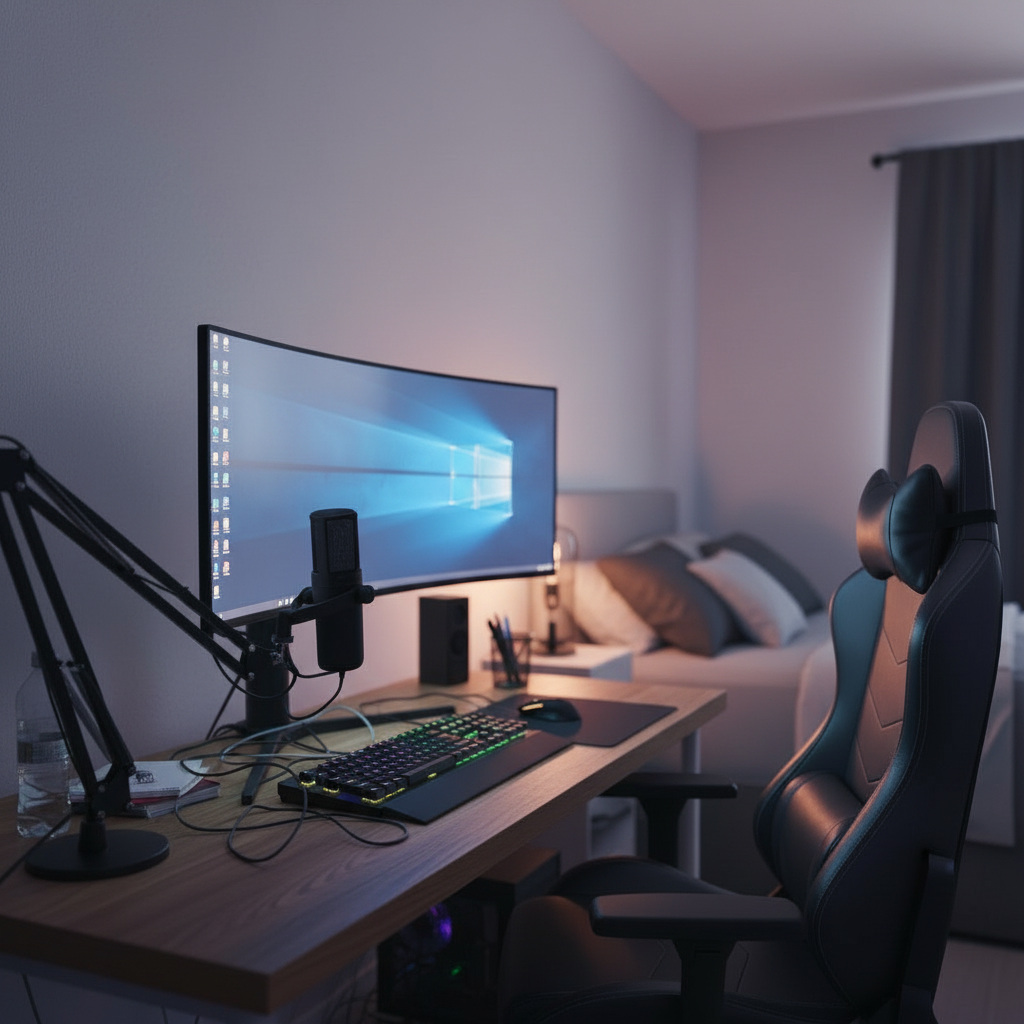
The same room before the setup was generated
Before
What it is

A desk setup generator
that actually understands your space

01
What it is

An AI desk setup generator is a tool that takes a description or a photo of your room and produces a finished, realistic workspace design — not a clip-art mood board, but a rendered image of the setup placed in your space. DeskSetupCreator reads the walls, the window light, the floor depth and the furniture you already own, then composes a desk setup that fits the geometry of the room rather than a generic 3D box.

02
Where plans break

Most people plan a setup the hard way: a Pinterest board here, a spreadsheet of parts there, a vague mental picture of how it might all look together. The pieces always look great on their own. The problem is the assembly — the warm-wood desk that fights your cool keyboard, the 34-inch ultrawide that swallows a small room, the chair that won't clear the desk lip. You only discover the mismatch after the boxes arrive.

03
One screen, every option

The generator collapses that whole guess-buy-return loop into a single screen. Describe the vibe or pick a style, choose real products if you want to, and watch the AI render the result into your room in about thirty seconds. Iterate as many times as you like, compare options side by side, and only spend money once you've already seen the finished room.

Capabilities

Everything the generator
does for you

Outcome-focused, no settings to learn. Drop a photo, describe the goal, get a render you can act on.

Reads your real room

The AI maps walls, window light, depth and existing furniture from a single phone photo — so the setup is generated for your space, not a stock template.

01

Full setup in one pass

Desk, monitors, chair, lighting, speakers and cable routing arrive together as a coherent design, not a pile of parts you have to assemble yourself.

02

Real products, real scale

Pull specific monitors, desks and keyboards from the catalog and the generator places them at honest size — a 34" ultrawide looks like a 34" ultrawide.

03

Style presets or freeform

Start from Minimal, Gaming, Cozy or Productivity, or just describe what you want in plain language. The AI fills in the rest tastefully.

04

Endless iterations

Don't like the light? Regenerate. Want a darker wood? Swap it. Produce twenty variations in a sitting and keep only the ones that click.

05

Lighting that looks real

Bias glow, RGB, ambient and golden-hour are simulated against your room's geometry, so the render shows the actual mood — not an idea of it.

06

From photo to setup
in four steps

If you can take a photo, you can run the generator.

01

Upload your room

A phone photo or any image works. Weird angles and bad lighting are fine — the AI normalizes them.

02

Describe or pick a style

Choose a preset or type what you want. Add specific products from the catalog if you have favorites.

03

Generate

The AI composes a photoreal setup in your room in about thirty seconds. No design skills required.

04

Iterate and save

Swap items, change the light, regenerate. Save the keepers to your gallery and shop the parts list.

How it works

How an AI desk setup
generator actually works

01 · How it works

It starts with understanding the room, not the products

The thing that separates a real generator from a sticker app is spatial understanding. When you upload a photo, the model estimates the geometry of the space — where the walls meet the floor, how deep the desk surface runs, where the natural light falls and from which direction. That spatial map is what lets the generated desk, monitor and chair sit at believable scale and cast believable shadows.

This is why a generic 3D room planner so often disappoints: it gives you a perfect virtual box that looks nothing like your slightly-too-small bedroom corner with the radiator under the window. Generating into your actual photo keeps the result honest. The setup you see is the setup you can actually build, in the room you actually have.

Room scan · Complete98% confidence
WallWindow · NW lightFloor · oakDesk · 60in
Walls
4 / 4
Lighting
NW · soft
Depth
12 × 9 ft
02 · How it works

Products are layered in at honest scale

Once the room is understood, the generator composes products into it. You can let the AI choose tasteful defaults from a style, or specify exact items — a particular ultrawide, a standing desk, a low-profile mechanical keyboard, a set of bias lights. Each item is placed at real-world proportions relative to the room, so you find out before you buy whether that 60-inch desk will dominate the wall or leave room to breathe.

Because everything is composited rather than collaged, the lighting, reflections and shadows stay consistent across the whole scene. A glossy monitor picks up the window. The desk surface catches the RGB. The result reads as a photograph of a finished room rather than a cut-and-paste collage, which is what makes it useful for an actual buying decision.

Monitor layout4 options · scaled
Mono27"
Dual2× 27"
Ultrawide34"
Triple3× 24"
03 · How it works

Iteration is the real superpower

No one nails their dream setup on the first try, and you shouldn't have to. The generator is built around fast iteration: change the wood tone, swap a single monitor, push the lighting warmer or cooler, and regenerate in seconds. You can fan out twenty variations of the same room and line them up to compare, which is something a physical shopping trip or a spreadsheet can never give you.

That speed changes how decisions get made. Instead of committing to one expensive guess, you explore the space of possibilities cheaply and pick the option you've actually seen. Most people land on a setup that's noticeably better — and often cheaper — than the one they would have blind-bought, simply because they could see the trade-offs.

Variations · 12Same room
01 / 12
02 / 12
03 / 12
Regenerate · ~30s Run
04 · How it works

Why it beats mood boards and 3D planners

Mood boards are pure inspiration with no grounding in your space; they show you a beautiful setup that may be impossible in your room. Traditional 3D planners give you accuracy but demand hours of manual modeling and still render a sterile, gray-box approximation. The AI generator sits between the two: the inspiration of a mood board with the spatial honesty of a planner, at the speed of a single click.

It also removes the skill barrier. You don't need to know lighting theory, ergonomics rules of thumb, or how to drive CAD software. The model encodes a lot of that taste and know-how, so a first-time user gets a result that looks like it came from someone who designs workspaces for a living.

Why this beats the restSide by side
Mood board
Pretty · not in your room
Realism30%
3D planner
Accurate · hours of work
Realism22%
This generator
Photoreal · in your room
Realism92%
PickedPhotoreal beat the rest
05 · How it works

Built for buying with confidence

The end goal isn't a pretty picture — it's a confident purchase. Every render comes with the parts behind it, so once you love a setup you can see exactly what it's made of and shop the list. The expensive mistakes a generator prevents — the returned desk, the mismatched chair, the monitor arm that doesn't fit — usually pay for the tool many times over the first time you avoid one.

And because everything saves to your gallery and syncs across devices, the planning doesn't evaporate when you close the tab. Start a setup on your laptop, refine it on your phone on the couch, and come back to it next week when the next sale lands.

Parts list · 06From the render
Ultrawide 34"
LG · curved
$649
Standing desk
Walnut · 60in
$520
Ergonomic chair
Mesh · lumbar
$340
Bias light bar
RGB · USB-C
$59
Cable tray
Under-mount
$32
Total$1,847
Use cases

One generator,
every kind of setup

Switch the prompt or preset and watch the same room turn into a completely different world.

Gaming battlestations

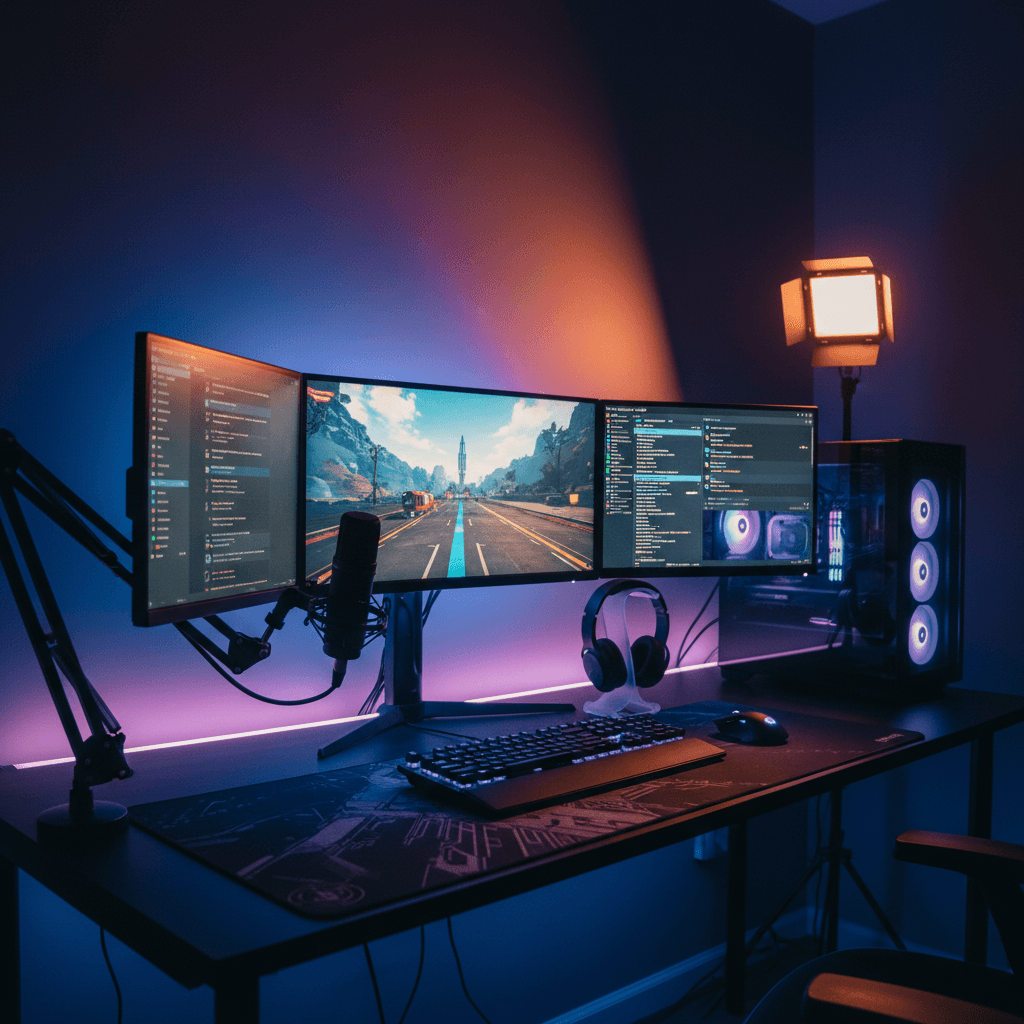
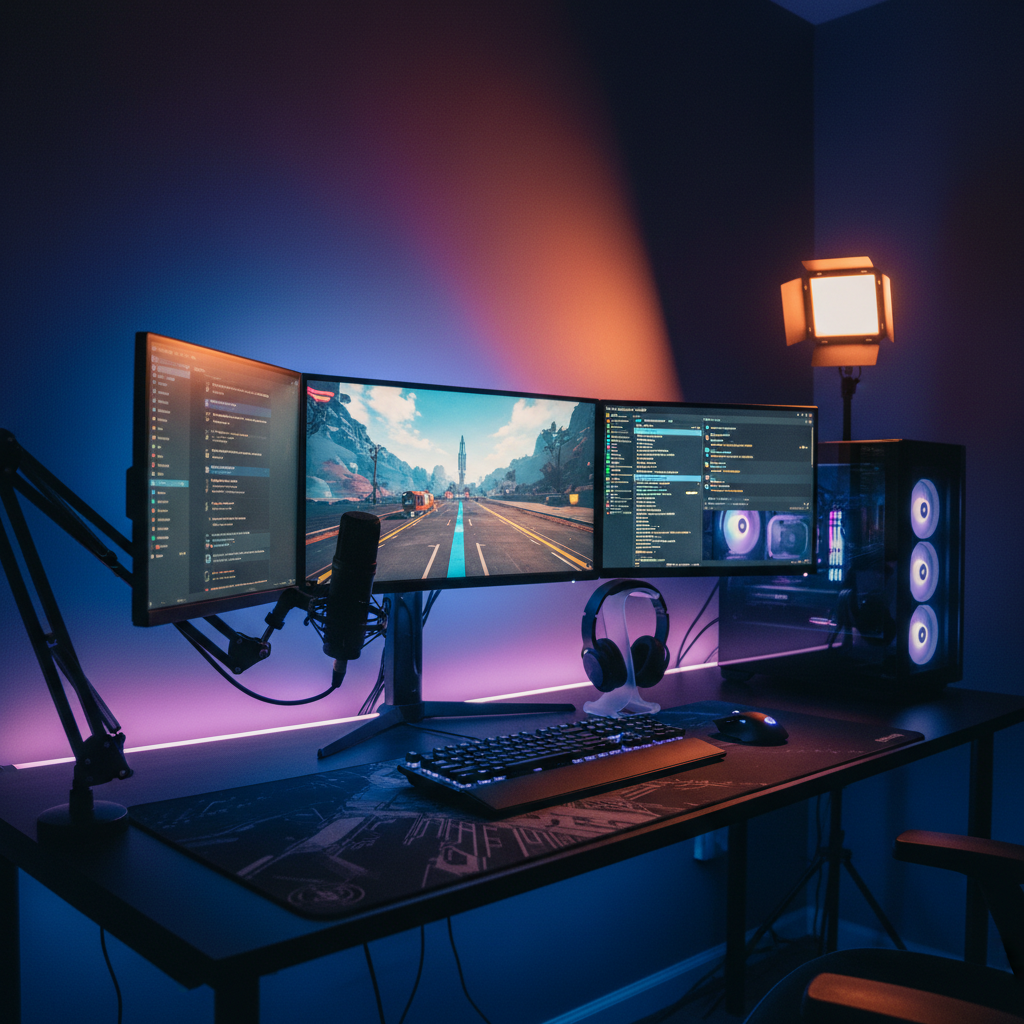
RGB, ultrawides, light bars and sim-rig clearance dialed in for the room.

Developer desks

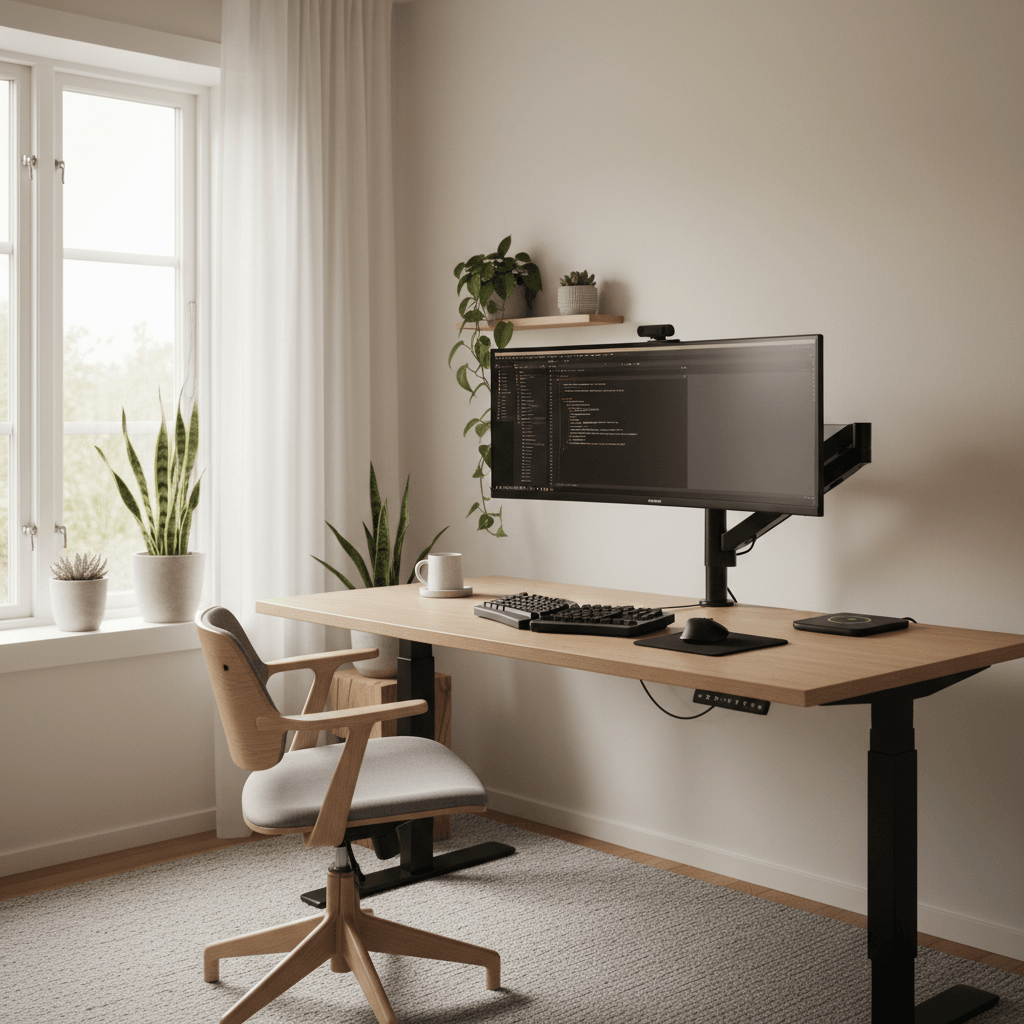
Multi-monitor, ergonomic and low-distraction — standing or seated.

Minimal workspaces

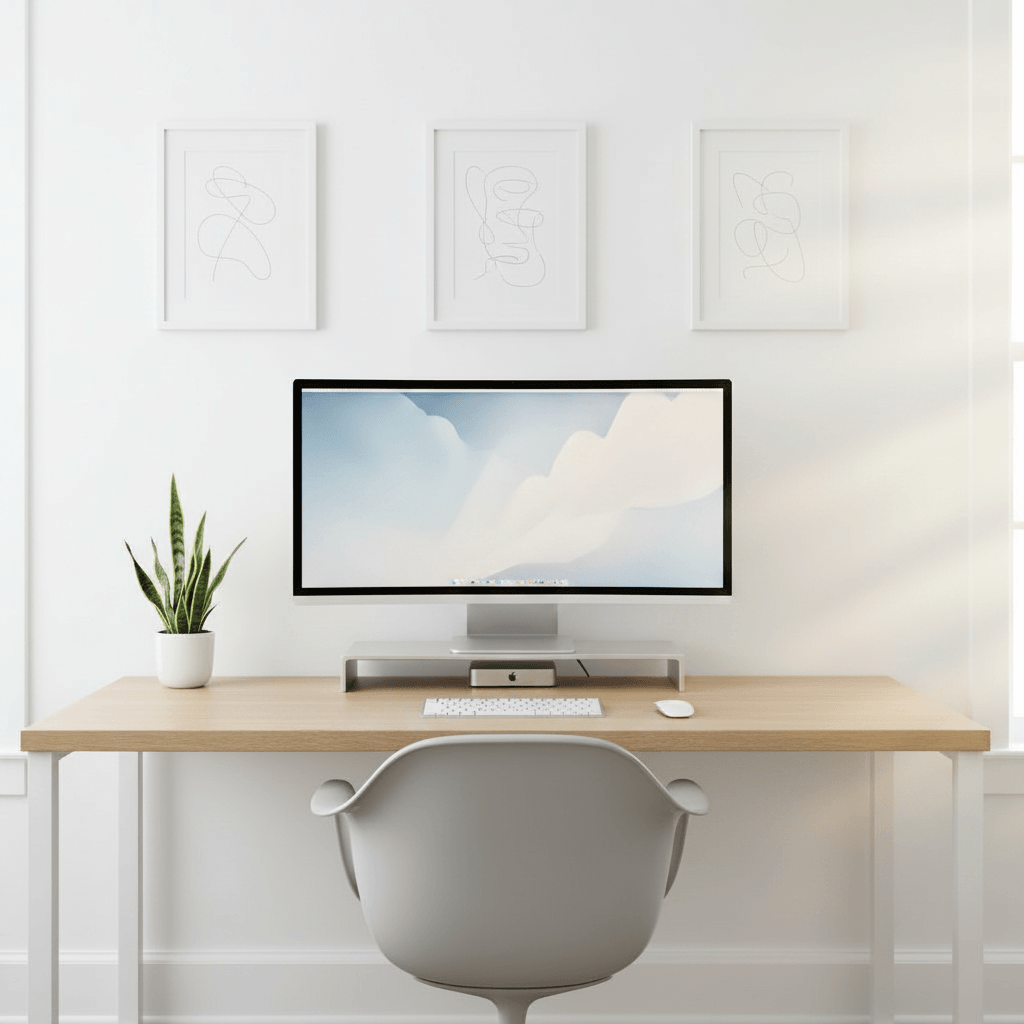
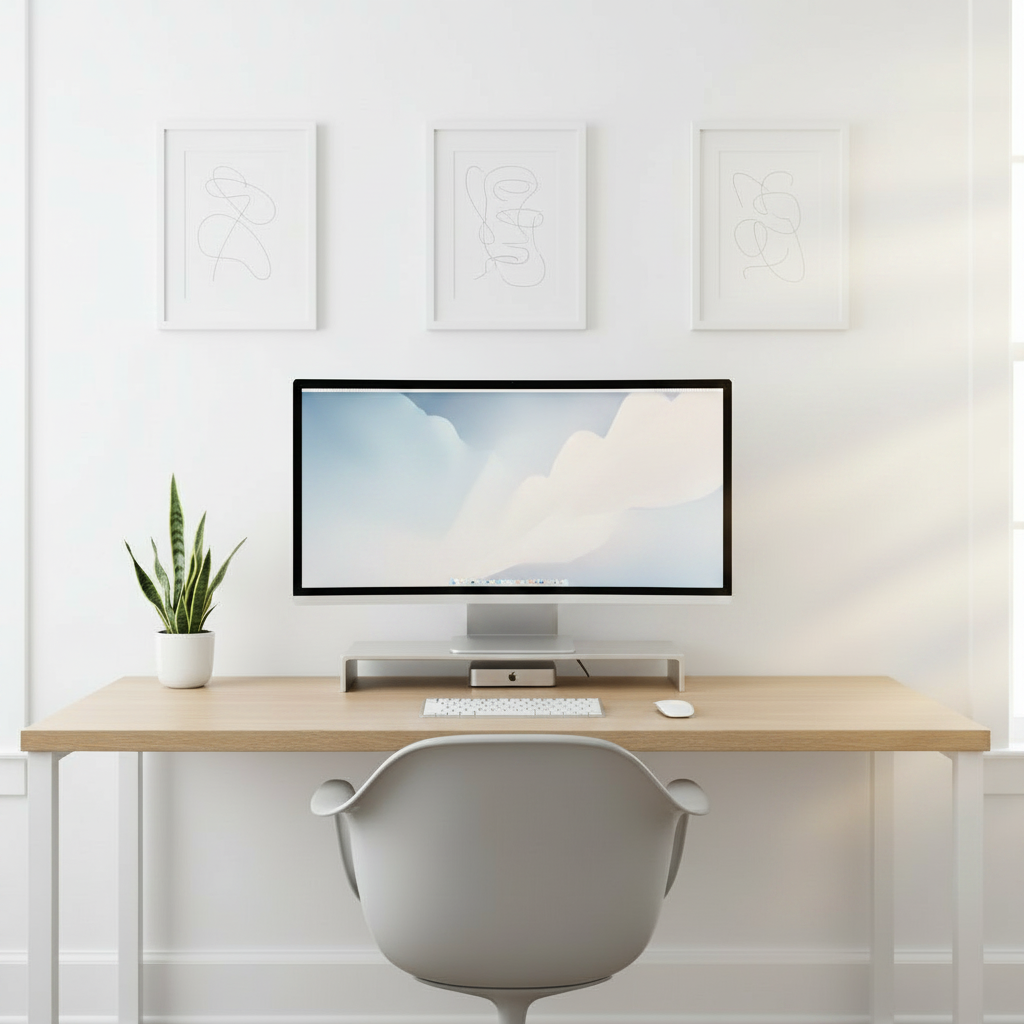
One device, clean wood, cables hidden, zero visual debt.

Content creator studios

Key lighting, acoustic treatment and on-camera framing that holds up.

Cozy lo-fi corners

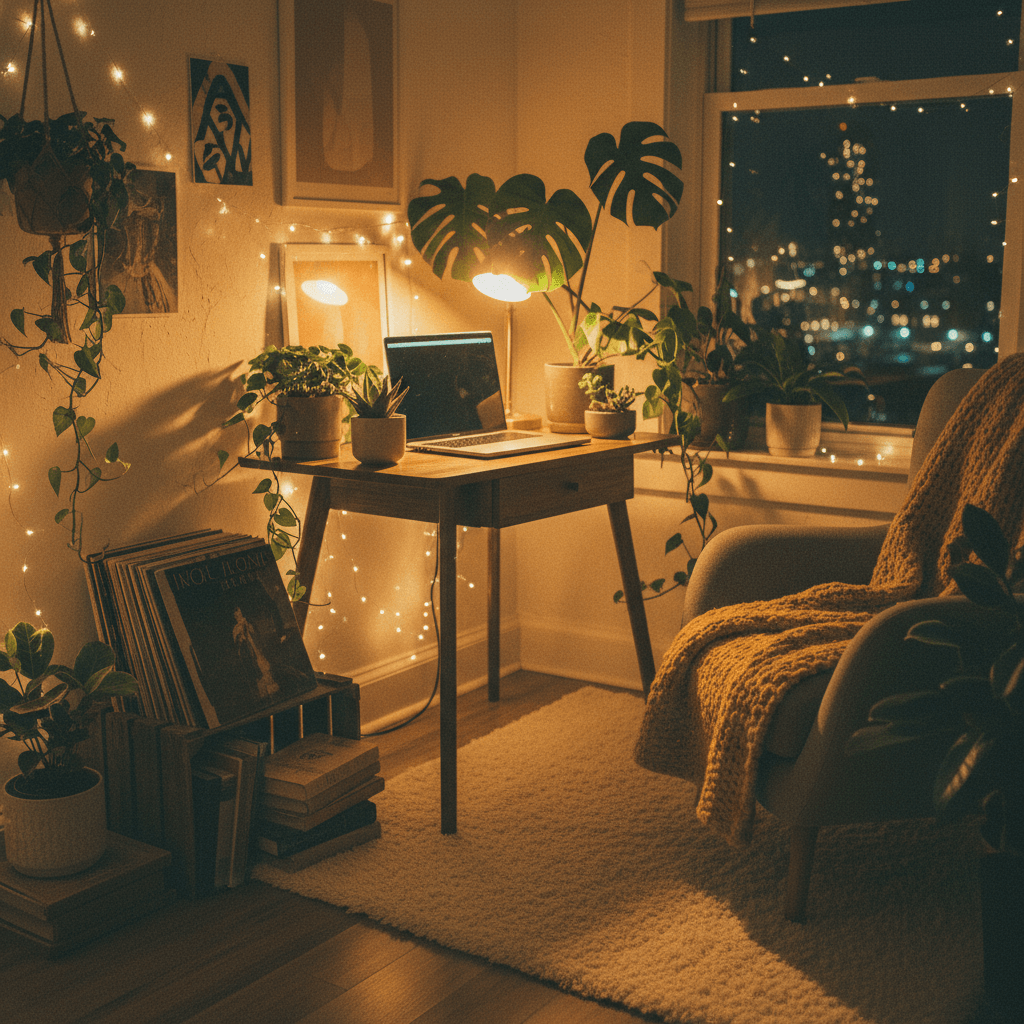
Warm light, plants and soft surfaces on a real-world budget.

Luxury office builds

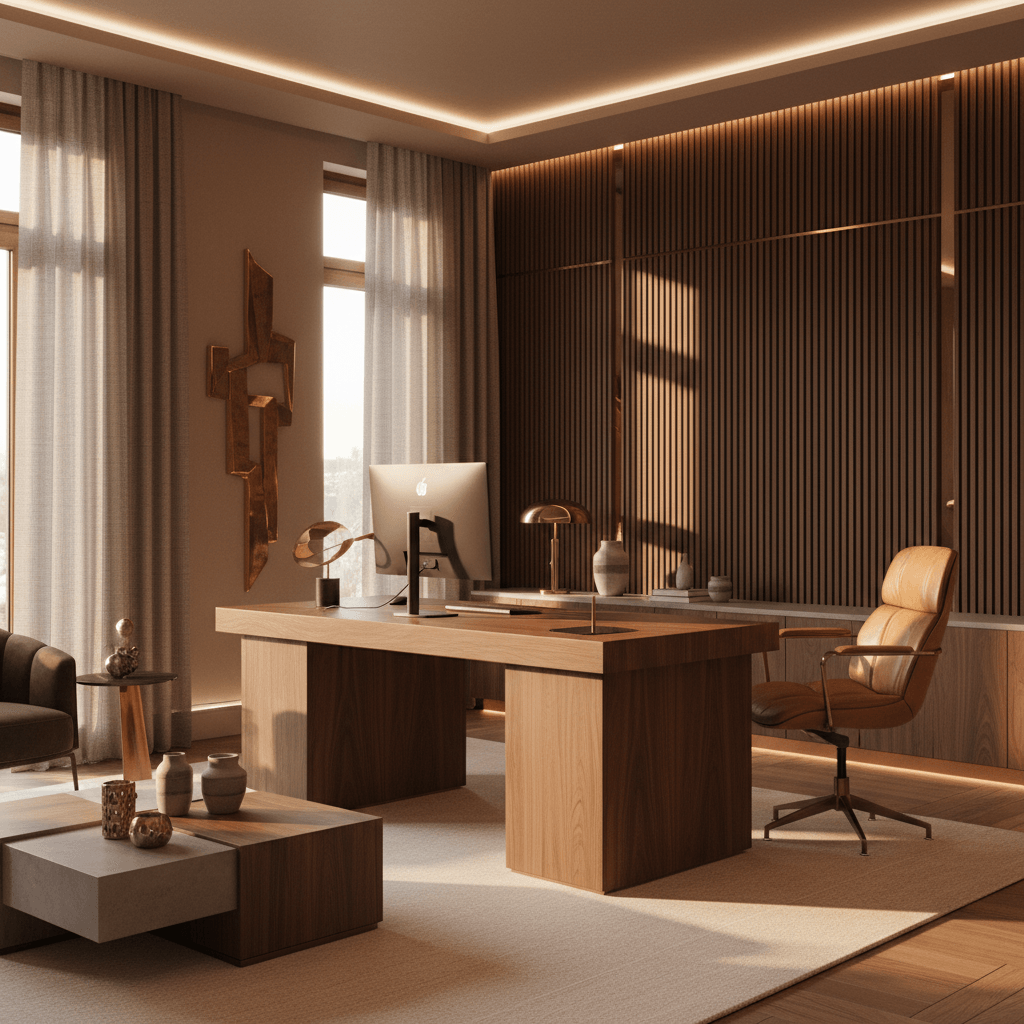
Walnut, leather, brass and ambient lighting with statement pieces.

The transformation

Before and after, in your room

Drag any divider to reveal the original room under the generated setup.

After
Curved · RGB · acoustic
After
Same desk, decluttered
After
Dual 27" · mic · ambient

14,200+

Setups generated

6,300+

Active designers

4.9 / 5

Avg. rating

30 sec

To first render
FAQ

AI desk setup generator
questions, answered

What is an AI desk setup generator?

It's a tool that turns a photo or description of your room into a finished, photoreal desk setup rendered into that exact space. Instead of a mood board of separate products, you get a single realistic image of the assembled workspace — desk, monitors, chair, lighting and accessories — so you can see how it all looks together before buying anything.

Is the desk setup generator free?

Yes. You can generate setups, save them and browse the community gallery for free with no credit card required. The free plan includes a set number of generations per month and all style presets. Pro unlocks unlimited generations, higher-resolution exports, the full real-product catalog and a priority render queue.

Do I need a photo, or can I start from scratch?

Both work. Uploading a photo of your room gives the most accurate, personalized result because the AI generates the setup into your real space. If you'd rather explore ideas first, you can start from a blank canvas, pick a style, and generate setups without a room photo, then upload one later to place your favorite in your space.

How long does a generation take?

About thirty seconds for the first render. Iterations are typically faster, and Pro users get priority compute so regenerations come back quicker during busy periods.

Can I generate a setup with specific real products?

Yes. The catalog includes thousands of real products — ultrawide and standing-desk options, mechanical keyboards, monitor arms, bias and RGB lighting and more. Add the exact items you're considering and the generator places them in your room at real scale, so you can judge fit and proportion before you order.

How accurate is the result compared to my real room?

The AI sizes products to your room's geometry and matches the lighting direction in your photo, so proportions and mood are realistic rather than decorative. It's a planning-grade preview meant to guide buying decisions — close enough that the room you build looks like the render, not a generic 3D mock-up.

What kinds of rooms and setups does it support?

Bedrooms, home offices, studios, dorms, gaming rooms and WFH corners all work, and the generator handles gaming, minimal, developer, creator, cozy and luxury styles. Any photo with the desk area and at least one wall visible produces a strong result.

Last call

Generate your dream desk
setup right now

One photo, thirty seconds, and a setup you've actually seen before you spend a dollar. Free to try.

Free to try · No card required · 30 sec to first render