Desk Setup Mockup Generator · Free to try

Turn your room into a shareable mockup

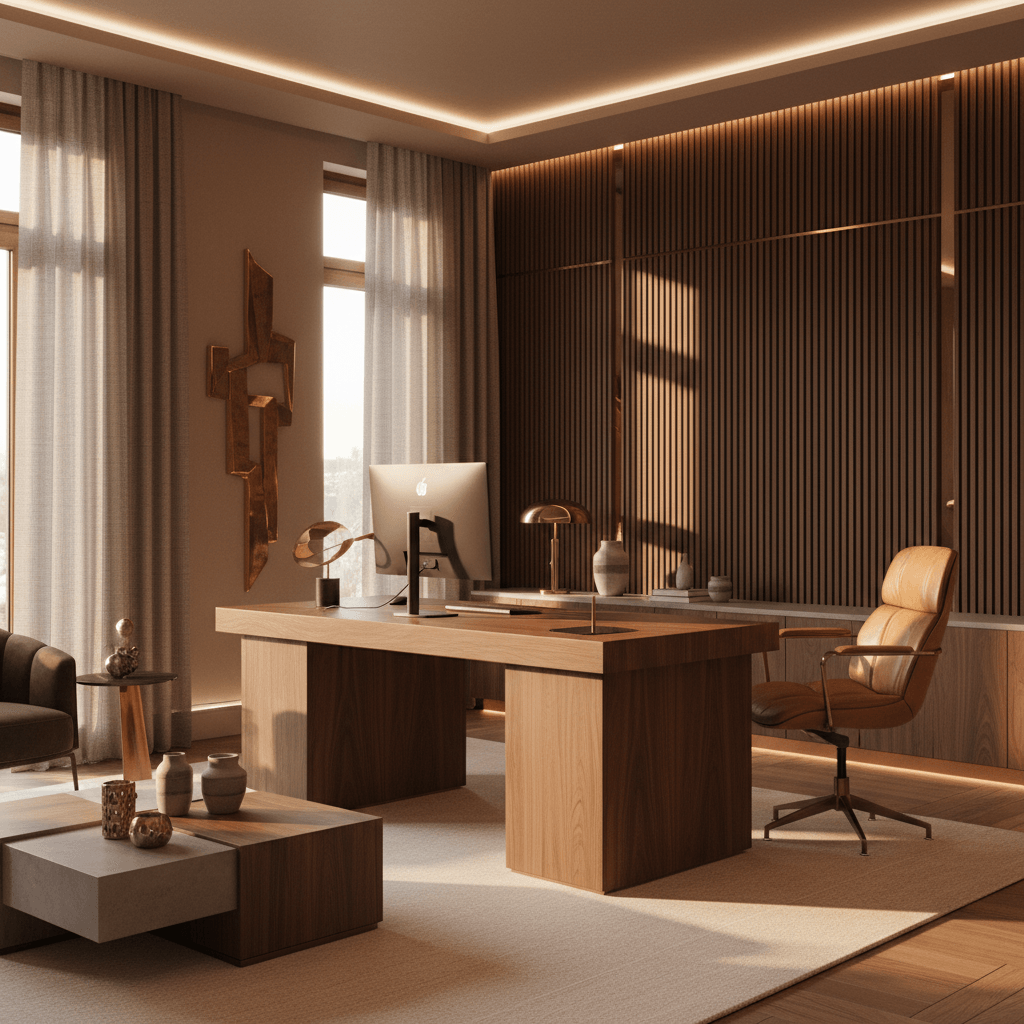
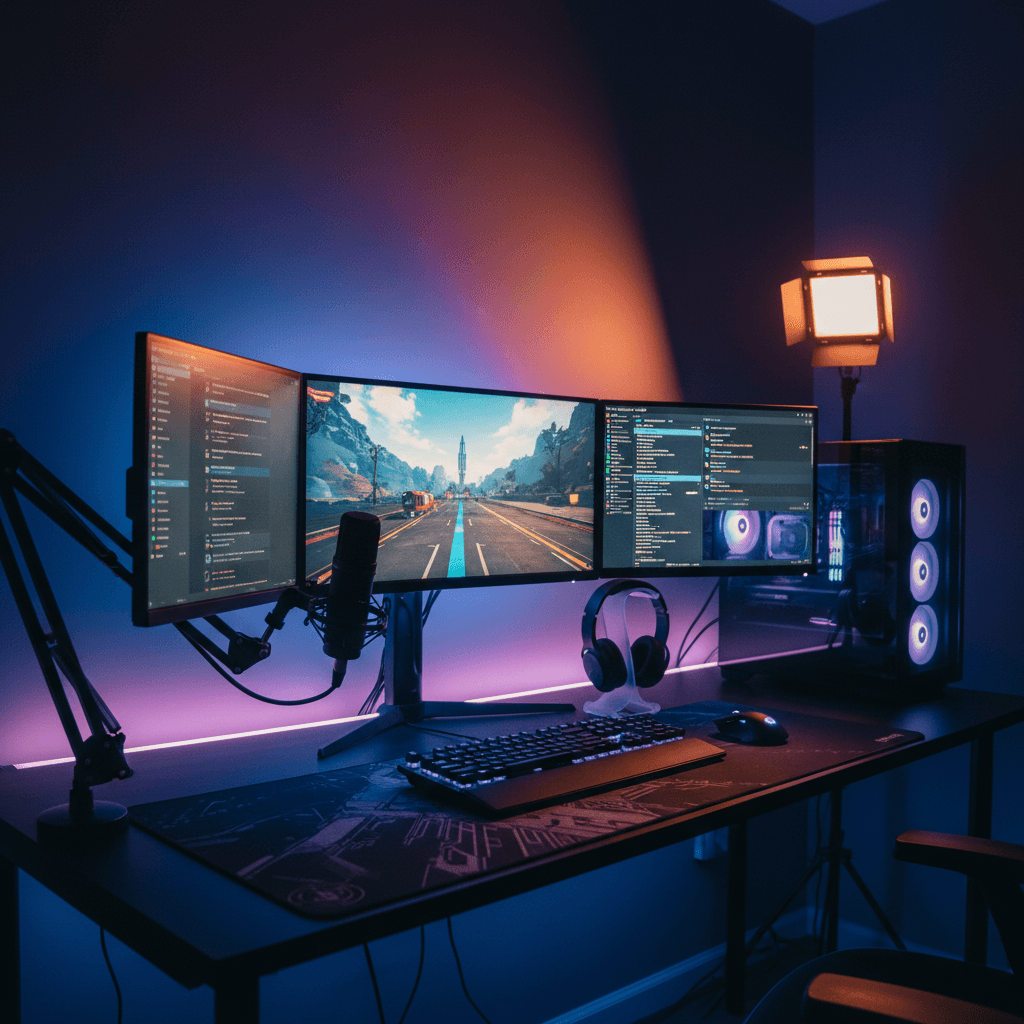
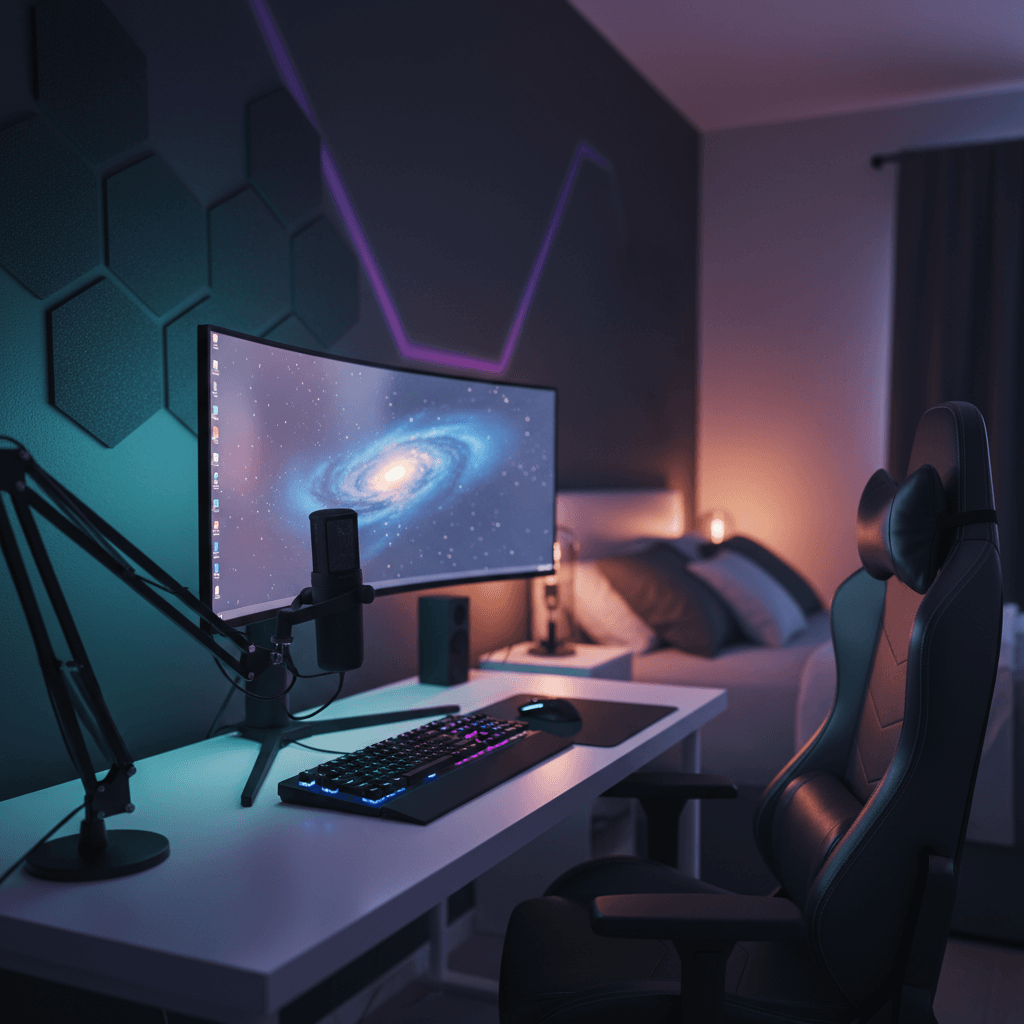
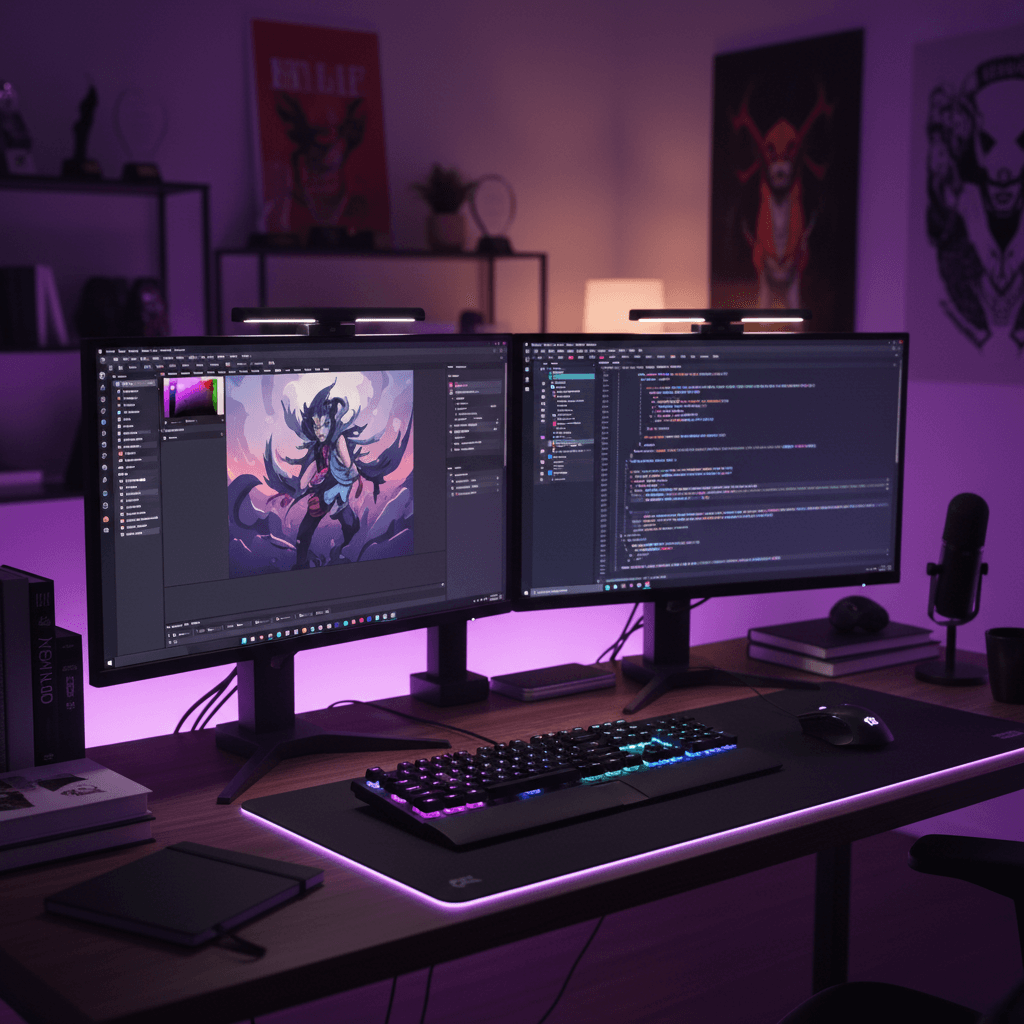
Generate a photoreal mockup of your finished desk setup — a real image you can study up close, line up against other versions, and send to the person whose buy-in you need before you spend a cent.

Free to try · No card required · First render in ~30 seconds
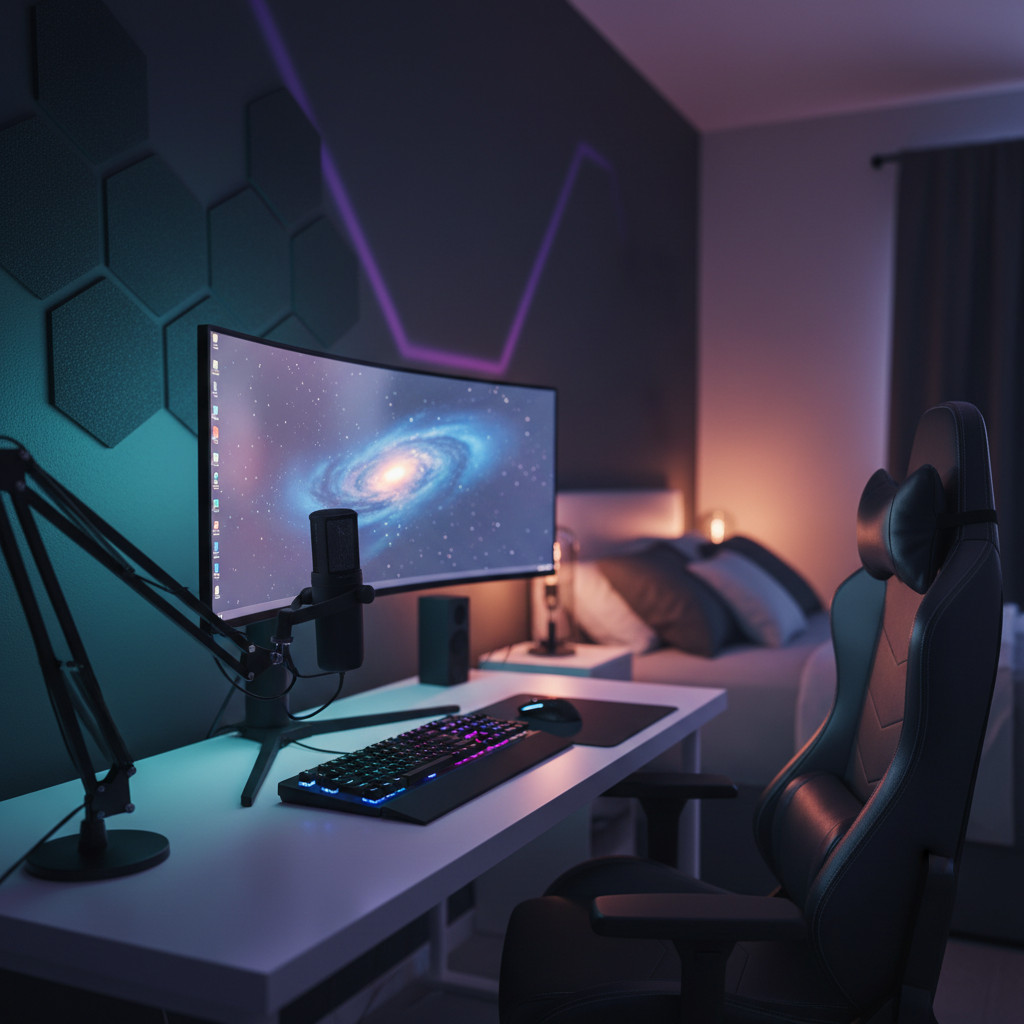
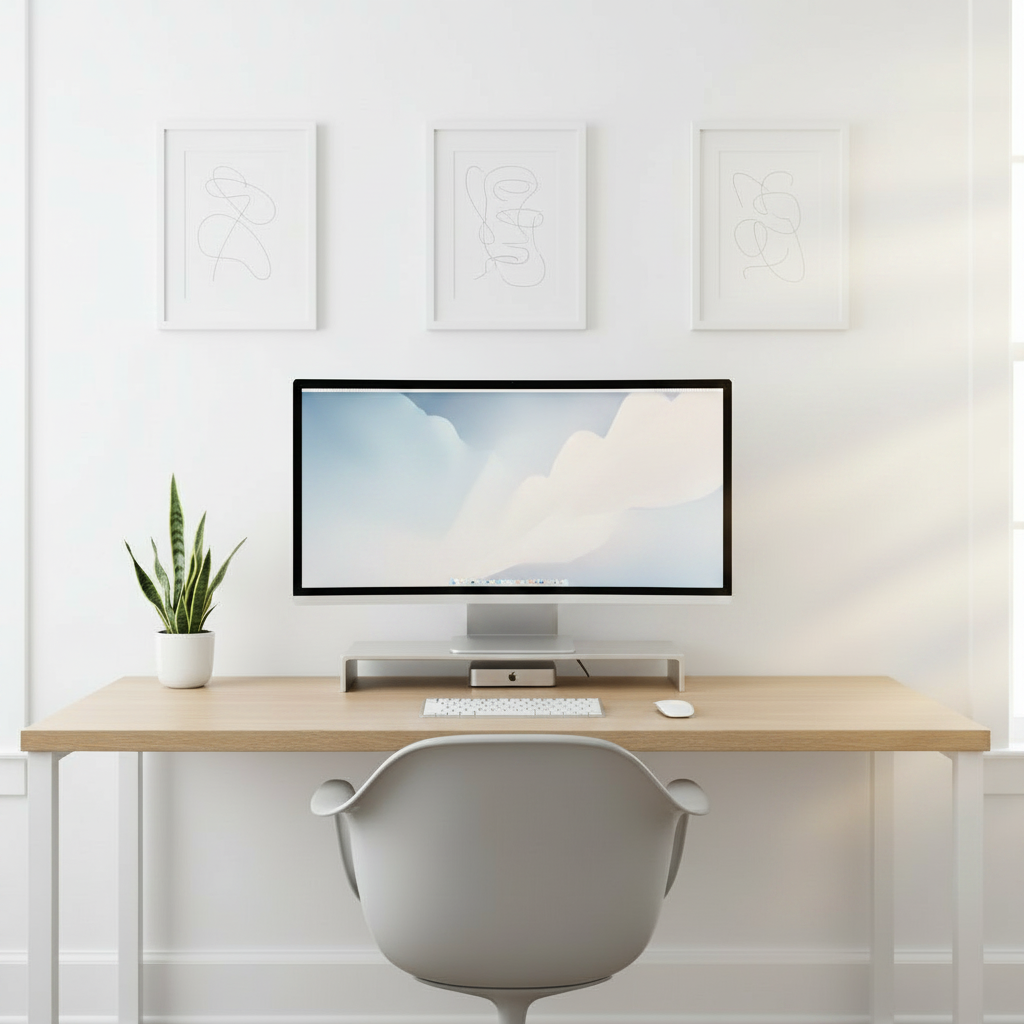
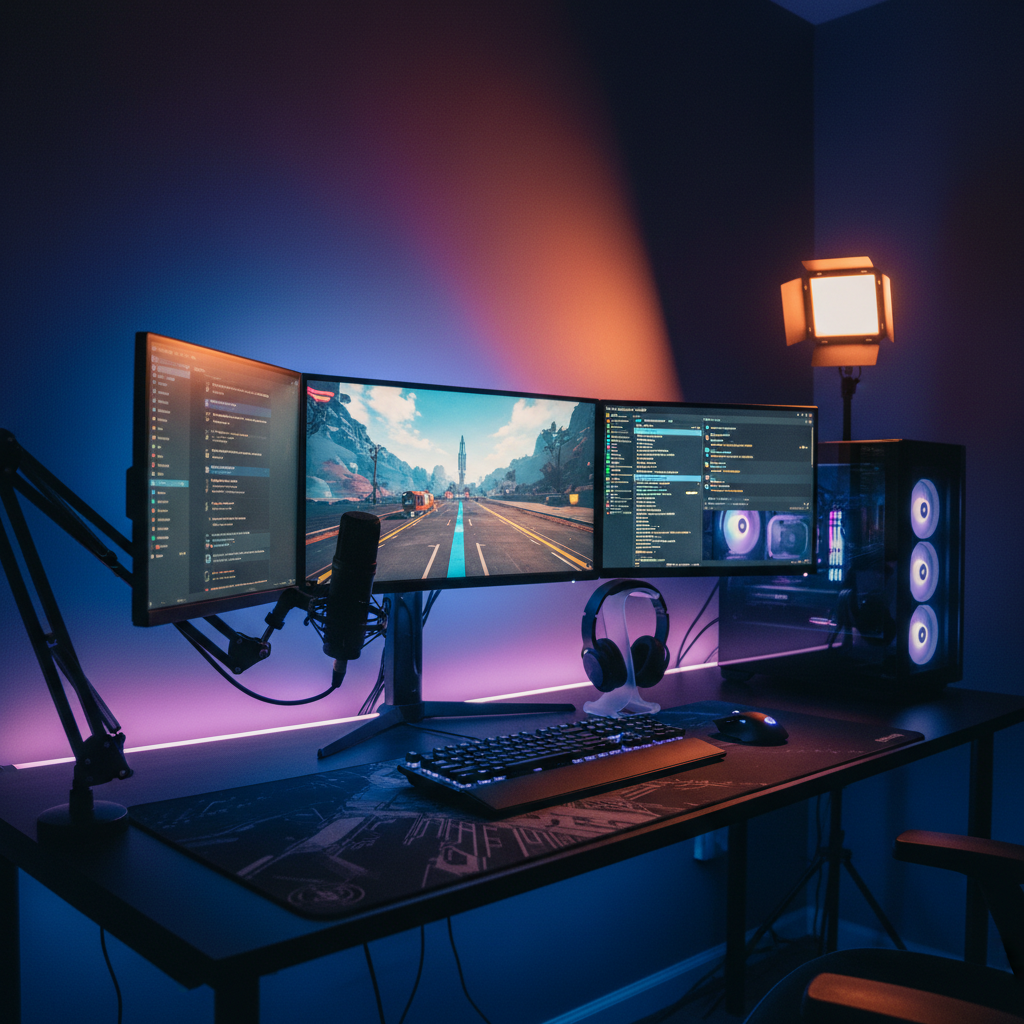
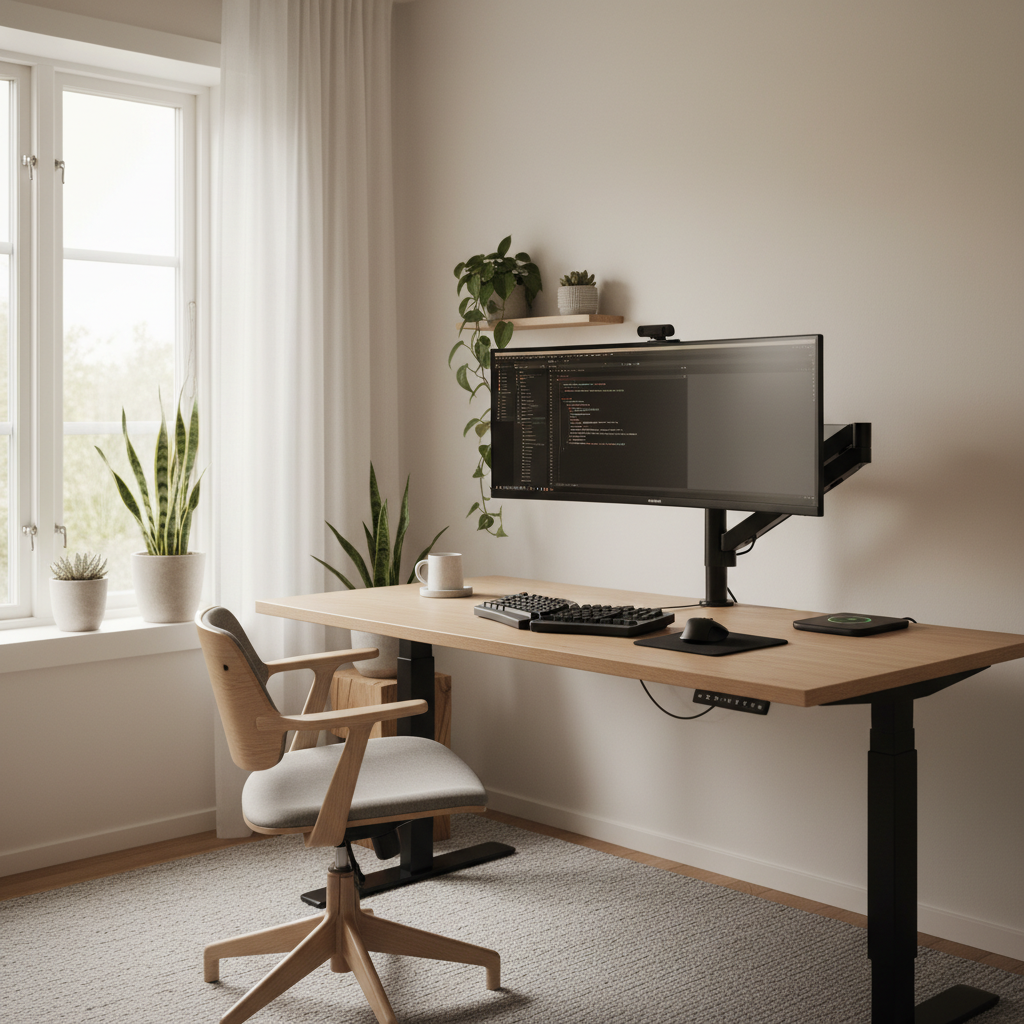
Desk Setup Mockup Generator — a desk setup rendered into a real room
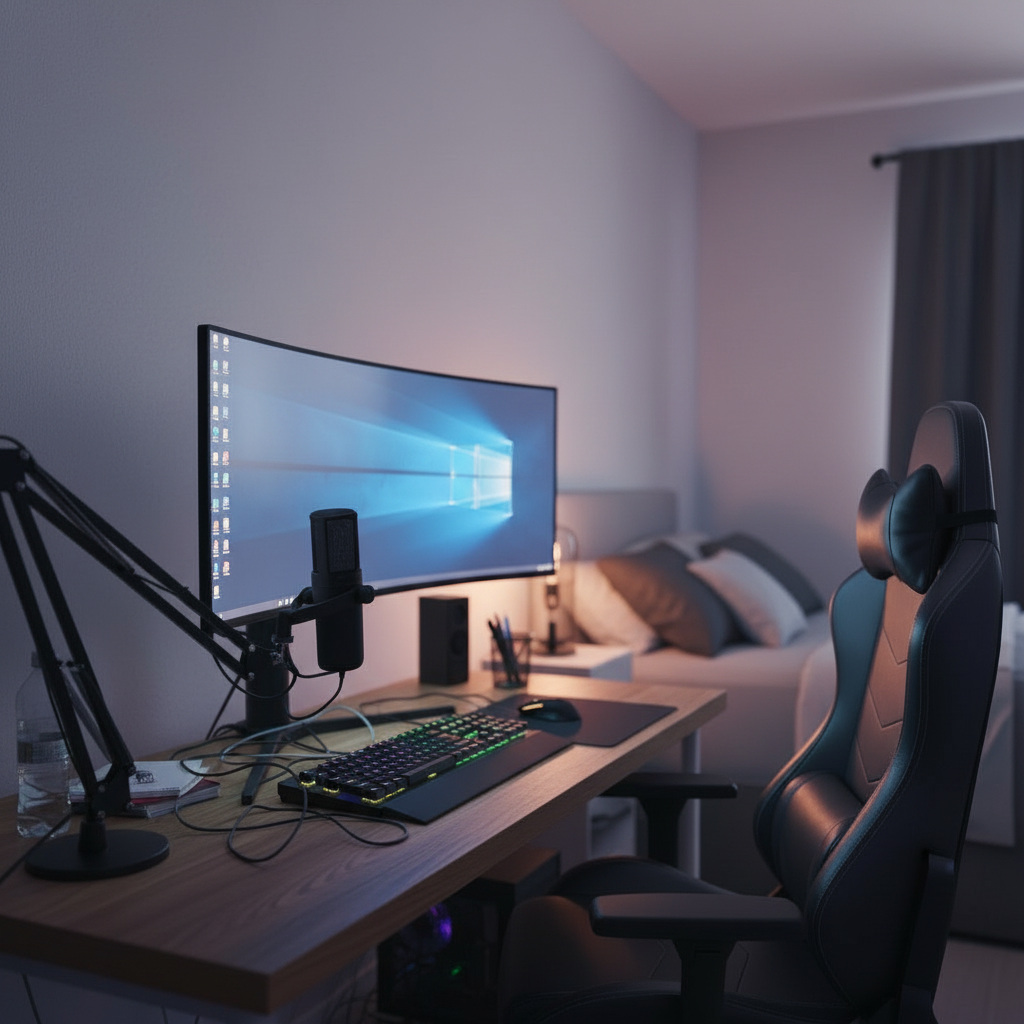
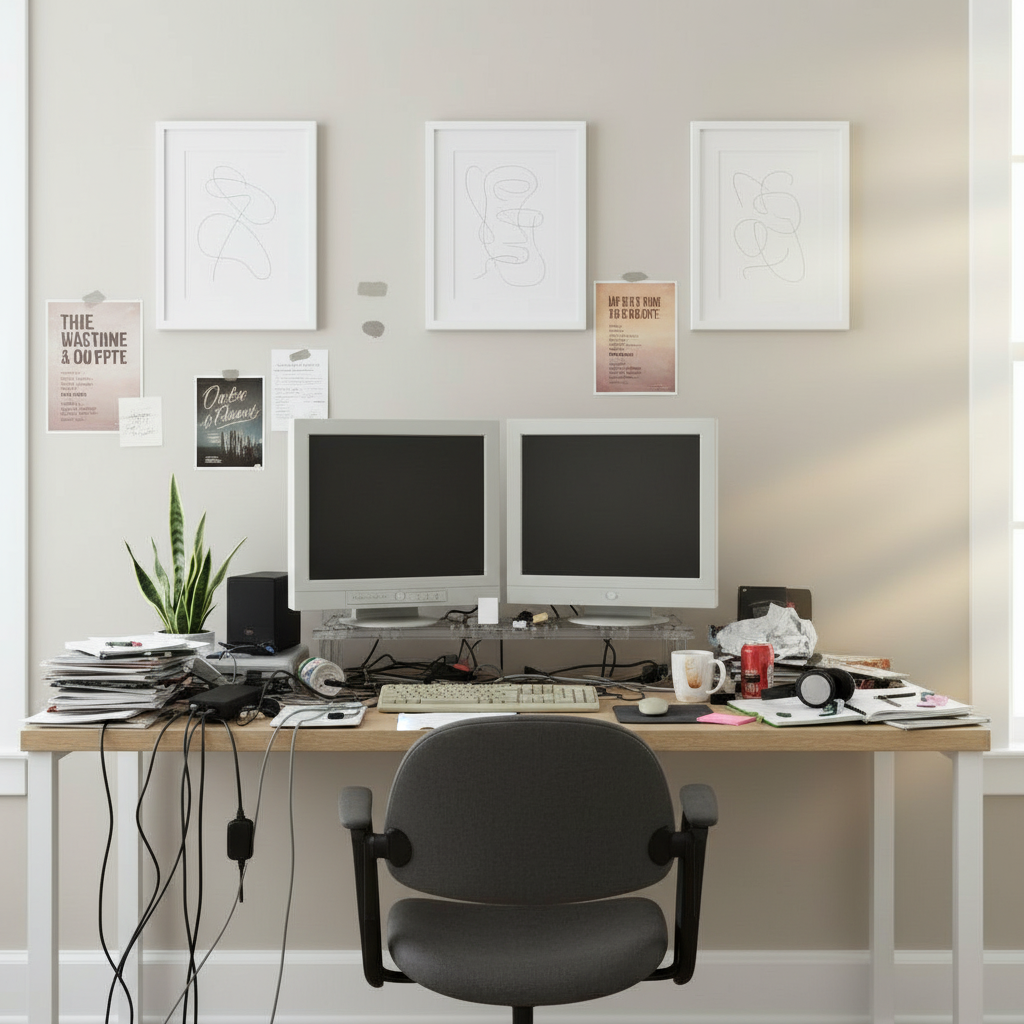
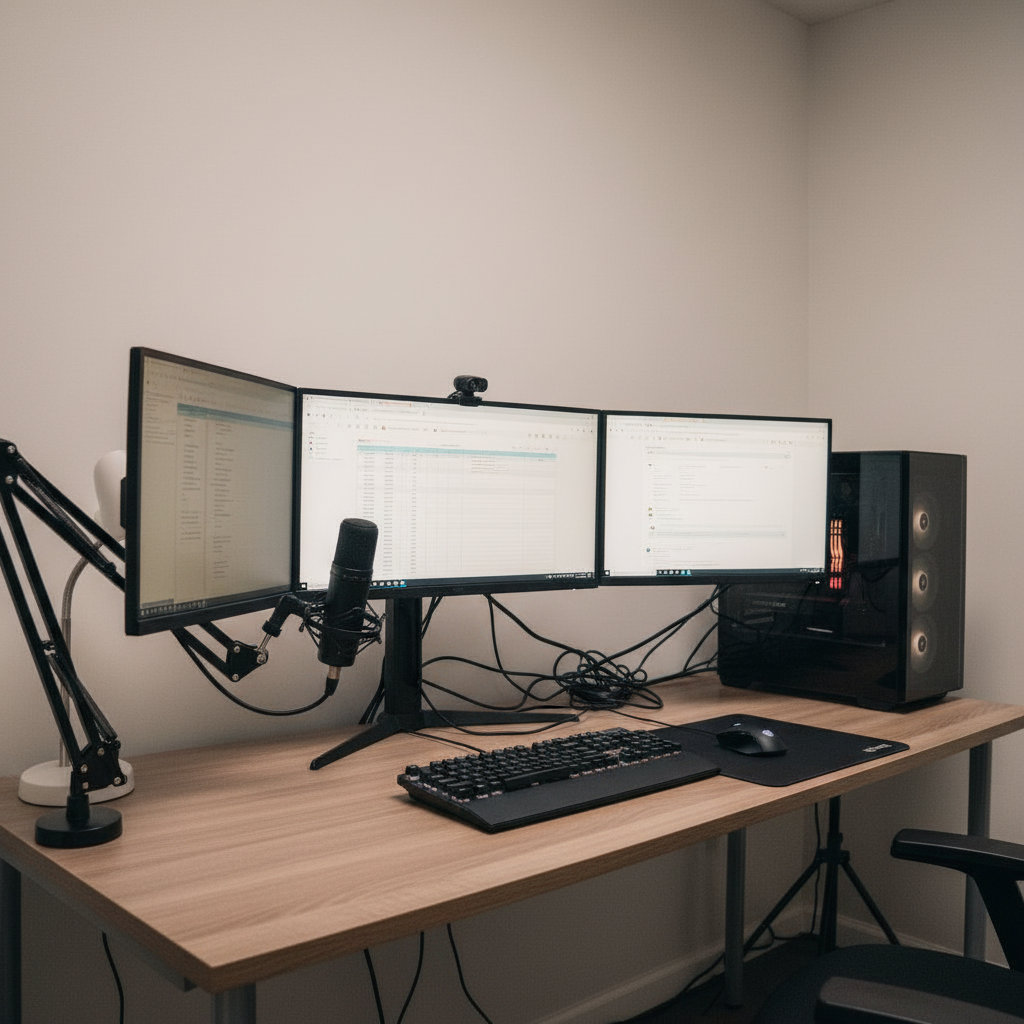
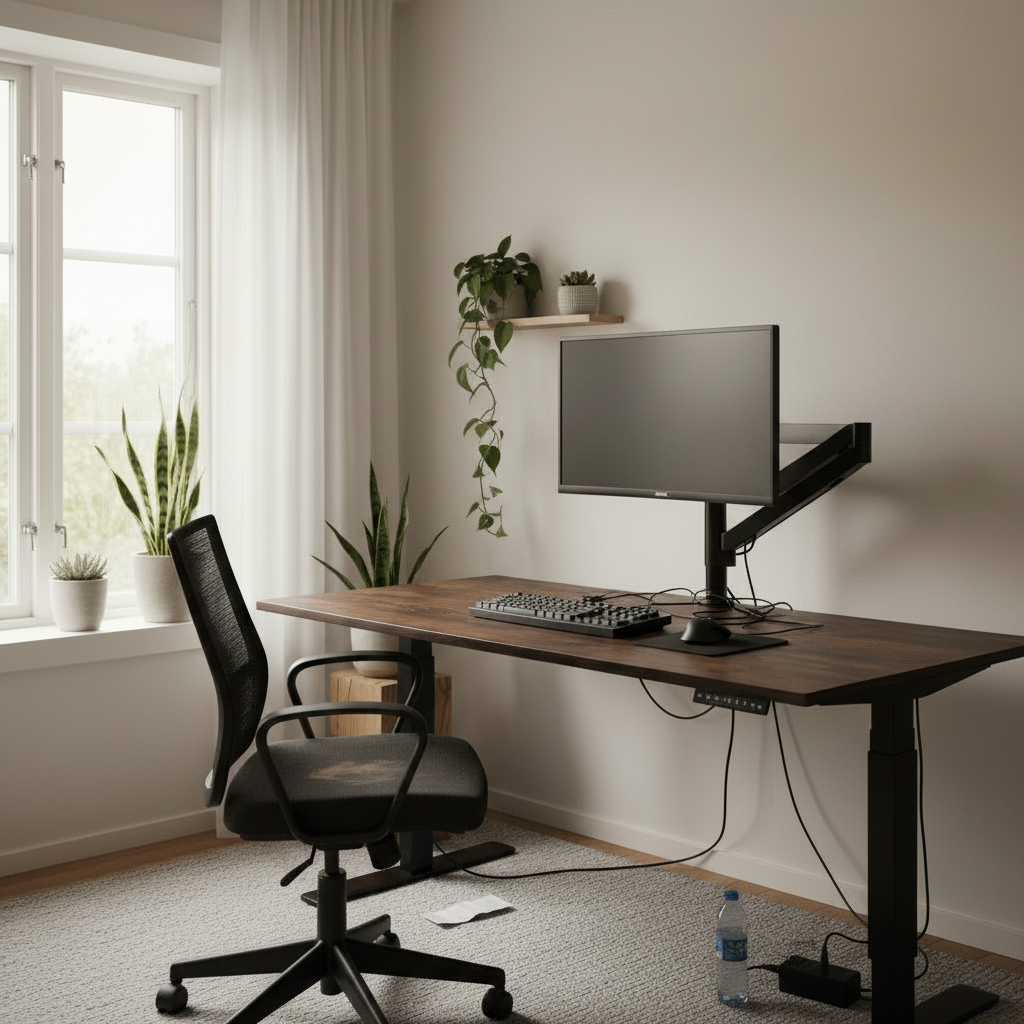
The same room before the setup was generated
Before
The deliverable

A mockup you can
compare, share and trust

01
What you get

A desk setup mockup generator produces one thing that matters: a realistic preview image of your finished workspace, rendered into the room you actually have. Not a sketch, not a wishlist, not a 3D gray box — a photo-grade mockup convincing enough to study, decide on, and send to someone else. The mockup is the whole point, and everything here is built around making it useful once you have it.

02
Why it's leverage

A real mockup is leverage. It's the difference between telling your partner you're thinking about a new desk and showing them exactly what the corner will look like. It's how you settle a debate with a roommate, win sign-off from a manager on a home-office budget, or quiet your own doubt before a four-hundred-dollar order. A spreadsheet of part numbers persuades no one. A picture of the finished room ends the conversation.

03
Three at a time

And because each mockup takes about thirty seconds, you don't make just one. You make three. You set the walnut version beside the white-oak version beside the all-black version and look at them together, which is the only honest way to choose. The generator's job isn't to hand you a single answer — it's to give you the comparable, shareable evidence you need to make the call with confidence.

What the mockup does

A preview built
to act on

Photoreal output, made for comparing, sharing and deciding — not just admiring.

True before-and-after

Your empty corner and your finished mockup, side by side from the same angle. The contrast is what makes the change feel real to you and obvious to anyone you show it to.

01

Compare versions at a glance

Generate several mockups — different desks, layouts, color stories — and line them up together. Choosing between options you can see beats choosing between options you're imagining.

02

Share for instant buy-in

Send a mockup to a partner, roommate or manager and the abstract becomes concrete. A picture they can react to gets you a yes far faster than a description ever could.

03

Photoreal, not a wireframe

The mockup reads as a photograph — real materials, real shadows, real light. That realism is what makes it trustworthy enough to base a purchase or a build on.

04

Proof before you commit

Use the mockup as evidence the setup actually works in your space before you buy the parts or start the build. Confidence first, money second.

05

Export and keep

Save mockups to a synced gallery and export high-resolution versions to drop into a message, a doc or a shared board wherever the decision gets made.

06

From room to mockup
in four steps

If you can take a photo, you can make a mockup worth sharing.

01

Capture the space

Photograph the room or corner you're mocking up. Any phone shot works — odd angles and rough light get handled automatically.

02

Set the setup

Pick a style or specify exact products. Want options to compare? Note a couple of directions you're weighing.

03

Generate the mockup

A photoreal preview of your finished setup lands in your room in about thirty seconds, ready to study.

04

Compare, share, decide

Line up variations, send the strongest to whoever's call it is, and lock in the version everyone can see.

Working with mockups

Why a mockup beats
a maybe every time

01 · Working with mockups

A before-and-after makes the decision obvious

The most persuasive thing a mockup can do is sit next to the room you have now. On its own, a finished setup is just a nice picture. Paired with the empty, slightly sad corner it's replacing, framed from the same angle, it becomes a story — this, then that — and that story is what turns a vague maybe into an obvious yes. You feel the upgrade instead of merely imagining it.

That contrast does real work beyond the wow factor. Seeing the after against the before exposes whether the change is actually worth it: does the room genuinely transform, or is it a marginal swap dressed up nicely? A mockup gives you an honest read on the size of the payoff before you've spent anything, so you commit to the changes that matter and skip the ones that only looked good in your head.
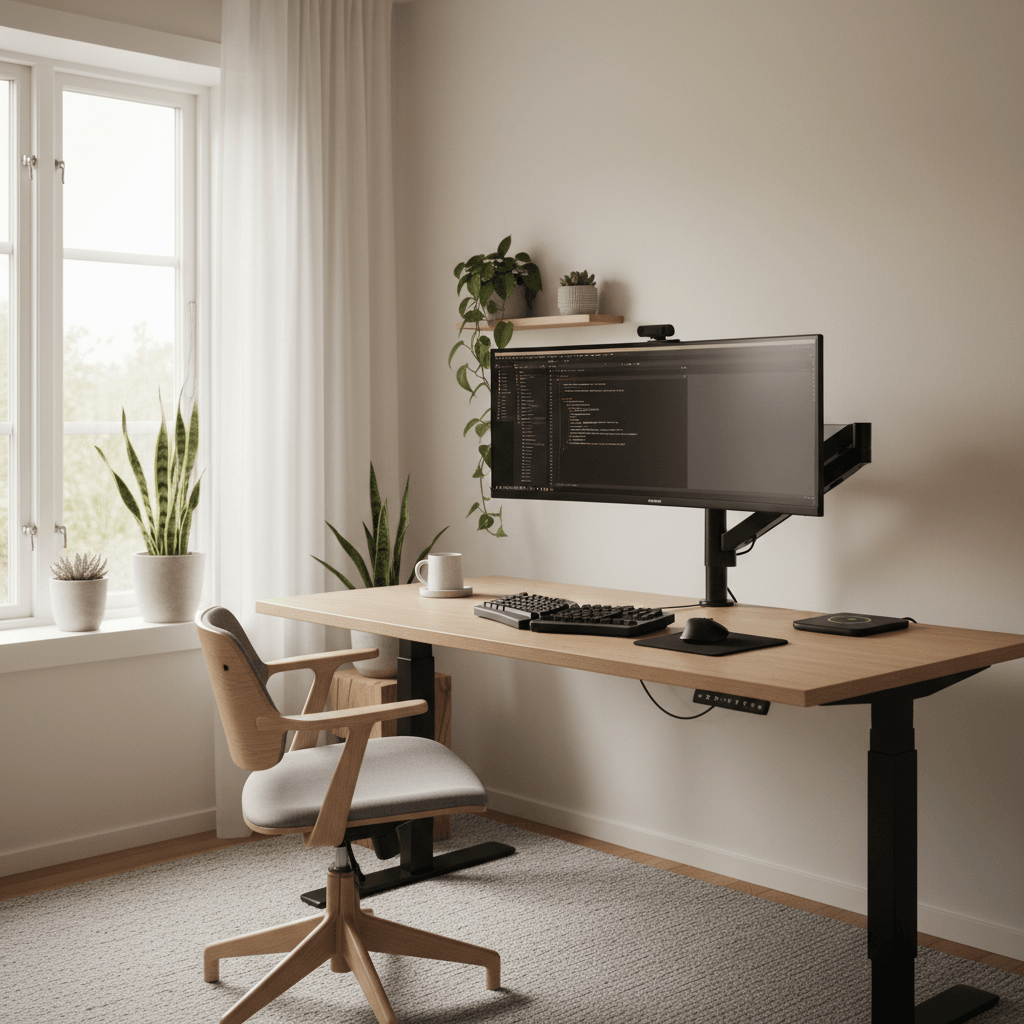
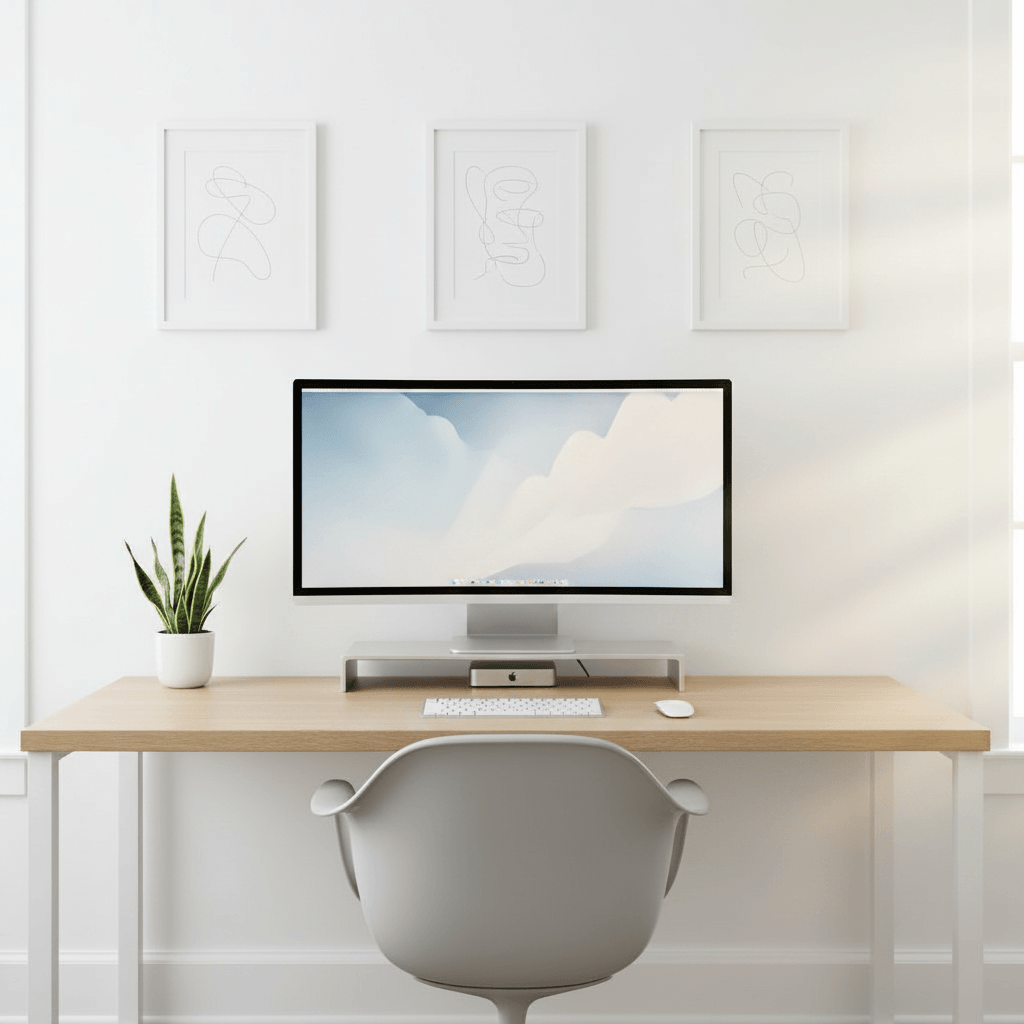
● Live renderBefore · bare wallAfter · finishedSame corner
02 · Working with mockups

You can't choose well between things you can't see

Picking a setup from imagination is a losing game, because your mind quietly upgrades every option to its best-case version. The walnut desk and the white desk both look perfect in your head, so the choice feels impossible and you stall. The fix is to stop comparing imagined ideals and start comparing real mockups, where the trade-offs are right there on screen instead of hidden in your optimism.

Generate a few versions and put them side by side, and a strange thing happens: the right answer usually announces itself. The configuration you were sure about looks busy next to a calmer one. A color you'd never have chosen quietly wins. Comparing concrete mockups replaces an anxious internal debate with a quick visual judgment, and quick visual judgments are the ones you don't second-guess at checkout.

Why this beats the restSide by side
Mood board
Pretty · not in your room
Realism30%
3D planner
Accurate · hours of work
Realism22%
This generator
Photoreal · in your room
Realism92%
PickedPhotoreal beat the rest
03 · Working with mockups

Sharing a mockup is how you get the yes

Most desk setups aren't purely solo decisions. There's a partner who shares the room, a roommate with an opinion, a manager approving a home-office budget, or just a friend whose eye you trust. The trouble is that none of them can see what's in your head, and describing it never lands the way the picture in your mind does. So you get hesitation, or a reluctant fine, when what you wanted was a real yes.

A mockup short-circuits all of that. Send a photoreal image and the other person reacts to something concrete rather than to your enthusiasm. They can say the desk's too big or the lighting's perfect, point at the version they prefer, and feel genuinely consulted. Buy-in stops being a negotiation about an abstraction and becomes a quick reaction to a shared picture — which is exactly how decisions get unstuck.

Variations · 12Same room
01 / 12
02 / 12
03 / 12
Regenerate · ~30s Run
04 · Working with mockups

A mockup is proof, not a daydream

There's a meaningful difference between inspiration and proof. A feed full of gorgeous desks inspires you and tells you nothing about whether any of it works in your space. A mockup of your room is proof — evidence that this specific setup, at this scale, in this light, actually holds together where you'll put it. That's the artifact you want in hand the moment before you spend real money or commit a weekend to a build.

Treating the mockup as proof changes how the whole project feels. Instead of ordering on hope and bracing for the return, you act on something you've already verified visually. The mismatched desk, the monitor that's too big for the wall, the chair that won't clear the lip — the costly surprises get caught on screen, where fixing them is free, rather than on your floor surrounded by packaging.

Room scan · Complete98% confidence
WallWindow · NW lightFloor · oakDesk · 60in
Walls
4 / 4
Lighting
NW · soft
Depth
12 × 9 ft
05 · Working with mockups

Every mockup is photoreal — and shoppable

A mockup is only as trustworthy as it is realistic. A wireframe or a flat collage invites doubt; you can't quite believe it, so you don't quite act on it. These mockups read as photographs — accurate materials, consistent shadows, light that matches your room — which is what gives them the authority to settle a debate or justify a purchase. Realism isn't a flourish here; it's the entire source of the mockup's usefulness.

And the mockup isn't a dead end. Behind every one is the real parts list, so the version you and everyone else signed off on translates straight into things you can actually buy. Save mockups to a gallery that syncs across web and mobile, export them to share wherever the decision happens, and move from a picture everyone agreed on to a setup you can order with zero second-guessing.

Parts list · 06From the render
Ultrawide 34"
LG · curved
$649
Standing desk
Walnut · 60in
$520
Ergonomic chair
Mesh · lumbar
$340
Bias light bar
RGB · USB-C
$59
Cable tray
Under-mount
$32
Total$1,847
Mockup moments

When a mockup
settles the question

The situations where a real preview does what a description never could.

Partner sign-off

Show the shared room finished and turn a hesitant maybe into a yes.

Roommate buy-in

Settle the layout debate with a picture instead of an argument.

Manager approval

Justify a home-office budget with a preview, not a parts list.

A vs. B decision

Two mockups side by side make the right choice obvious fast.

Proof before buying

Verify the setup works in your space before the order goes through.

Second opinion

Send a friend a photoreal mockup and get a real reaction back.

The transformation

Before and after, in your room

Drag any divider to reveal the original room under the generated setup.

After
Curved · RGB · acoustic
After
Same desk, decluttered
After
Dual 27" · mic · ambient

14,200+

Setups generated

6,300+

Active designers

4.9 / 5

Avg. rating

30 sec

To first render
FAQ

Desk setup mockup generator
questions, answered

What is a desk setup mockup generator?

It's a tool that produces a photoreal mockup — a realistic preview image — of a finished desk setup placed in your own room. Rather than a sketch or a parts list, you get a picture convincing enough to study up close, line up against other versions, and share with someone for a second opinion or sign-off before you commit to buying or building anything.

How is a mockup different from just an idea or a mood board?

A mood board collects other people's products with no grounding in your space; a mockup shows your space with the setup actually in it, at real scale and matched to your light. That makes it proof rather than inspiration — something you can compare, share and base a real decision on, instead of a pretty collage that tells you nothing about whether it fits your room.

Can I make several mockups to compare?

Yes, and you should. Each mockup takes about thirty seconds, so generating a few versions — different desks, layouts or color stories — is the intended workflow. Lining real mockups up side by side is far more reliable than choosing between options you're only imagining, because the trade-offs are visible instead of hidden in optimism.

How do I share a mockup with someone?

Every mockup saves to a gallery that syncs across web and mobile, and you can export a high-resolution image to drop into a message, a document or a shared board. Send it to a partner, roommate, friend or manager and they react to a concrete picture, which gets you a real yes far faster than a description of what you have in mind.

How realistic is the mockup?

Photoreal. The mockup reads as a photograph — accurate materials, consistent shadows and lighting matched to your actual room — so products sit at honest scale and the mood is real rather than decorative. That realism is the whole point: it's what makes the mockup trustworthy enough to settle a debate or justify a purchase instead of inviting doubt.

Is the mockup generator free?

Yes. You can generate mockups, save them and browse the gallery for free with no credit card required. The free plan includes a set number of generations per month and all style presets. Pro adds unlimited generations, 4K exports, the full real-product catalog, layered editing and a priority queue for faster results.

Can I actually buy the setup in the mockup?

Yes. Behind every mockup is a real parts list, so the version you and everyone else signed off on translates straight into products you can order. The mockup isn't a dead-end render — it's the front end of a confident purchase, letting you move from a picture everyone agreed on to a setup you can build with no second-guessing.

Last call

Make the mockup
that gets the yes

Generate a photoreal preview of your setup, compare your options, and share the winner in seconds. Free to try.

Free to try · No card required · 30 sec to first render