Desk Setup Planner · Free to try

Plan your whole desk build before you spend a dollar

Map out the entire purchase — what to buy, what to buy first, and what it all costs — by rendering the finished setup into your room first. Lock a parts list, set a budget, phase the upgrades, and shop with zero guesswork.

Free to try · No card required · First render in ~30 seconds
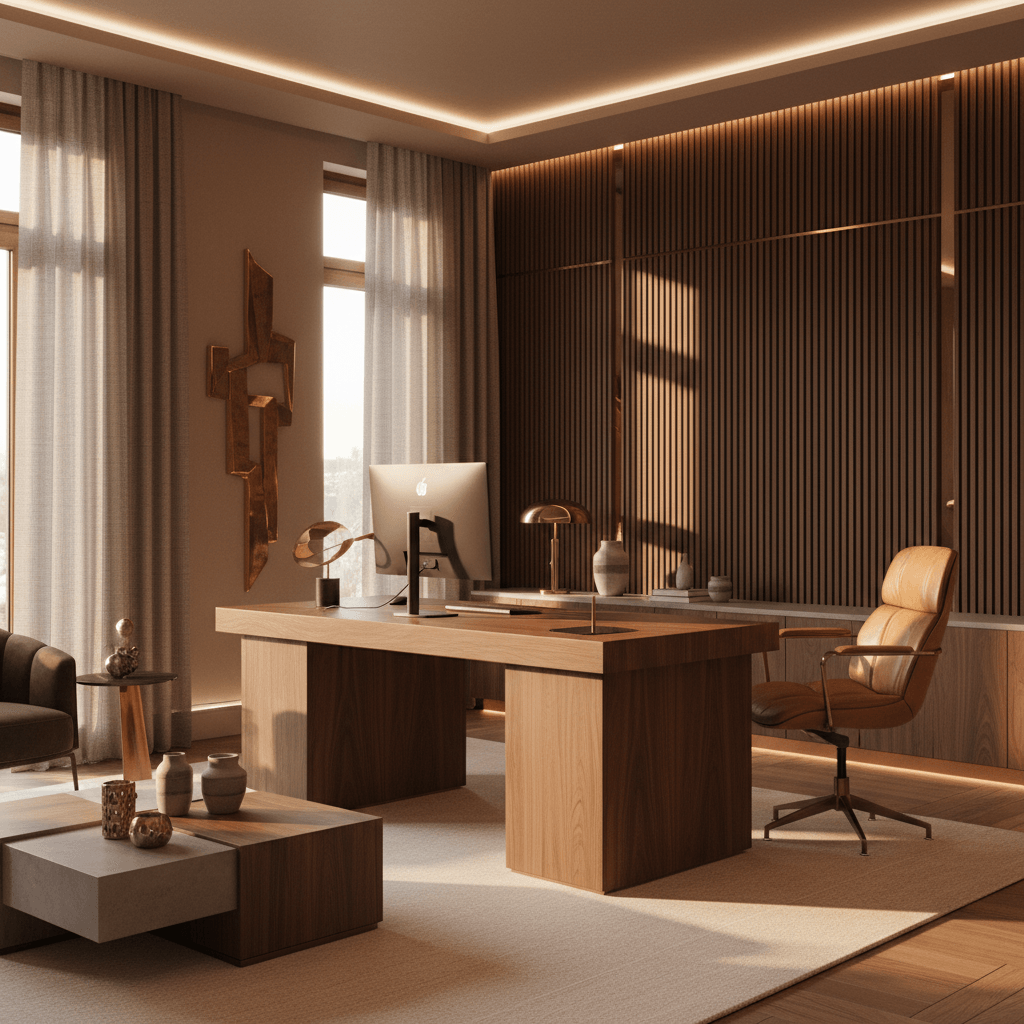
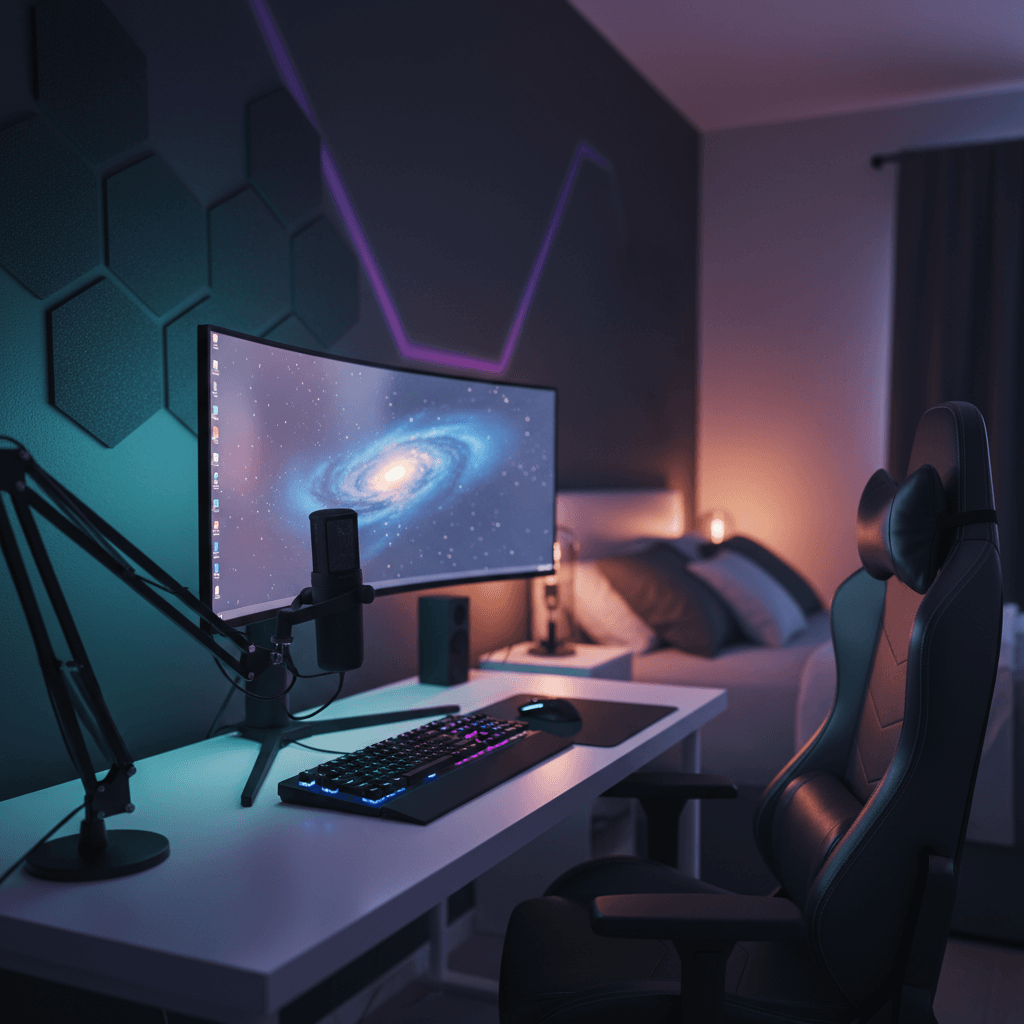
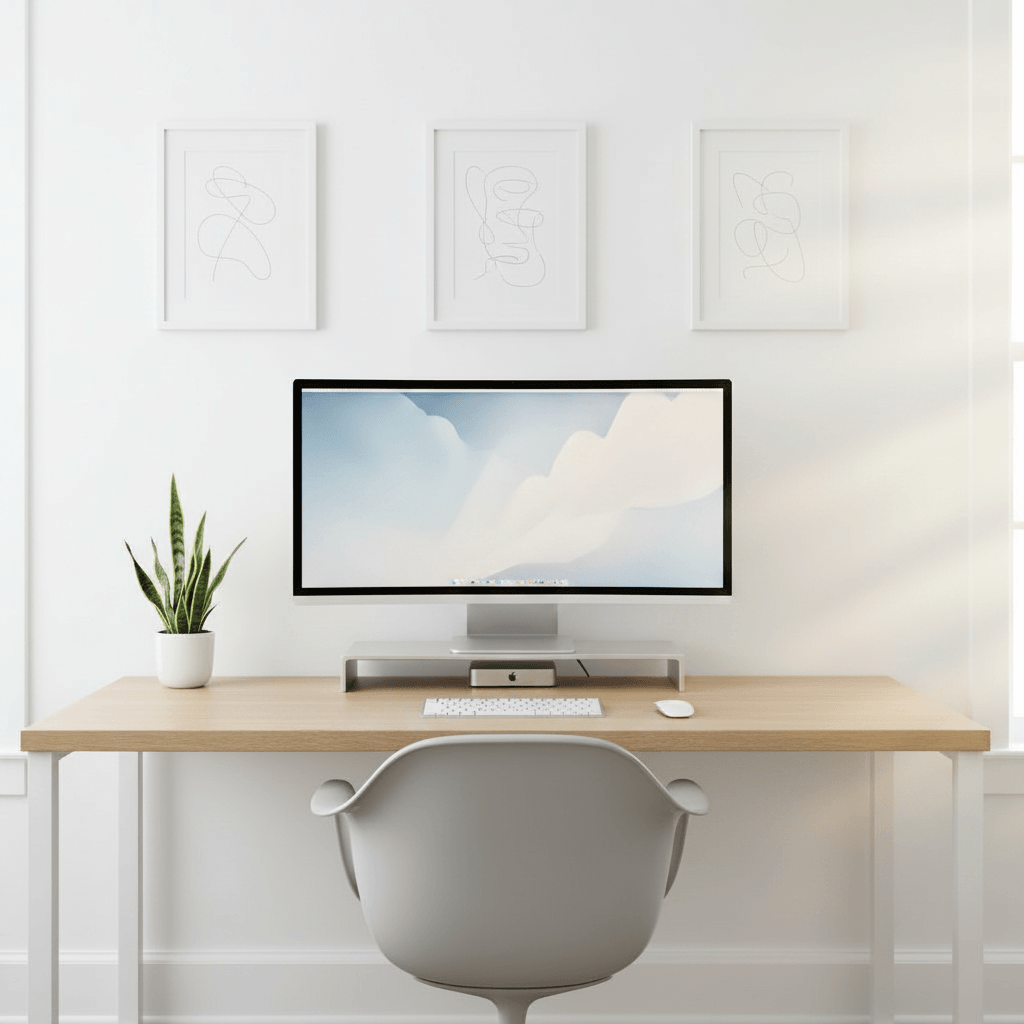
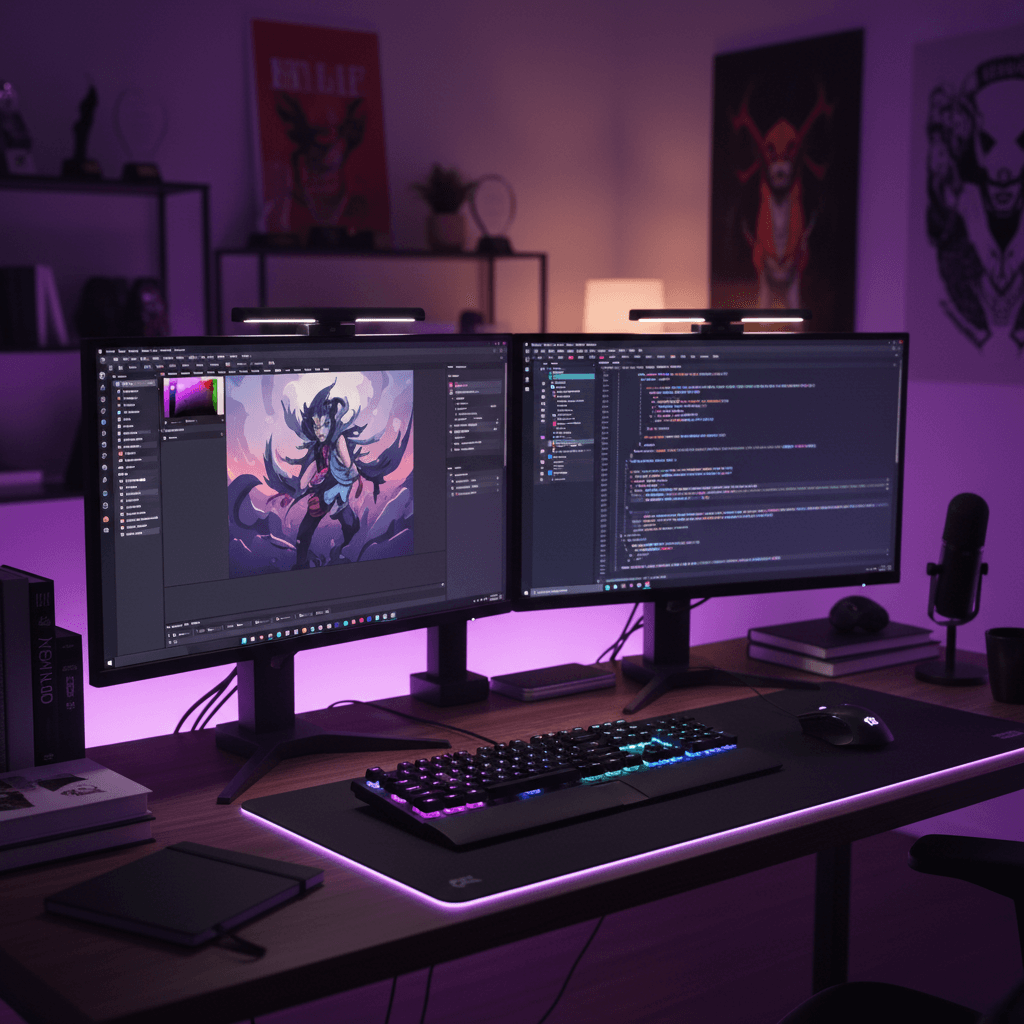
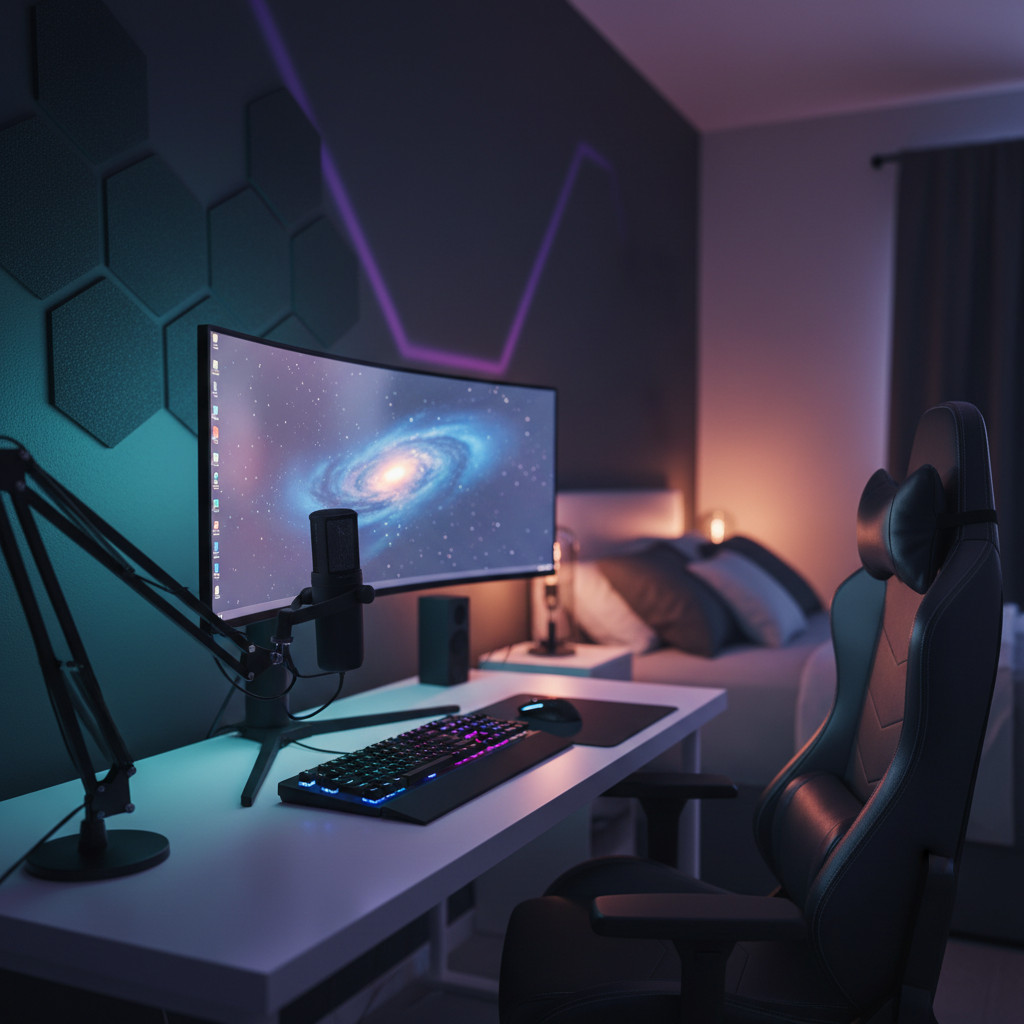
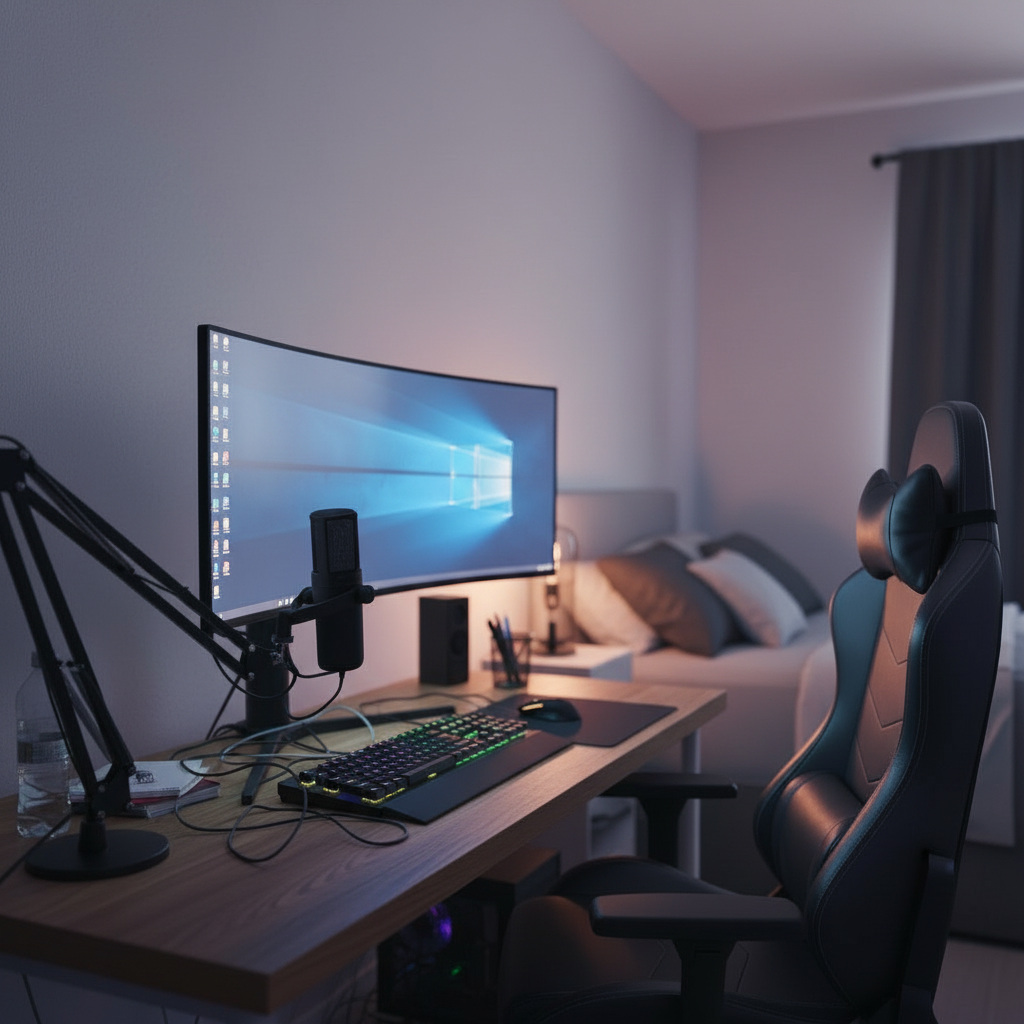
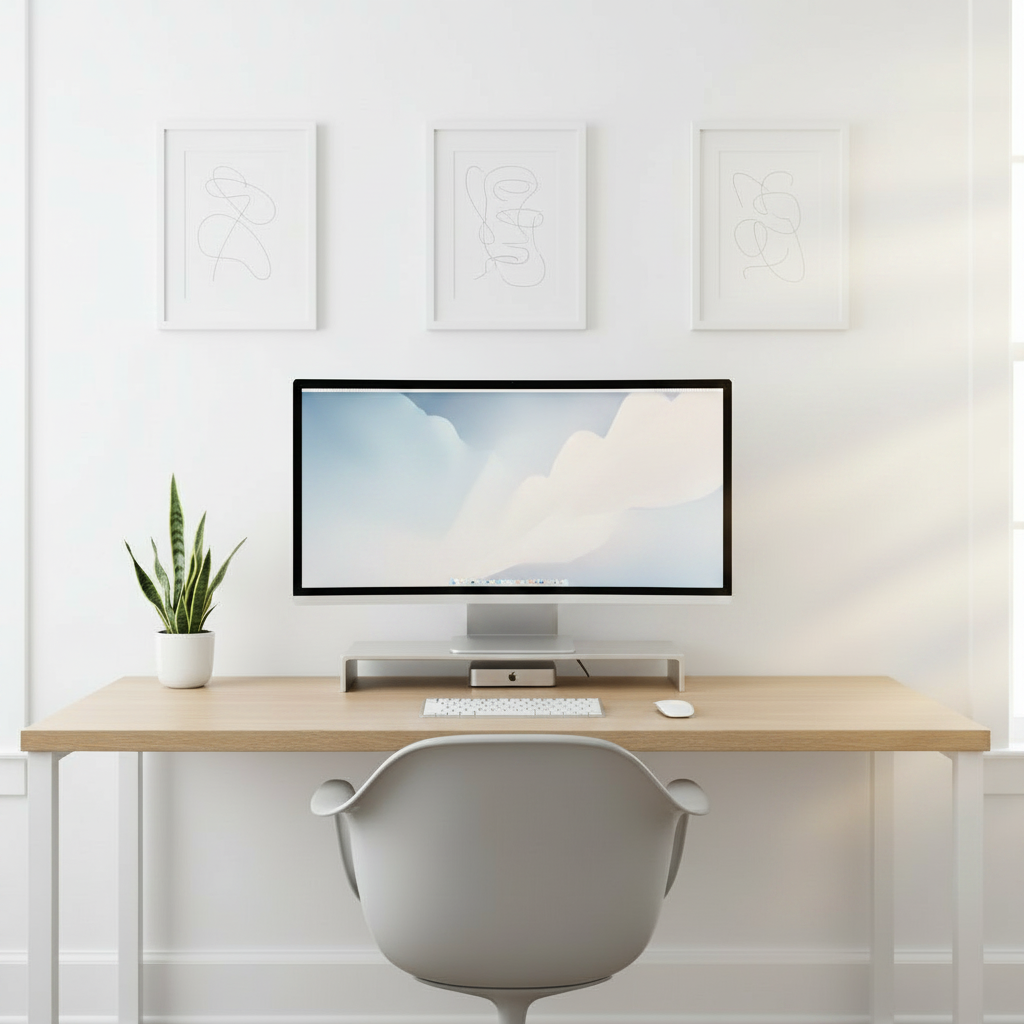
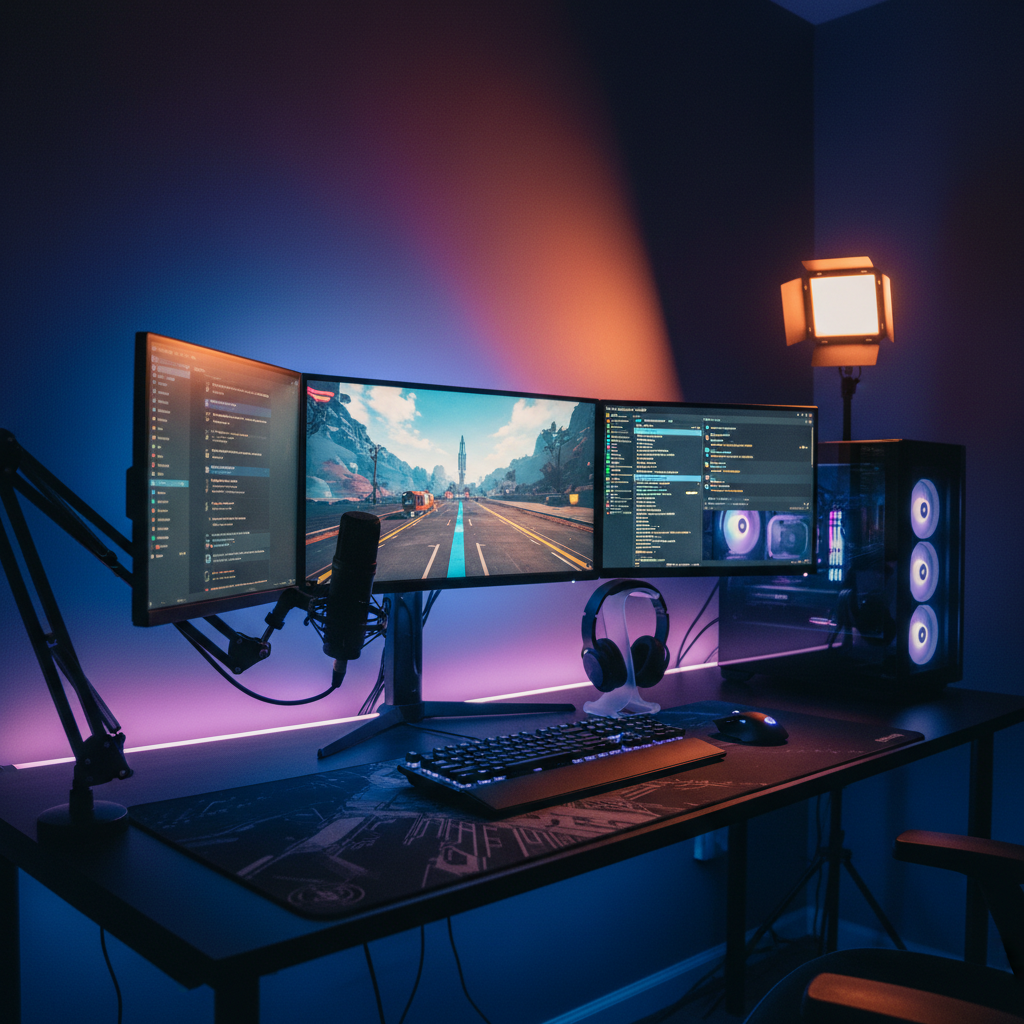
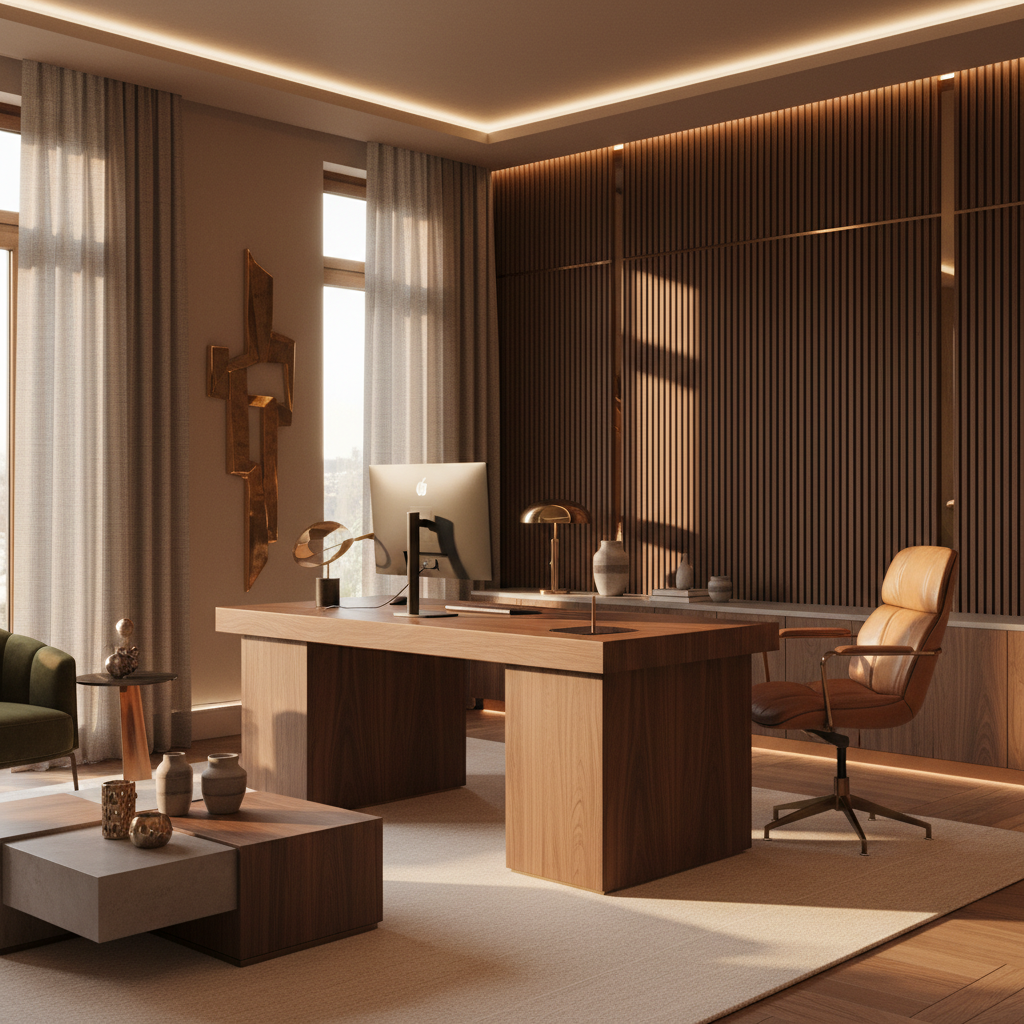
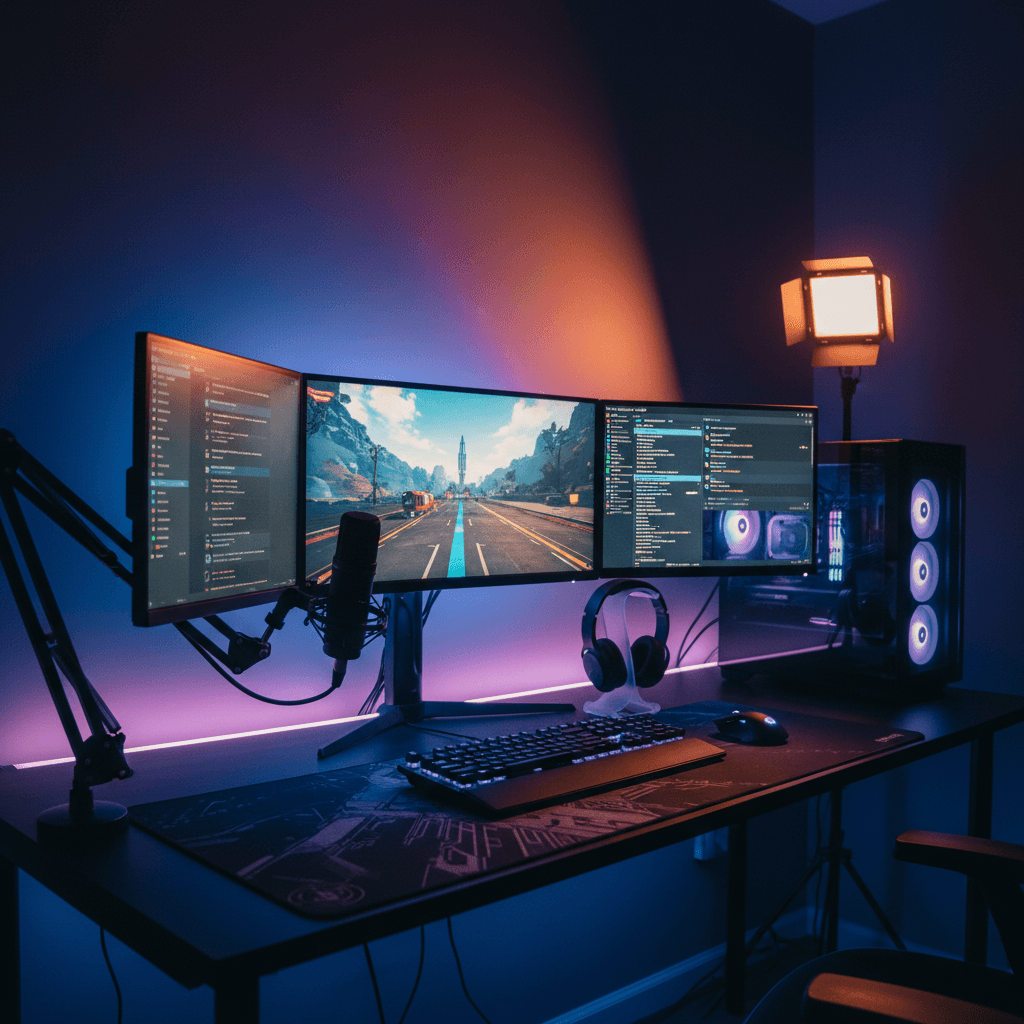
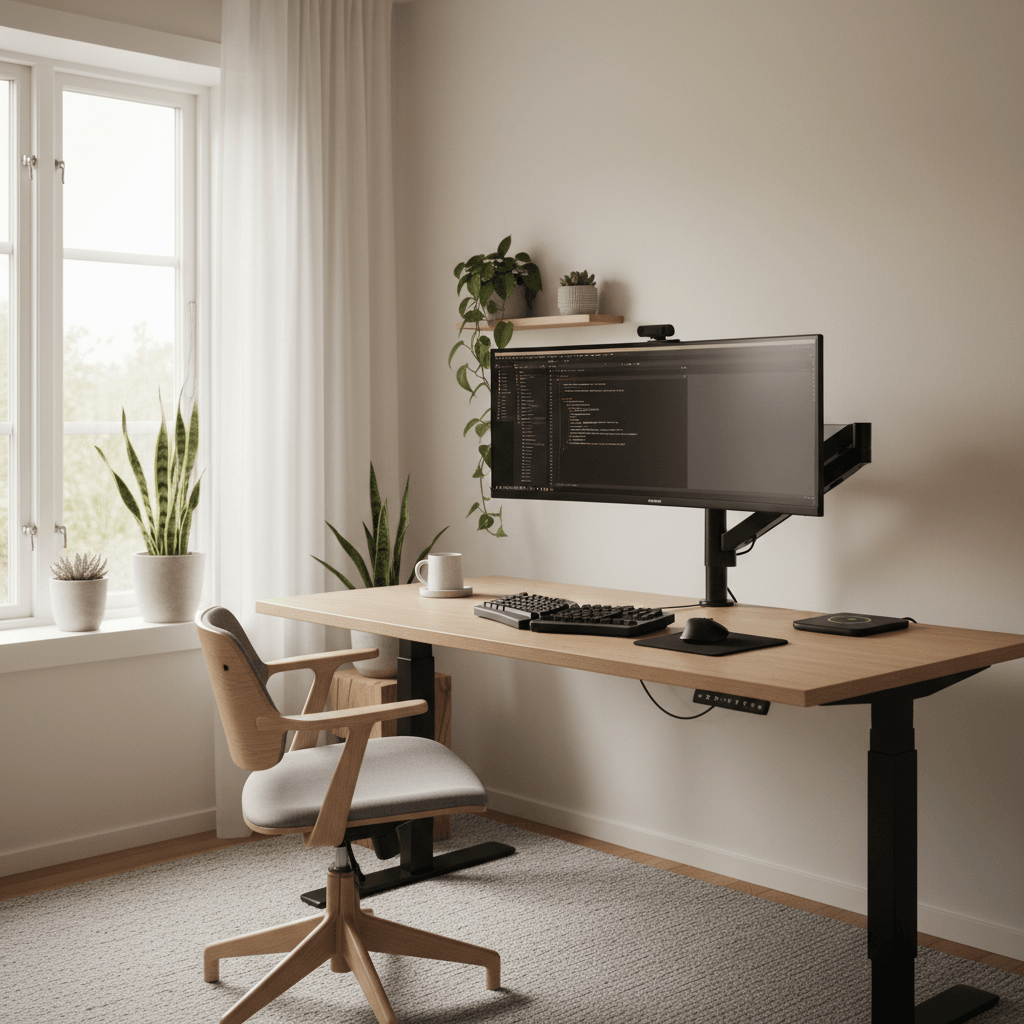
Desk Setup Planner — a desk setup rendered into a real room
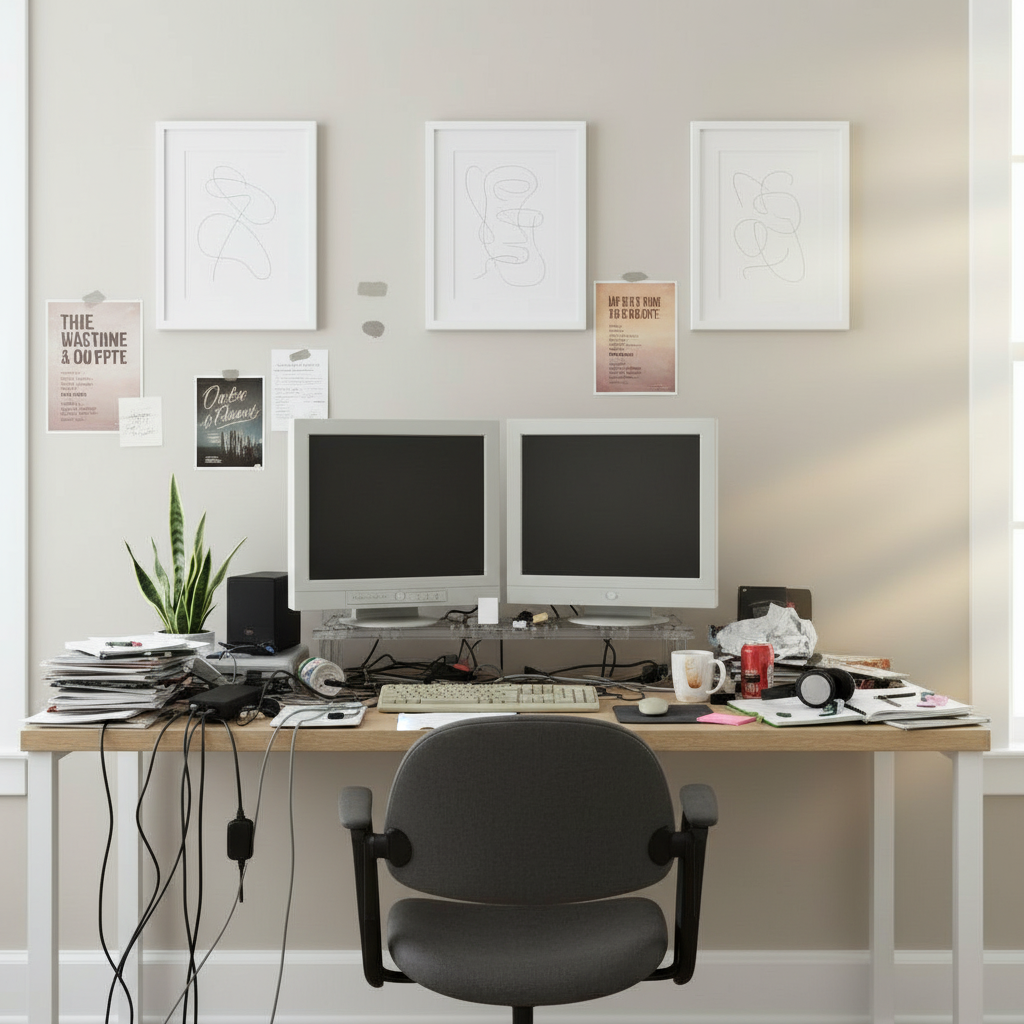
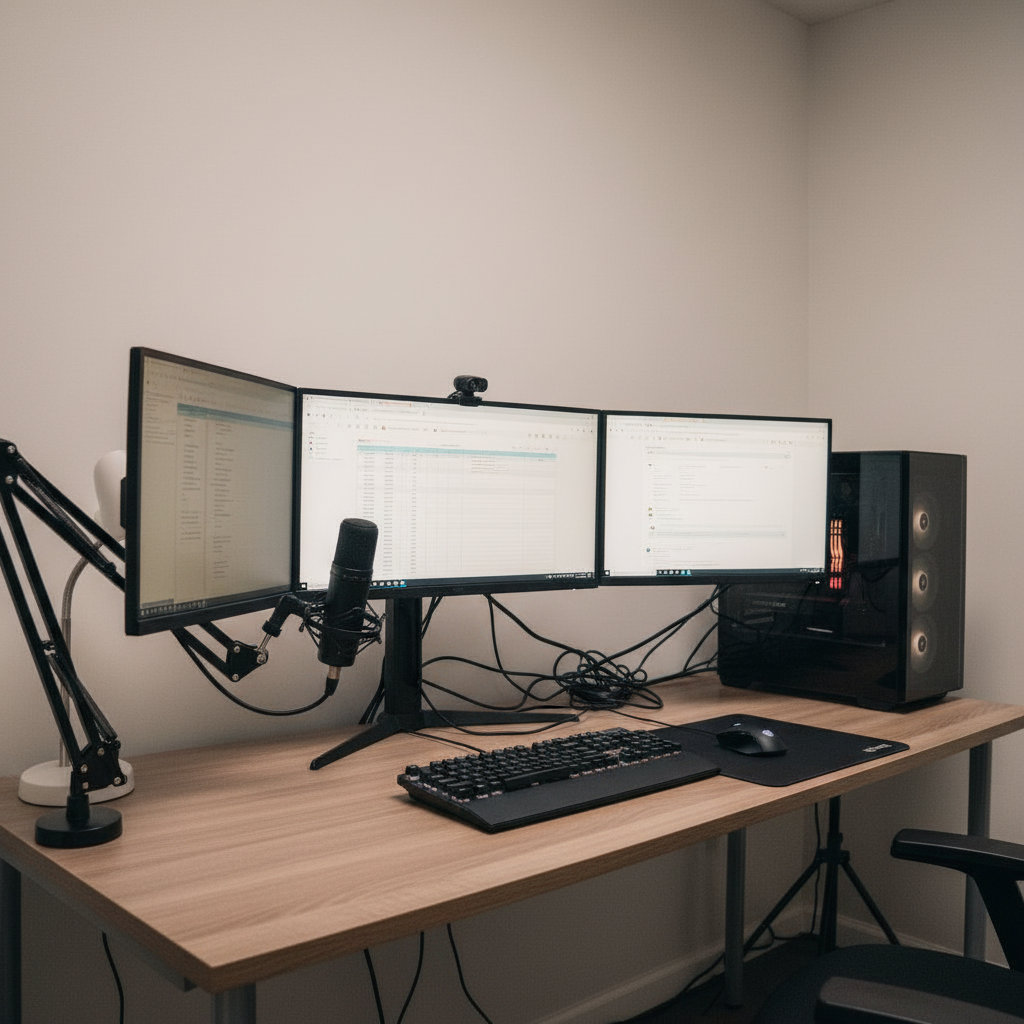
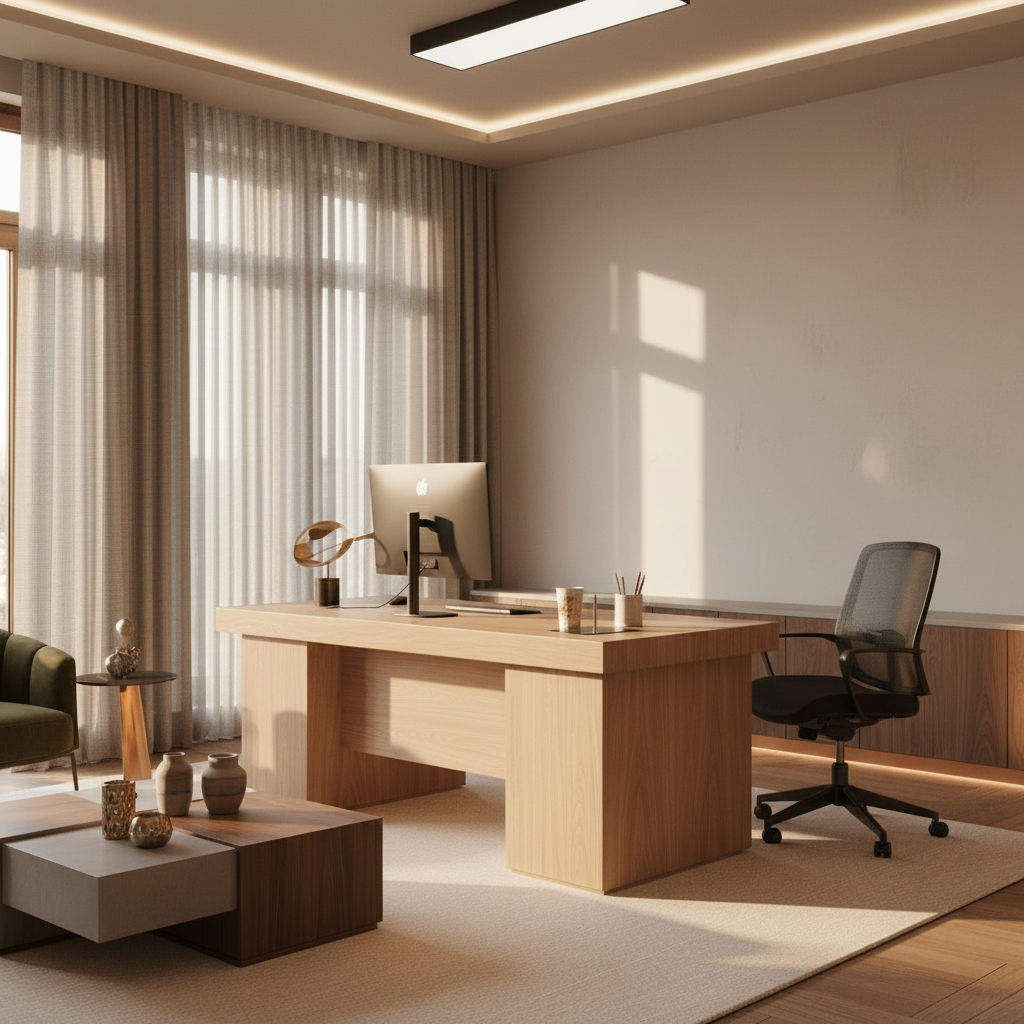
The same room before the setup was generated
Before
What it is

A desk setup planner for
the buying decisions, not just the picture

01
Decide the money

A desk setup planner is where you decide the money before you spend it. Not the room layout, not the ergonomics — the project: which desk, which monitor, which chair, what they cost together, and what order to buy them in. DeskSetupCreator renders the finished build into your actual room so the plan you commit to is one you can already see, priced, and ready to act on rather than a hopeful list of links in fifteen browser tabs.

02
The slow bleed

The usual approach is a slow bleed of impulse buys. You grab a desk on sale, then a monitor a month later, then a chair that turns out to clash with both. Each piece seemed reasonable alone, but nothing was planned against a total, so the budget creeps and the pieces don't add up to a coherent whole. By the time you notice, you've already paid for the mistakes — and half of them are headed back in their boxes.

03
Reverse the order

The planner reverses that order. You see the completed setup first, attach a real parts list and running total to it, and only then start buying — in the sequence that makes sense for your wallet. Compare a stretch build against a budget one, decide what's a launch-day purchase versus a phase-two upgrade, and walk into checkout already certain it all fits together and lands inside your number.

Capabilities

Plan the spend,
not just the look

Everything here is aimed at one outcome: a confident, sequenced, on-budget purchase you don't have to undo.

Shoppable parts list

Every render carries the exact products behind it — desk, monitor, chair, lighting, peripherals — as a list you can price, save and buy. The plan and the receipt are the same document.

01

Compare full builds

Line up a premium version against a value one, or two different desks, side by side. You're comparing finished outcomes and totals, not isolated product pages.

02

Phase your upgrades

Mark what you buy now versus later. The planner shows the same setup at each stage, so a phased build still looks intentional instead of half-finished along the way.

03

Catch mismatches early

Wood tones that fight, a chair that clashes, a screen too big for the desk — you spot it on screen, before it ships, instead of after the return window closes.

04

Real products, real prices

Pull specific items from a catalog of thousands of real products. What you plan is what you can actually order, so the budget you set is the budget you pay.

05

Re-plan on a sale

When a deal lands, swap the part, regenerate, and re-check the total in seconds. The plan stays live as prices move, not frozen the day you made it.

06

From idea to a locked plan
in four steps

No spreadsheets, no fifteen open tabs, no buyer's remorse.

01

Render the goal

Upload your room or start blank, describe the setup you're after, and generate the finished build you're planning to buy toward.

02

Build the parts list

Swap in the real products you're actually considering. Each pick updates the list and the running total automatically.

03

Phase and compare

Split the list into buy-now and buy-later, then compare a stretch build against a leaner one to decide where the money goes.

04

Lock it and shop

Save the plan to your gallery, settle on the order of purchases, and work the list — confident every piece fits the whole.

How to plan a build

How to plan a desk setup
that doesn't blow the budget

01 · How to plan a build

Decide the destination before the first purchase

The single most expensive planning mistake is buying piecemeal with no picture of the finished result. You purchase a desk, and that desk quietly dictates the chair, the monitor arm, the cable tray and the color story for everything after it — except you never decided any of that on purpose. The planner forces the decision up front: you generate the completed setup, see it whole, and now every individual buy is measured against a destination instead of a hunch.

That changes the psychology of spending. When the end state is visible and costed, an impulse add-on either fits the plan or it doesn't, and you can tell instantly. The vague anxiety of "am I overspending" turns into a concrete number you set deliberately. You stop buying toward a feeling and start buying toward a render, which is the difference between a setup that came together and one that accumulated.
Room scan · Complete98% confidence
WallWindow · NW lightFloor · oakDesk · 60in
Walls
4 / 4
Lighting
NW · soft
Depth
12 × 9 ft
02 · How to plan a build

Turn the render into a parts list and a total

A picture is only a plan if you can act on it, so every generated setup is backed by the real products inside it. The monitor isn't a generic rectangle — it's a specific model you can price. The desk, the chair, the lighting, the keyboard: each one is a line item you can save, swap and total. The result is that your inspiration and your shopping list are never two separate documents that drift apart; they're the same thing, and they stay in sync.

Having the total in front of you reframes every trade-off. Suddenly it's obvious that the splurge monitor eats the entire lighting budget, or that downgrading the chair by one tier funds a proper standing desk. You make those calls with numbers instead of vibes, before any money has moved. When you finally check out, there are no surprises at the bottom of the cart — you've been watching the total the whole time.

Parts list · 06From the render
Ultrawide 34"
LG · curved
$649
Standing desk
Walnut · 60in
$520
Ergonomic chair
Mesh · lumbar
$340
Bias light bar
RGB · USB-C
$59
Cable tray
Under-mount
$32
Total$1,847
03 · How to plan a build

Phase the build so it always looks finished

Almost nobody buys a full setup in one transaction, and they shouldn't have to. The smart move is phasing: buy the structural pieces first — desk, chair, primary monitor — and layer in lighting, a second screen, and the nice-to-haves as budget allows. The risk with phasing is ending up in a permanent half-state where nothing quite matches because each phase was chosen in isolation, on a different day, in a different mood.

The planner removes that risk by letting you design every phase against the same final render. You mark what's buying now and what's waiting, and you can preview how the setup reads at each stage. Phase one looks deliberate, not deprived. Phase two slots in like it was always meant to, because it was. A planned phased build reaches the same finish line as a lump-sum one — it just gets there on a schedule your bank account agrees with.

Variations · 12Same room
01 / 12
02 / 12
03 / 12
Regenerate · ~30s Run
04 · How to plan a build

Compare versions instead of guessing at value

Value is impossible to judge one product page at a time. A monitor looks great in isolation and merely fine once you see what the same money buys elsewhere in the build. The planner is built for comparison: generate a premium version and a value version of the same setup, set them next to each other with their totals, and the right call usually becomes obvious. You're weighing complete outcomes, not specs in a vacuum.

This is where people routinely find a setup that's both cheaper and better than the one they'd have blind-bought. Seeing two finished builds side by side surfaces the diminishing returns — the place where another two hundred dollars stops changing how the room actually looks. You spend where it shows and save where it doesn't, and you do it before committing, when the decision is still free to change.

Why this beats the restSide by side
Mood board
Pretty · not in your room
Realism30%
3D planner
Accurate · hours of work
Realism22%
This generator
Photoreal · in your room
Realism92%
PickedPhotoreal beat the rest
05 · How to plan a build

Avoid the returns that quietly cost the most

The hidden tax on an unplanned build isn't the price of any single item — it's the returns. The desk that's the wrong finish, the monitor that overwhelms the surface, the chair whose arms won't tuck under: each one is a re-box, a return label, restocking friction, and a gap in your setup while you wait for the replacement. Avoid one of those and the planner has more than paid for itself; most people avoid several.

Because the planning happens visually and in your real room, the mismatches reveal themselves while they're still pixels. You see the clash, change the part, and regenerate — no shipping, no refund, no lost time. And since the whole plan saves to your gallery and syncs across web and mobile, it doesn't evaporate when you close the tab. You pick it back up when the next sale hits, the total already loaded, the sequence already set.

Room fitAuto-measured
Desk depth
28"
Arm reach
22"
Chair clear
36"
Wall offset
6"
All fits this room
Plan for

Every build,
planned and priced

Whatever you're saving up for, see the finished version and its total before you commit.

First real setup

A clean starter build planned to a tight first budget — buy once, buy right.

Upgrade roadmap

Map this year's purchases in order, from primary monitor to the finishing touches.

Dream build savings goal

Render the splurge version and watch the total to know exactly what to save toward.

Budget battlestation

Plan a gaming build that hits the look without blowing past the number.

Cozy corner on a budget

Cost a warm, relaxed setup and trim it to fit before anything ships.

Sale-day swaps

Keep a live plan ready so a deal turns into a confident buy, not a gamble.

The transformation

Before and after, in your room

Drag any divider to reveal the original room under the generated setup.

After
Curved · RGB · acoustic
After
Same desk, decluttered
After
Dual 27" · mic · ambient

14,200+

Setups generated

6,300+

Active designers

4.9 / 5

Avg. rating

30 sec

To first render
FAQ

Desk setup planner
questions, answered

What is a desk setup planner?

It's a tool for planning the purchase side of a workspace build — deciding what to buy, in what order, and at what total cost — by rendering the finished setup into your room first. Instead of buying piecemeal and hoping it adds up, you attach a real parts list and budget to a build you can already see, then shop that plan with confidence.

Is the desk setup planner free?

Yes, and there's no credit card required. The free plan includes a set number of generations each month plus every style preset, which is plenty to plan a full build. Pro at $12 a month adds unlimited generations, 4K exports, the full 3,000-plus real-product catalog, layered editing and a priority render queue for faster iteration.

How does it help me set and stick to a budget?

Every render is backed by real products, so your build doubles as a priced parts list with a running total. You can see immediately when a splurge eats the rest of the budget, swap to a cheaper option, and compare a premium build against a value one side by side. You lock the number before you buy, so checkout holds no surprises.

Can I plan upgrades in phases over time?

That's a core use. Mark which parts you're buying now versus later and design every phase against the same final render, so a staged build still looks intentional at each step instead of half-finished. The whole plan saves to your gallery and syncs across web and mobile, so you can return to it whenever the next purchase or sale comes around.

Will it stop me from buying things that don't match?

It's built to. Because you see the complete setup rendered in your real room, clashing wood tones, a screen too large for the desk, or a chair that fights the look reveal themselves on screen — before anything ships. You change the part and regenerate, avoiding the return labels and downtime that unplanned builds rack up.

Does the plan use real, buyable products?

Yes. You can pull specific items from a catalog of thousands of real products, so what you plan is what you can actually order. The parts list maps to real models at honest scale, which means the budget you set while planning is the budget you pay at checkout, not a rough guess that balloons later.

How is this different from a room layout planner?

A layout planner is about arrangement — where things sit, ergonomics, fit and traffic flow. This planner is about the purchase: what to buy, in what order, and at what total cost. You use it to lock a parts list, compare builds and budgets, and sequence your spending, rather than to position furniture within the room's dimensions.

Last call

See the build, lock the budget,
then start buying

Render the finished setup, attach a real parts list and total, and shop your plan in order. Free to try.

Free to try · No card required · 30 sec to first render