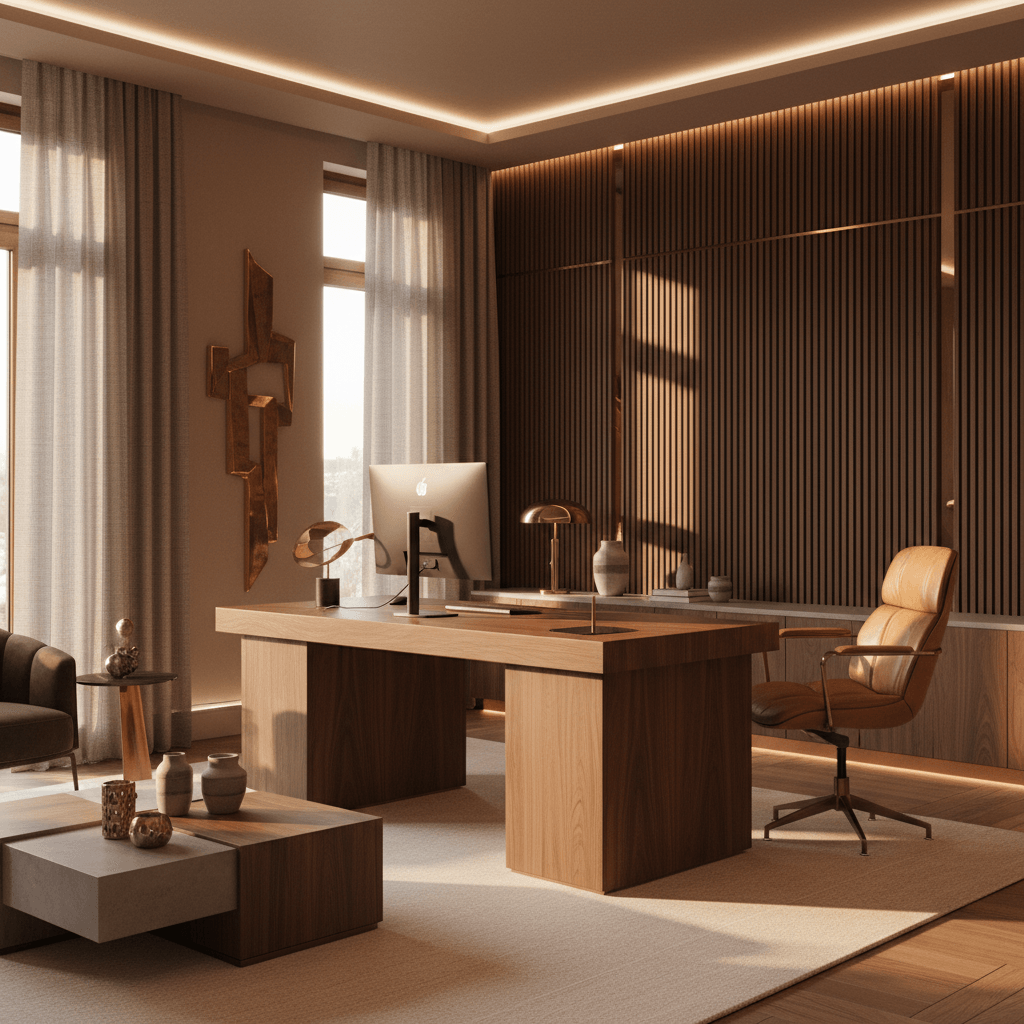
Gaming Desk Setup Generator · Free to try

Design the battlestation your room was built for

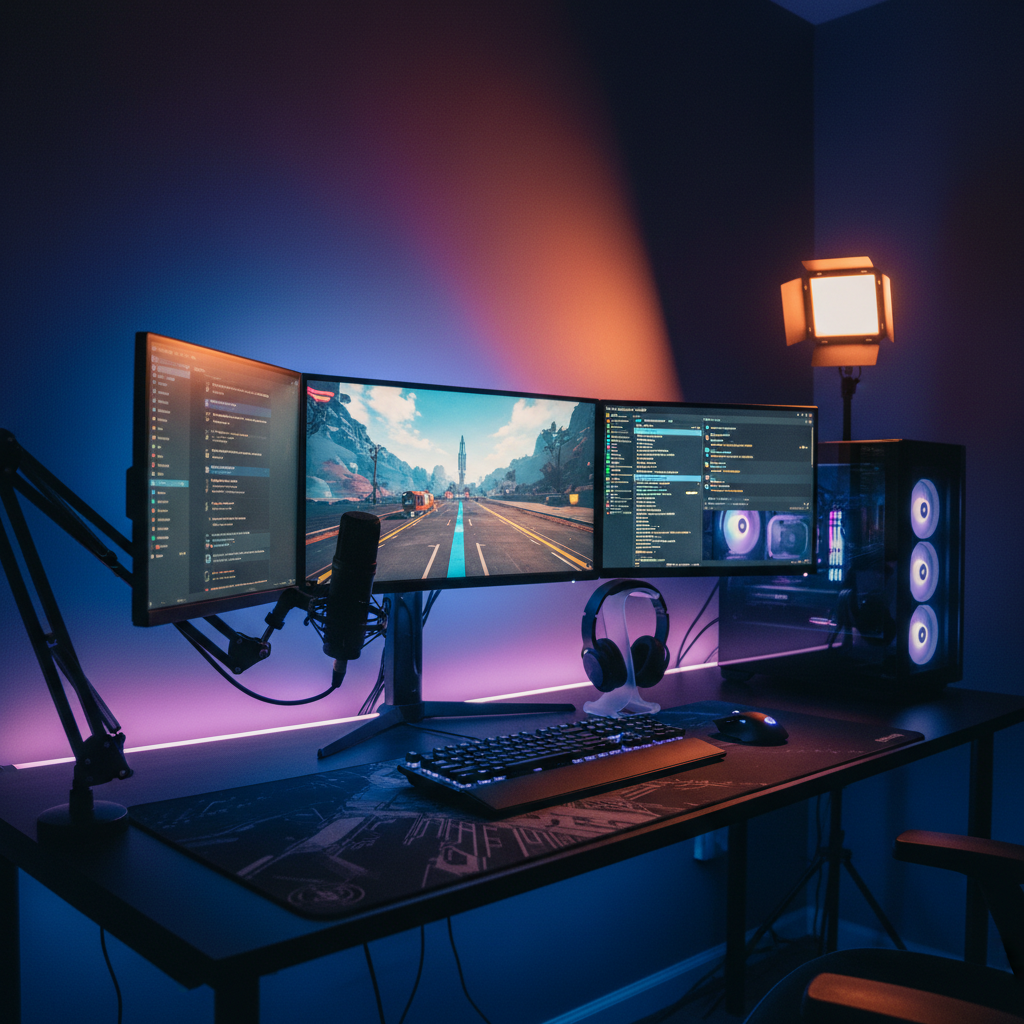
Upload your room and the AI renders a full gaming setup into it — ultrawide or triple monitors, RGB and bias lighting, the right desk depth, and cable management that actually looks clean. Photoreal, in about thirty seconds.

Free to try · No card required · First render in ~30 seconds
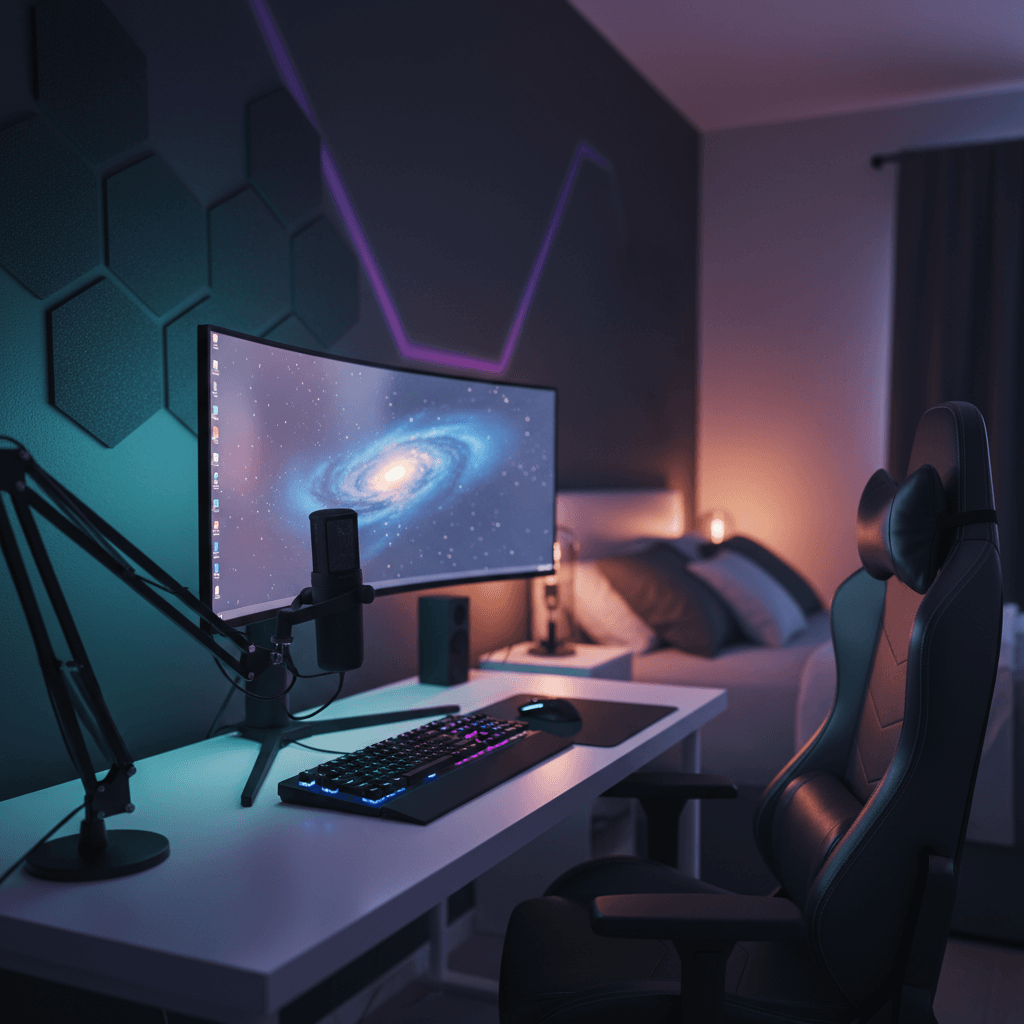
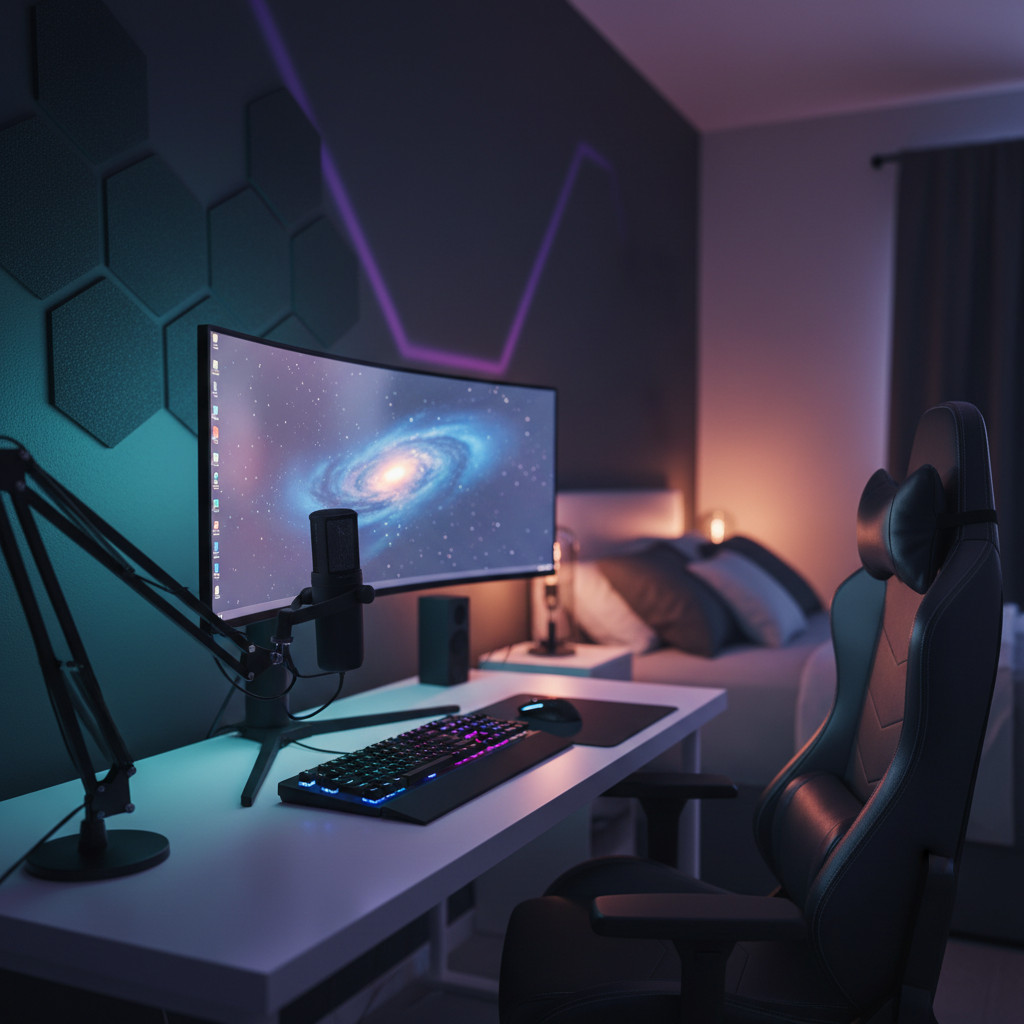
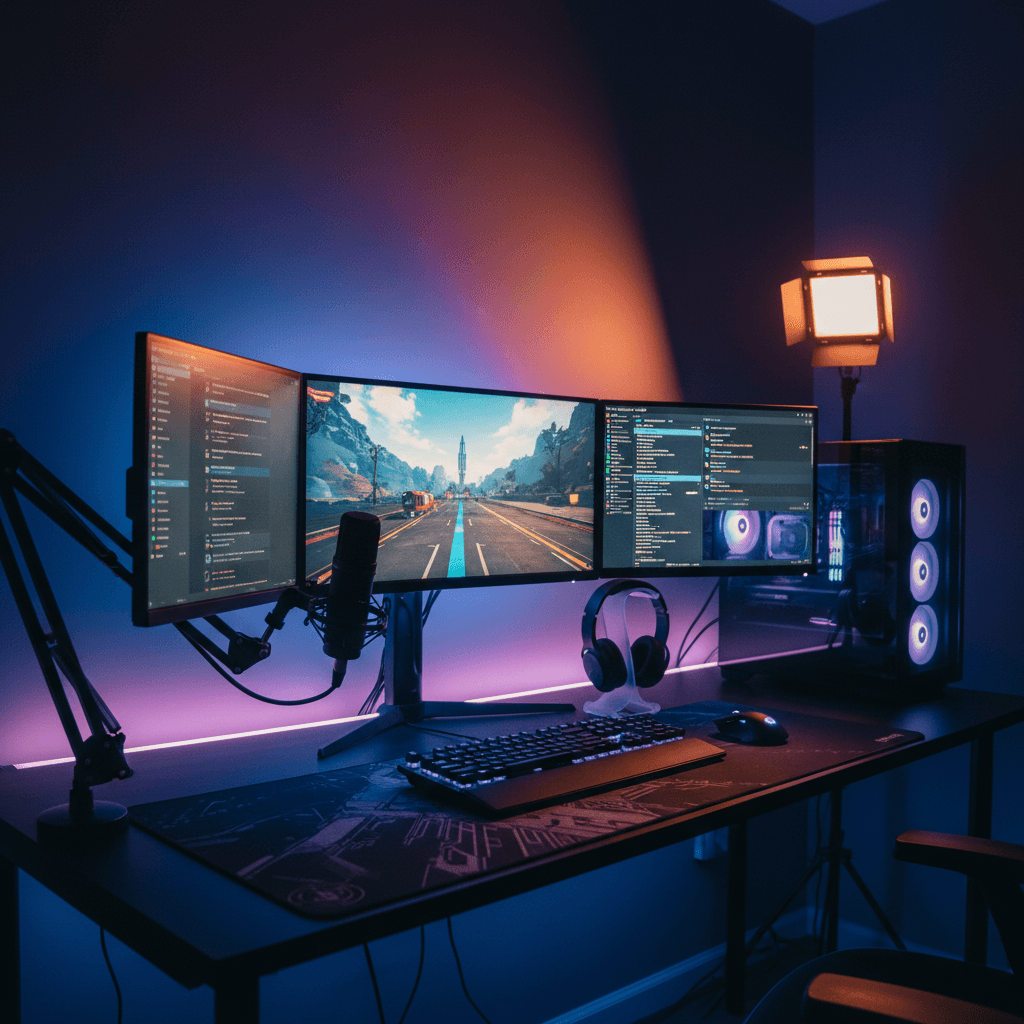
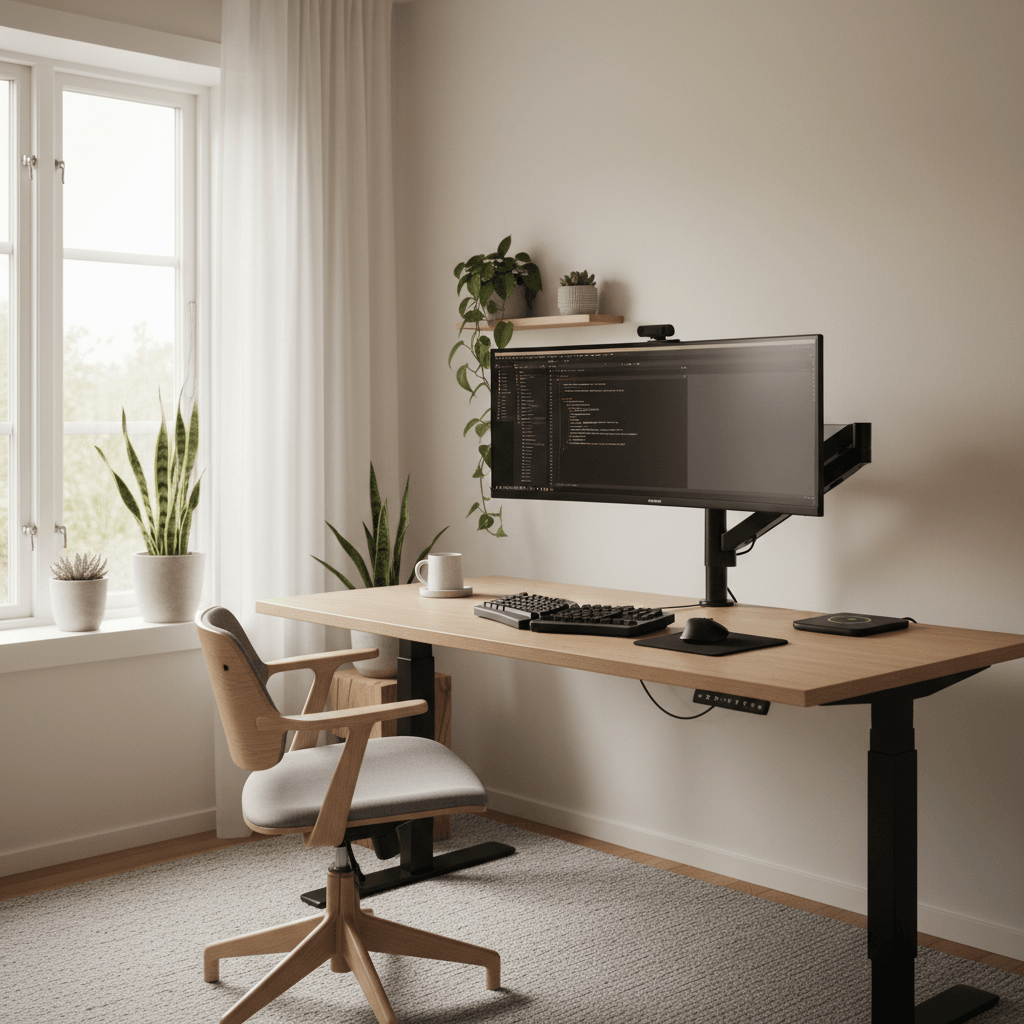
Gaming Desk Setup Generator — a desk setup rendered into a real room
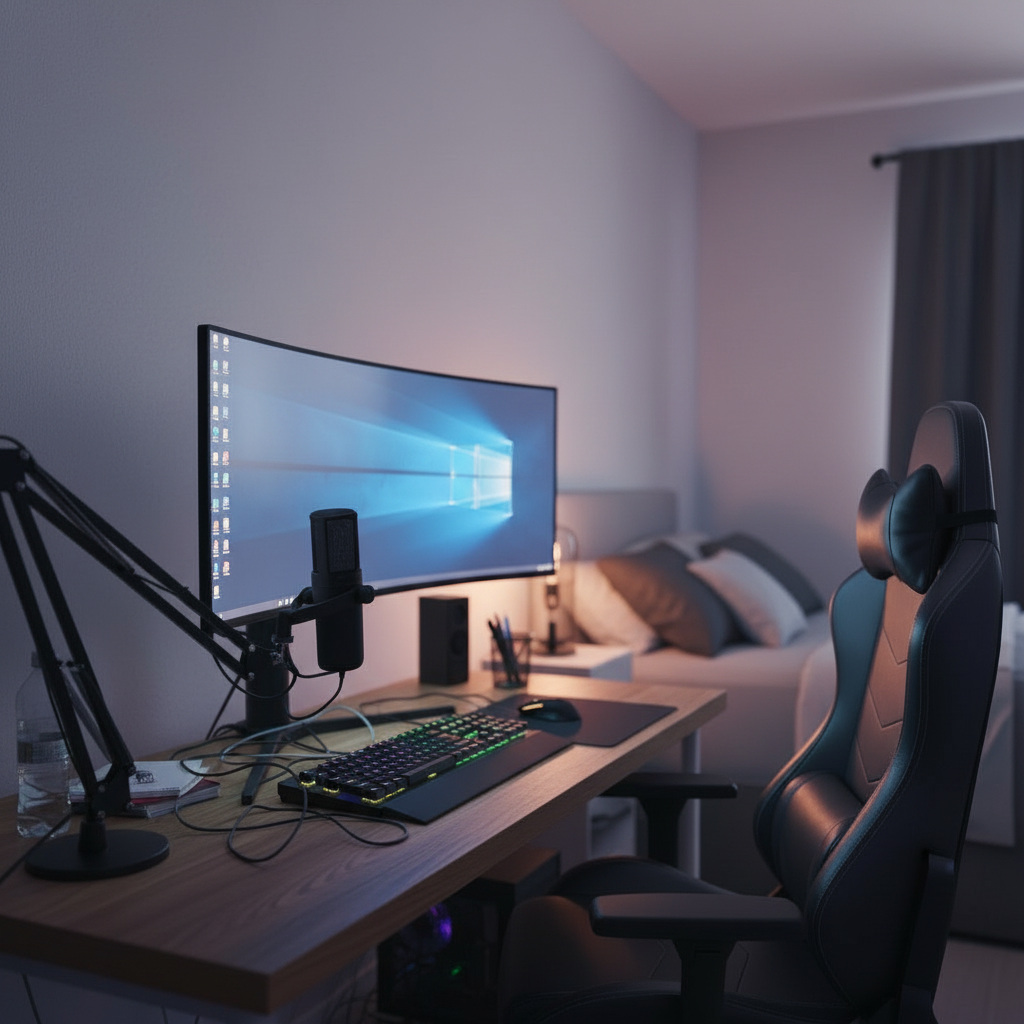
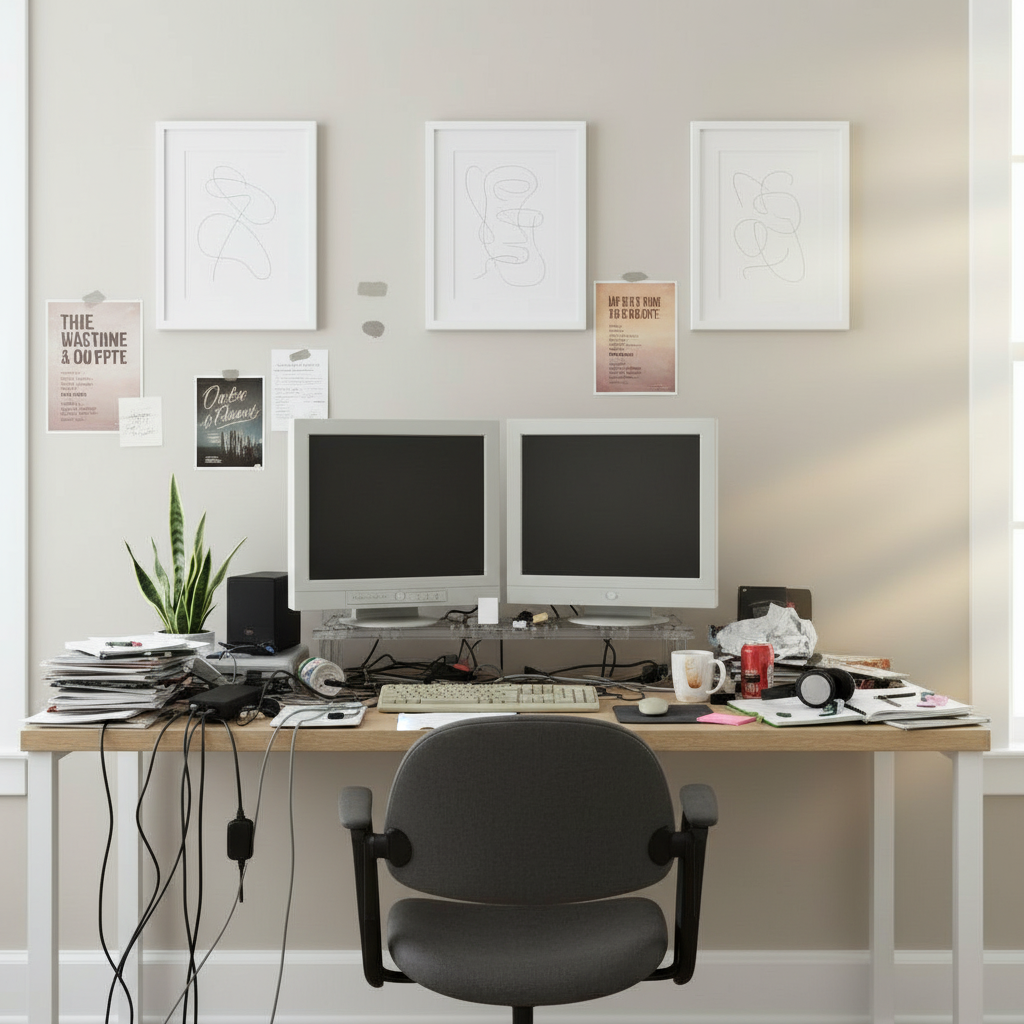
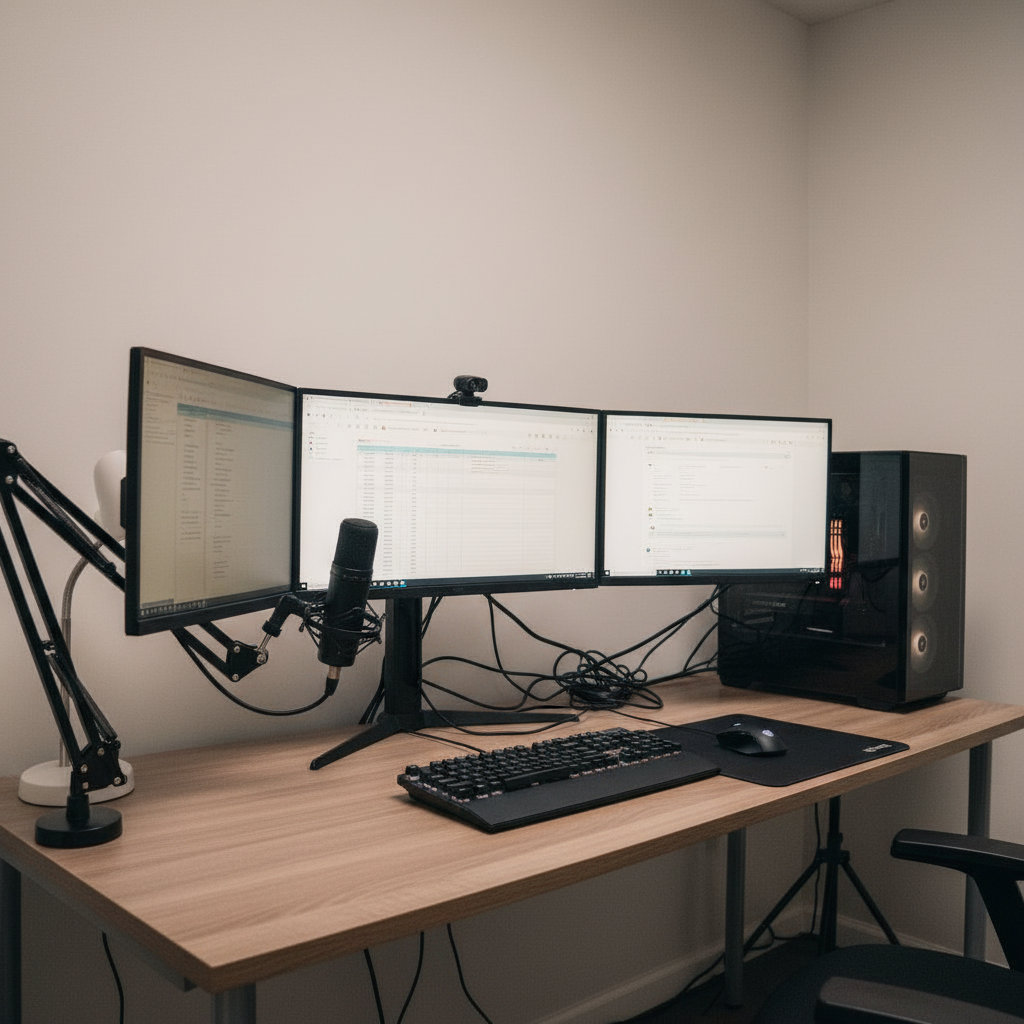
The same room before the setup was generated
Before
What it is

A gaming setup generator
that builds in your real room

01
What it is

A gaming desk setup generator turns a photo of your room into a finished battlestation render — desk, monitors, peripherals, RGB and lighting, all placed into your actual space. Instead of scrolling endless setup-of-the-week posts and guessing whether any of it fits your corner, you see your room with the gear in it before a single box ships.

02
Deceptively hard

Gaming setups are deceptively hard to plan. The aesthetic is half the point, so a tower that clashes with your wall color or a light bar that washes out the wrong surface ruins the vibe. And the practical side is unforgiving: monitor arm clearance, desk depth for a deep keyboard travel, headset and controller landing spots, and the eternal cable-management nightmare behind it all. Getting one element wrong throws off everything around it.

03
Both halves at once

The generator handles both halves at once. Pick a vibe — cyber, blackout, streamer, neon dual — or specify exact monitors and peripherals, and the AI composes a coherent battlestation lit the way it would actually glow in your room. Iterate until the RGB, the layout and the proportions all click, then shop the parts list with confidence.

Capabilities

Built for
battlestation builders

The details gamers actually obsess over — lighting, monitor layout, clearance and cables — handled automatically.

RGB and bias lighting

See how light bars, strip lighting and bias glow actually fall on your wall and desk — warm to cool, subtle to full neon — instead of guessing from a product photo.

01

Mono, dual, ultrawide or triple

Test every monitor layout in your space. The generator places curved ultrawides and triple stacks at real scale so you know what fits before you commit.

02

Clearance and desk depth

Monitor-arm reach, desk depth for keyboard travel, and chair rollout are sized to your room, so the setup is playable, not just pretty.

03

Clean cable management

Renders show routed, managed cabling rather than the rat's nest — a preview of the tidy back-of-desk you're actually aiming for.

04

Battlestation presets

Cyber, blackout, streamer, neon dual and more. Start from a vibe and let the AI assemble a cohesive look, then tweak from there.

05

Iterate the aesthetic fast

Swap the accent color, change the wall glow, flip to a darker desk and regenerate in seconds. Fan out variations until the vibe is exactly right.

06

Build your battlestation
in four steps

No design skills, no measuring tape, no buyer's regret.

01

Snap your room

Photograph the corner where the setup will live. Any angle works — the AI handles the geometry.

02

Pick a vibe or gear

Choose a battlestation preset or specify exact monitors, peripherals and lighting from the catalog.

03

Generate the setup

The AI renders a full, lit battlestation into your room in about thirty seconds.

04

Tune and save

Dial the RGB, swap a monitor, regenerate, and save the build you love to your gallery.

The details

What makes a gaming setup
actually work in your room

01 · The details

Lighting is the whole vibe — so simulate it honestly

More than any other style, gaming setups live and die by their lighting. The same desk reads as a sterile office in flat white light and a cyberpunk command center under magenta bias glow. The trouble is that product photos of light bars and RGB strips are shot in idealized conditions that look nothing like your room with its particular wall color and ambient light.

The generator simulates lighting against your actual space. It accounts for the direction of your window light, the color of your walls, and how a bias light behind a monitor will bleed onto the surface behind it. That means the neon you fall in love with in the render is the neon you'll actually get — not a disappointment once the strips arrive and your beige wall mutes the whole effect.
Lighting · Bias glowLive preview
Temperature4200K
Intensity72%
Accent
02 · The details

Monitor layout decides everything else

The single biggest spatial decision in a gaming setup is the monitor configuration, and it's the one most people get wrong by eye. A 49-inch super-ultrawide is glorious in a wide room and absurd in a narrow one. A triple-monitor stack needs serious desk depth so you're not pressed against the panels. A single high-refresh display might be the smarter call for a small corner.

Because the generator places monitors at honest scale relative to your room, you can audition each layout before buying. Drop in the ultrawide, see it swallow the desk, switch to a dual setup, and compare. This one preview routinely saves people from the most expensive gaming-setup mistake there is: buying a screen that doesn't physically work in the space.

Monitor layout4 options · scaled
Mono27"
Dual2× 27"
Ultrawide34"
Triple3× 24"
03 · The details

Clearance, ergonomics and the cable nightmare

A battlestation has to be playable for hours, which makes the boring measurements matter. Desk depth determines whether your keyboard and wrists land comfortably. Monitor-arm reach decides whether you can push displays back far enough for a curved ultrawide. Chair rollout and clearance under the desk affect everything from footrests to a racing-sim rig.

Then there's cable management — the difference between a setup that photographs well and one that looks like a server closet. The generator's renders show routed, managed cabling, giving you a target for the clean back-of-desk you want and a sense of how much grommet, tray and sleeve you'll need to get there. Seeing the tidy version first makes the real build dramatically easier to execute.

Room fitAuto-measured
Desk depth
28"
Arm reach
22"
Chair clear
36"
Wall offset
6"
All fits this room
04 · The details

Match the build to how you actually play

A streamer's setup is not a competitive FPS player's setup is not a cozy single-player station. Streamers need key lighting, a clean on-camera background and acoustic consideration. Competitive players want a low-distraction layout, a fast single display and clear desk real estate for big mouse sweeps. Cozy players lean into warm light, comfort and ambiance over raw spec.

Describe how you play or pick the matching preset, and the generator biases the whole composition accordingly — the right lighting temperature, the right monitor count, the right amount of visual noise. You end up with a battlestation tuned to your actual habits instead of a copy of someone else's highlight-reel desk.

Style presetsPick a vibe
CyberBlackoutStreamerNeon dualSim rigCozy
05 · The details

From render to a build you can buy

The point of designing a battlestation in advance is to buy it once and buy it right. Every generated setup carries the products behind it, so when a build clicks you can see exactly what it's made of and shop the list — monitors, desk, lighting, peripherals and mounts. No more ordering four things that don't add up to a coherent whole.

Save your favorites to your gallery, compare builds at different budgets, and share a render with friends for the inevitable second opinion before you commit. The setup you spend real money on is one you've already seen finished, lit and sitting in your own room.

Parts list · 06From the render
Ultrawide 34"
LG · curved
$649
Standing desk
Walnut · 60in
$520
Ergonomic chair
Mesh · lumbar
$340
Bias light bar
RGB · USB-C
$59
Cable tray
Under-mount
$32
Total$1,847
Build styles

Every battlestation
aesthetic, generated

Switch presets mid-render to see your room as a totally different rig.

Cyber RGB

Saturated neon, light bars and a glowing wall — full command-center energy.

Blackout stealth

Matte black everything, minimal accent glow, all-business focus.

Streamer pro

Key lighting, clean backdrop and on-camera framing that holds up live.

Neon dual

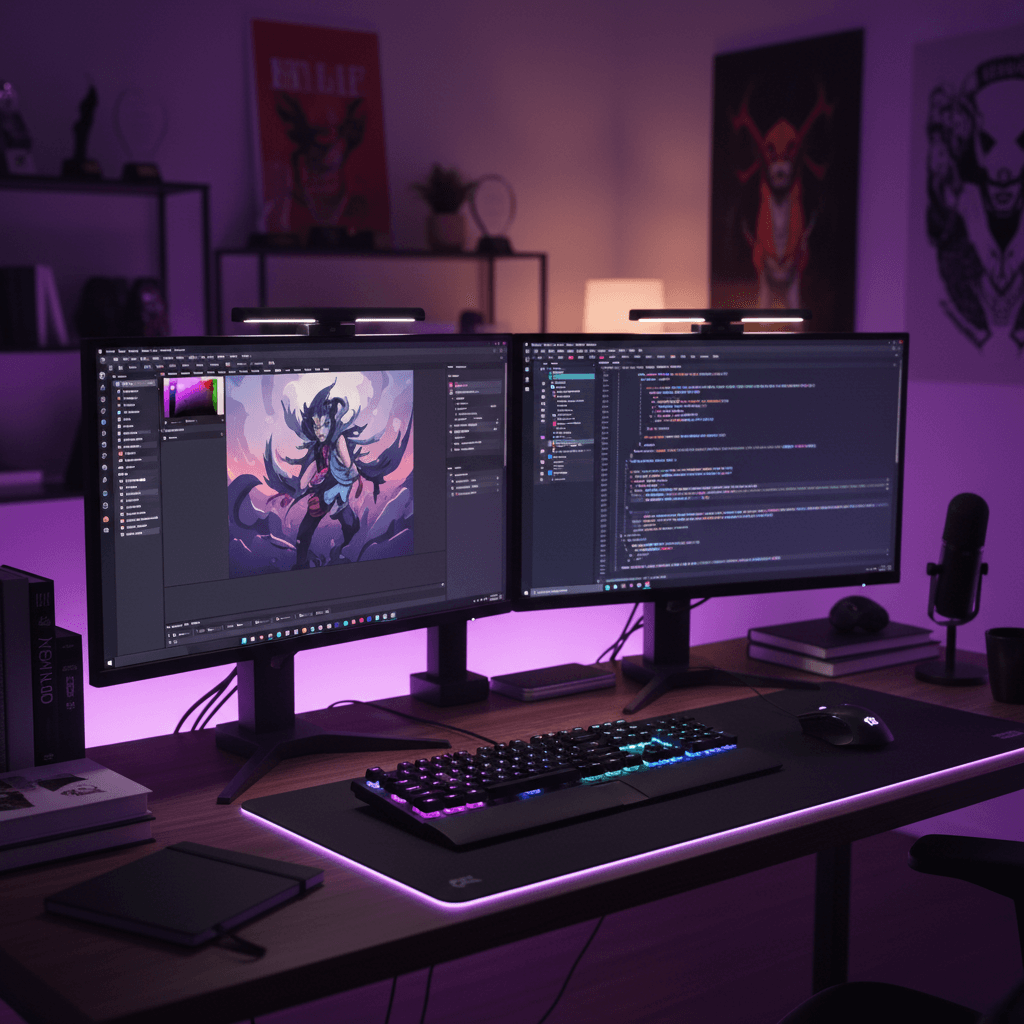
Dual displays, purple-leaning ambiance and a bold accent color.

Triple-monitor sim

Wide wraparound layout with the desk depth a sim rig demands.

Cozy console corner

Warm light, soft surfaces and a relaxed single-screen vibe.

The transformation

Before and after, in your room

Drag any divider to reveal the original room under the generated setup.

After
Curved · RGB · acoustic
After
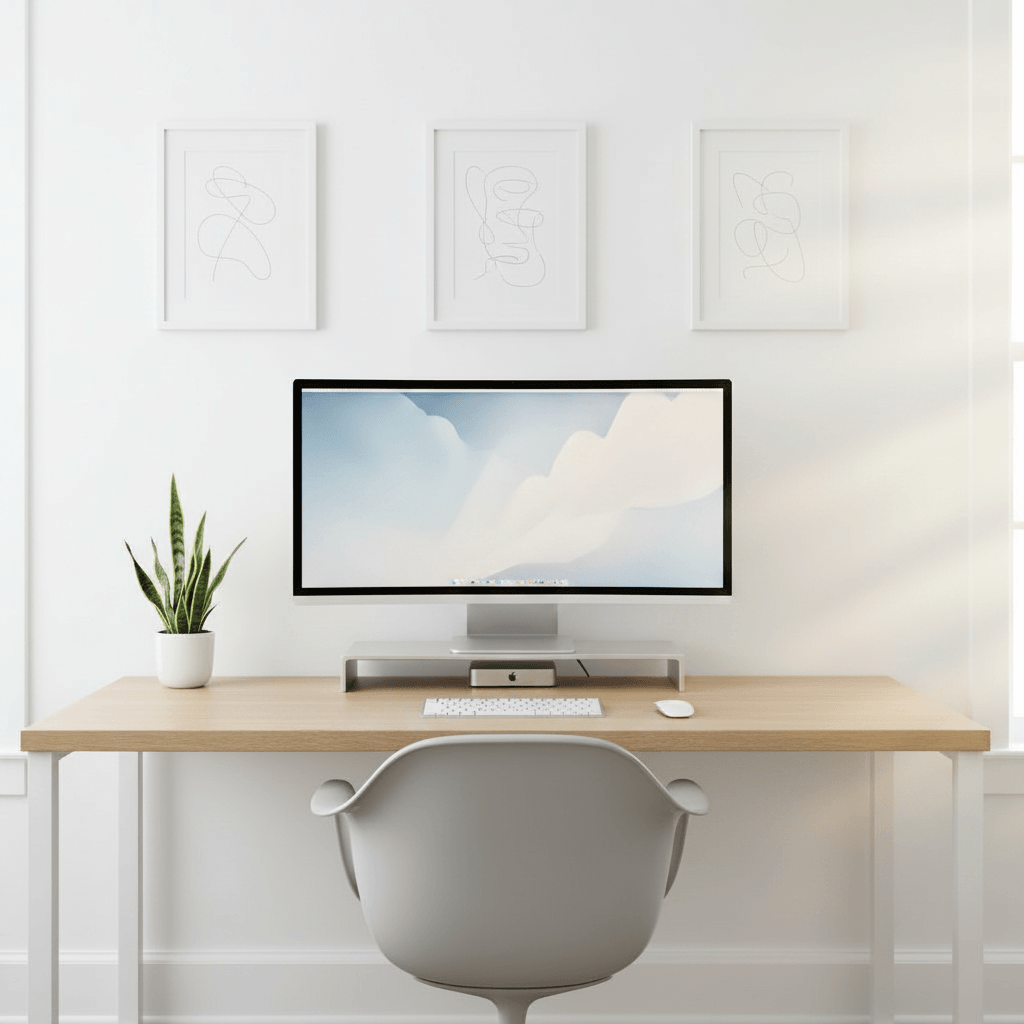
Same desk, decluttered
After
Dual 27" · mic · ambient

14,200+

Setups generated

6,300+

Active designers

4.9 / 5

Avg. rating

30 sec

To first render
FAQ

Gaming setup generator
questions, answered

What is a gaming desk setup generator?

It's an AI tool that turns a photo of your room into a finished gaming battlestation render — monitors, desk, peripherals, RGB and lighting placed into your exact space. Rather than guessing from inspiration posts, you see your own room with the setup in it, lit realistically, before you buy anything.

Is it free to design a gaming setup?

Yes. You can generate battlestations, save them and browse the gallery for free with no credit card. The free plan includes generations each month and every style preset. Pro adds unlimited generations, higher-resolution exports, the full real-product catalog and priority rendering.

Can I see RGB and lighting before I buy it?

That's a core feature. The generator simulates bias lighting, RGB strips and light bars against your room's actual wall color and natural light, so the glow you see in the render is close to what you'll get in real life — not an idealized product-shot version that disappoints once it's installed.

Will it show whether an ultrawide or triple-monitor setup fits?

Yes. Monitors are placed at real-world scale relative to your room, so you can audition a 34" or 49" ultrawide, a triple stack or a single high-refresh display and instantly see which physically works in your space before committing to an expensive screen.

Does it help with cable management and clearance?

It does. Renders show routed, managed cabling rather than a tangle, and the generator sizes desk depth, monitor-arm reach and chair clearance to your room so the battlestation is comfortable to actually play at for hours, not just nice to look at.

Can I match the setup to streaming or competitive play?

Yes. Tell the generator how you play or pick the matching preset and it biases the composition — streamer setups get key lighting and a clean backdrop, competitive setups get a low-distraction single-display layout, cozy setups lean warm and comfortable.

What do I get once I love a build?

Every render comes with its parts list, so you can shop the exact monitors, desk, lighting and peripherals behind it. Save builds to your gallery, compare versions at different budgets, and share a render before you commit to buying.

Last call

See your battlestation
before you build it

Upload your room, dial in the RGB, and watch your dream gaming setup render in seconds. Free to try.

Free to try · No card required · 30 sec to first render