

Design your dream desk setup in seconds
Upload your room. Pick your products. Instantly visualize your upgraded workspace — placed in your exact space, lit like the real thing.
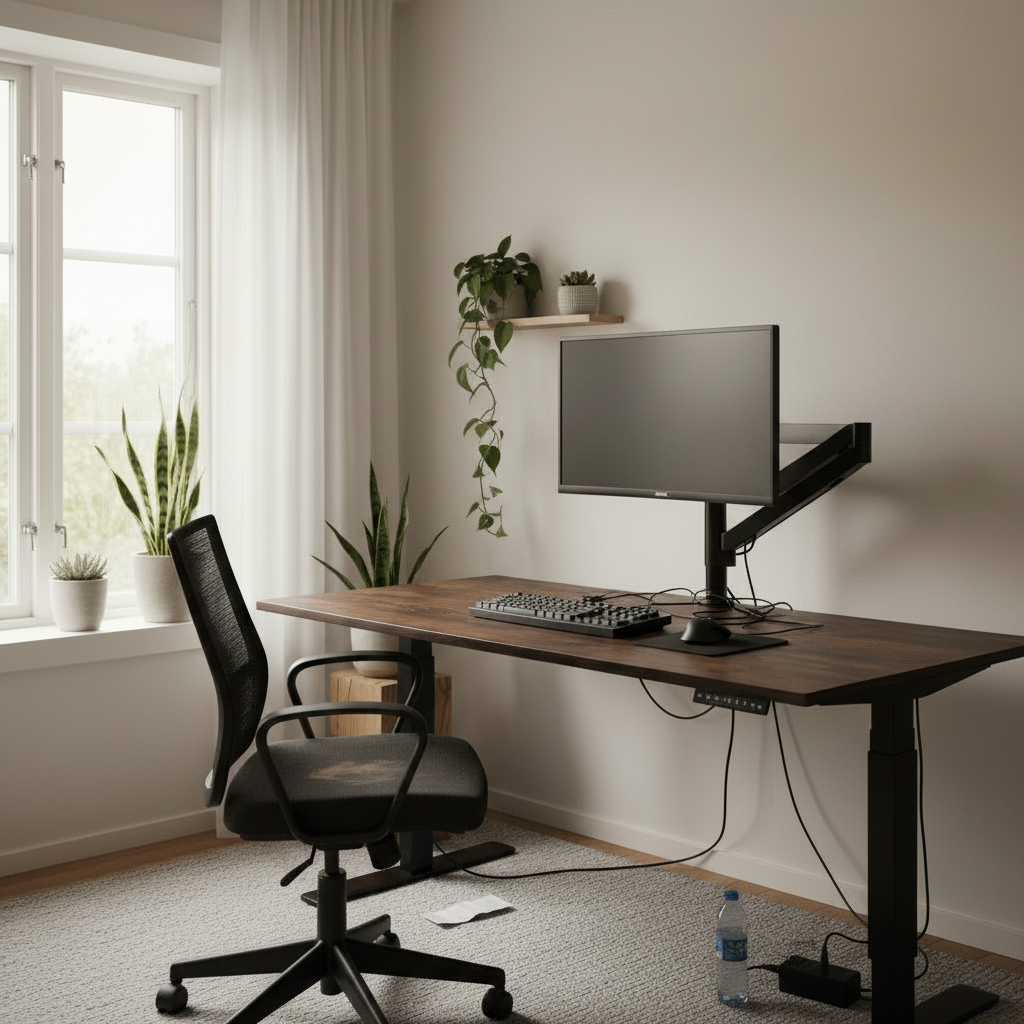
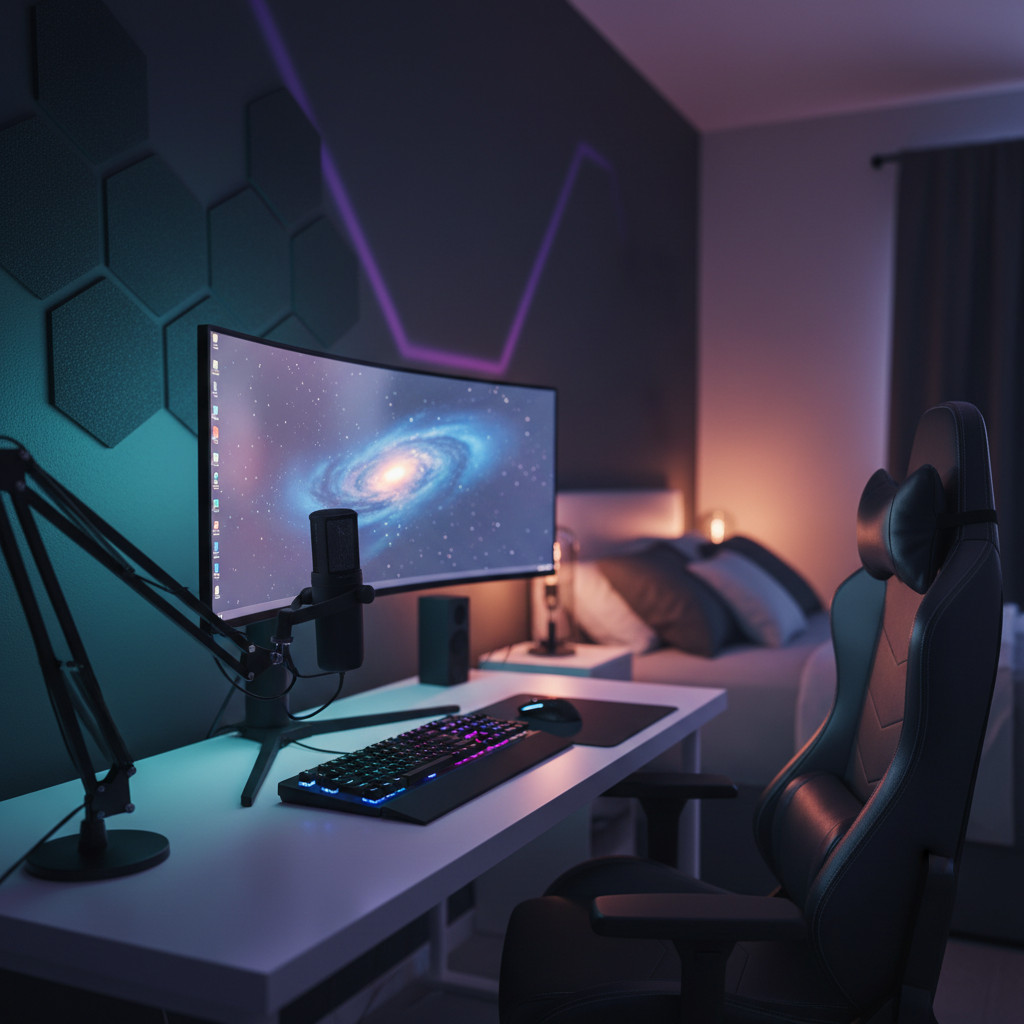
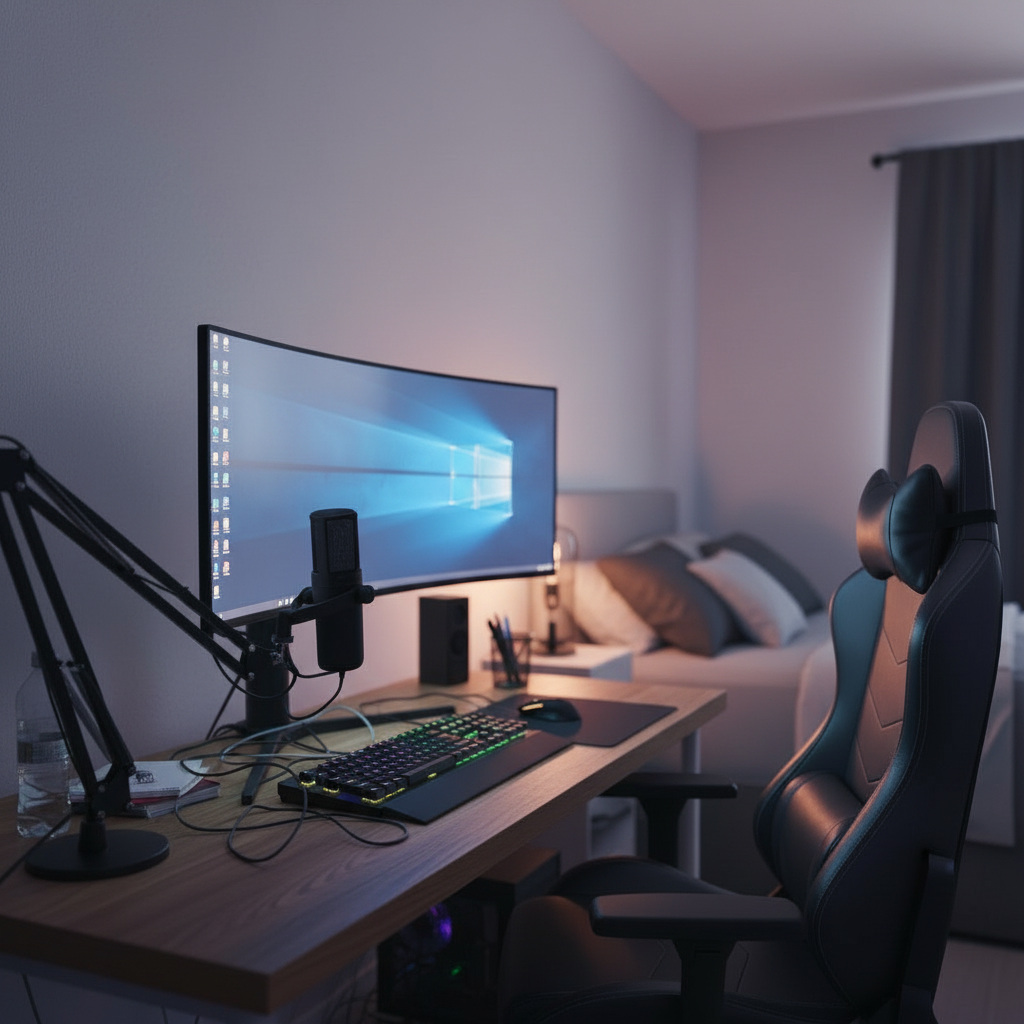
From empty room
to dream setup
Three steps. About thirty seconds. No design skills, no measuring tape, no buyer's regret.
Upload your room
Snap a phone photo or drop in an image of your current space. AI maps the layout, light, and dimensions automatically.
Choose style or products
Pick a preset — Minimal, Gaming, Productivity — or build your own with real products from our catalog.
Get your generated setup
Photoreal renders of your upgraded workspace in your exact room. Iterate, swap, share — all in seconds.
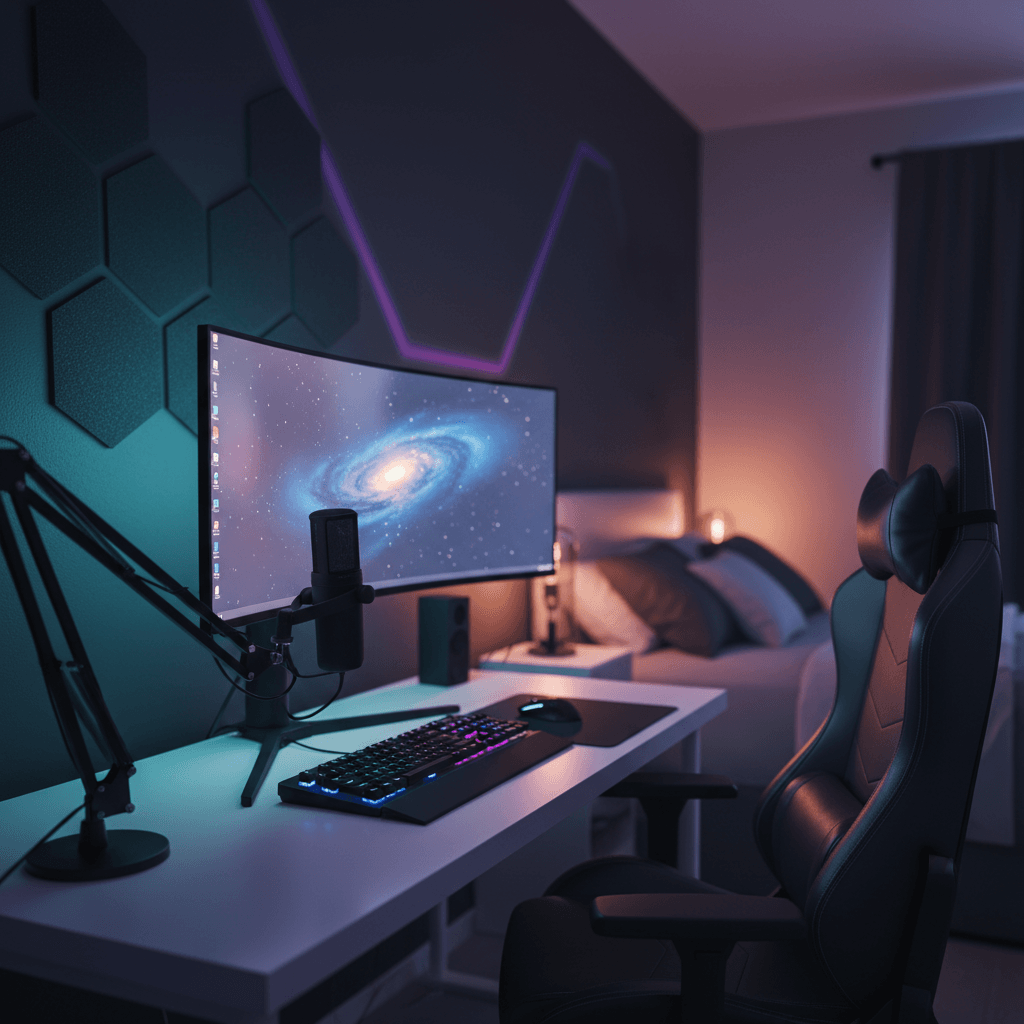
Generated outputs
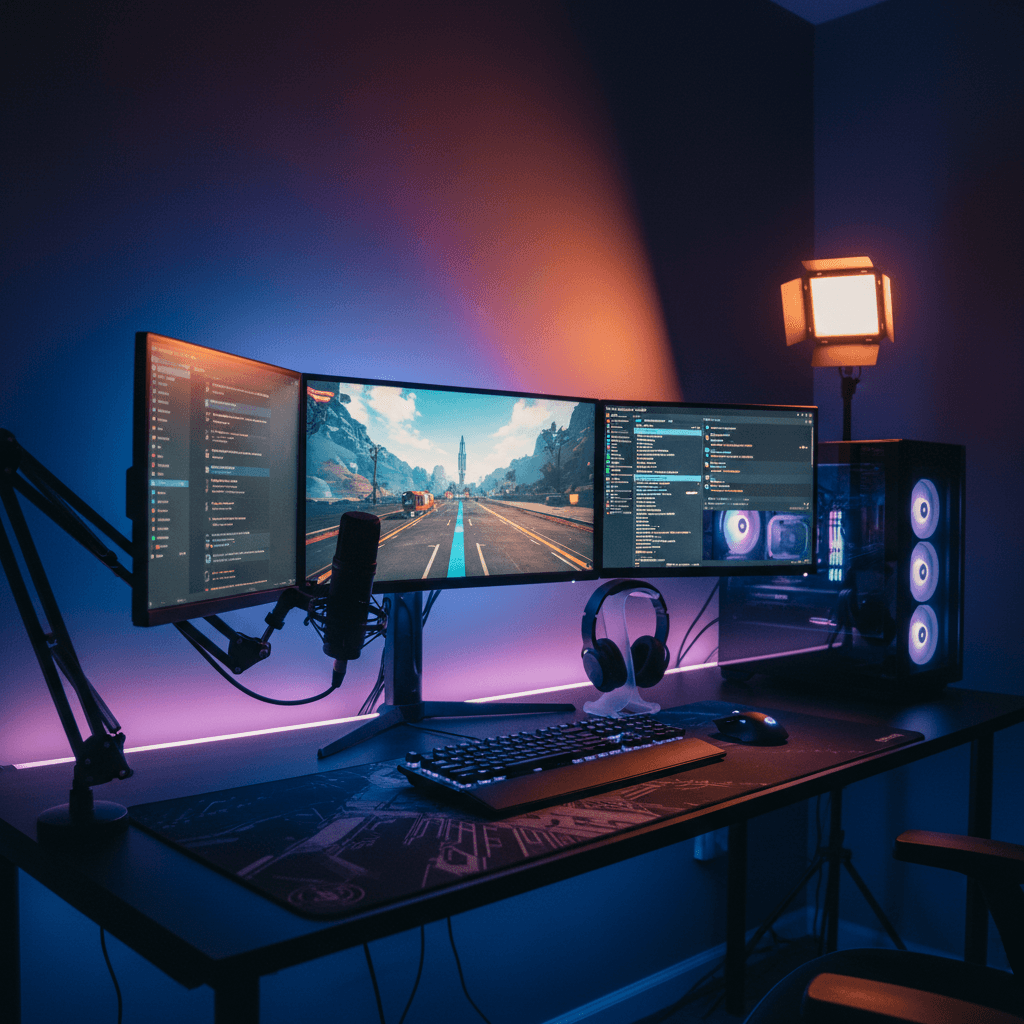
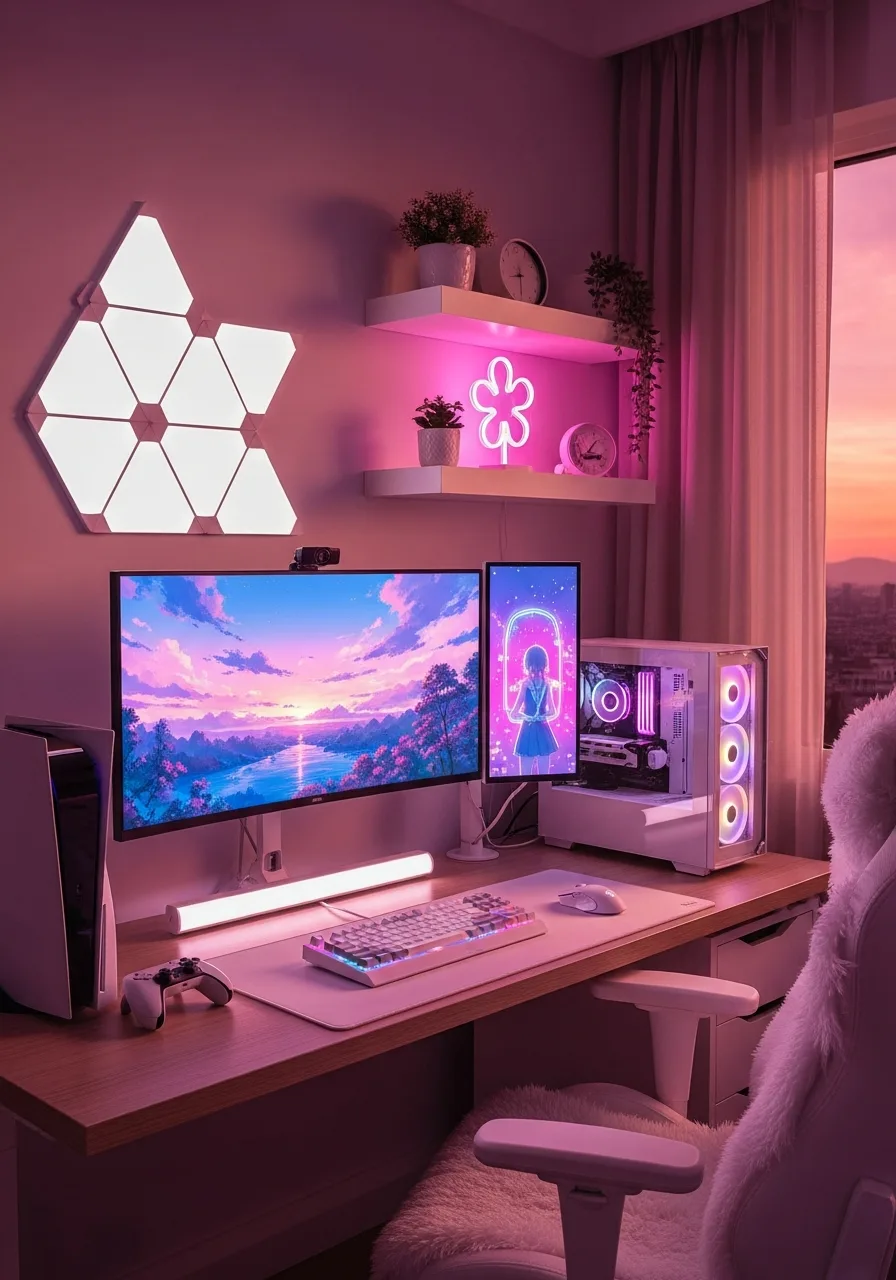
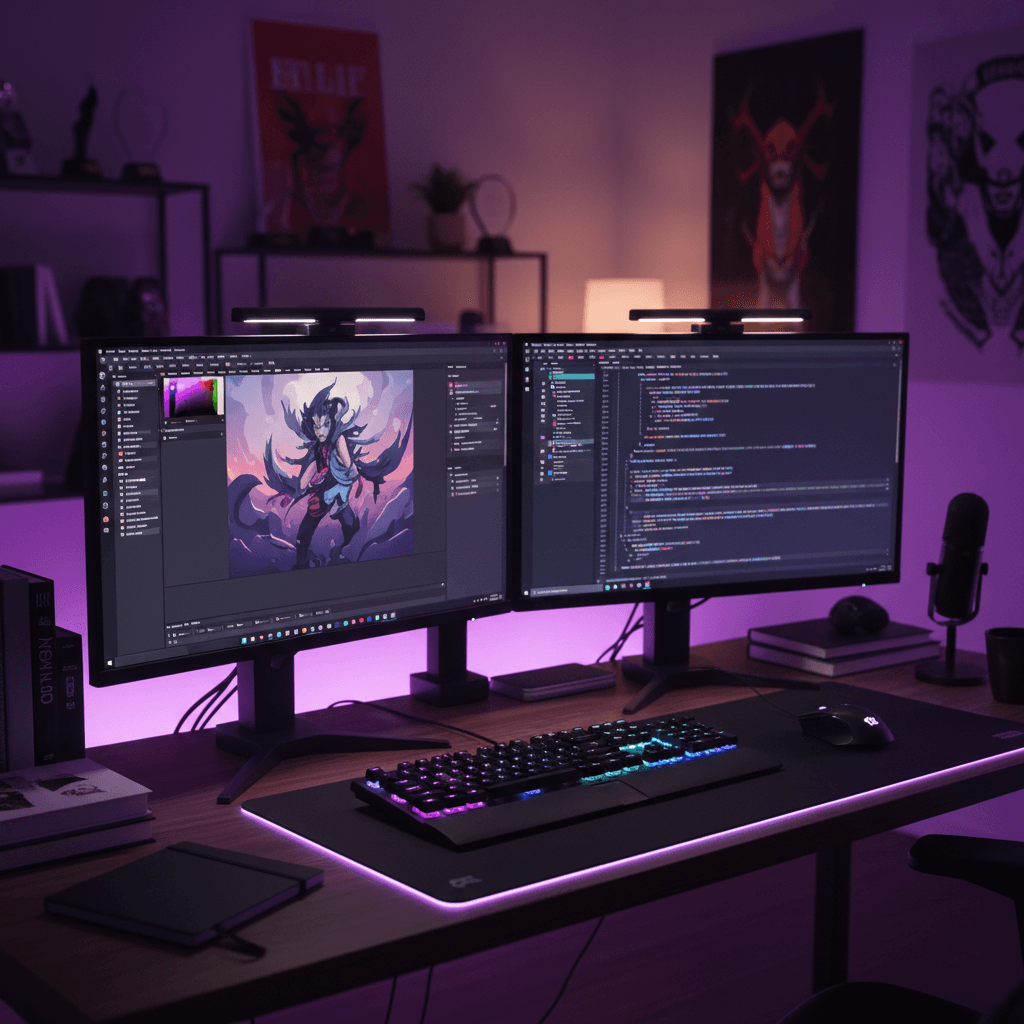
Gaming
RGB · 32" curved · 3 monitors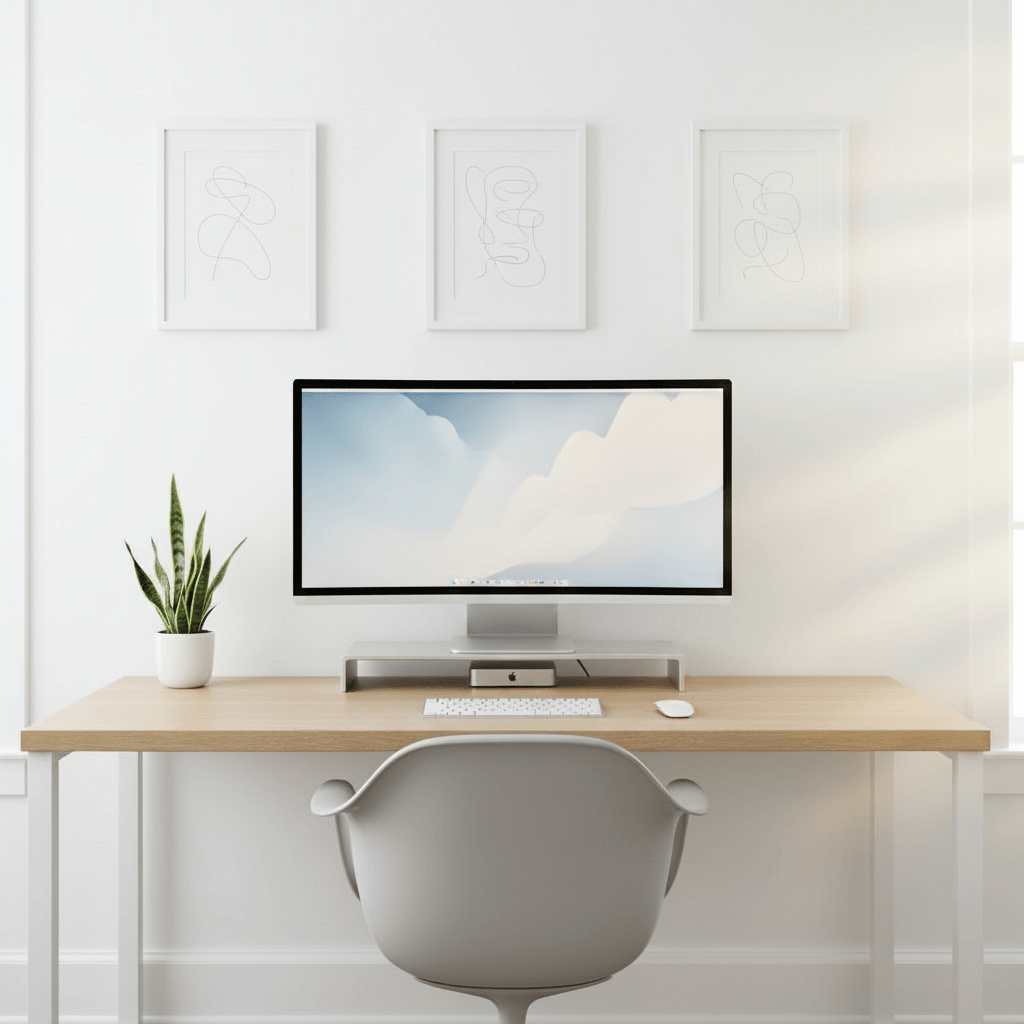
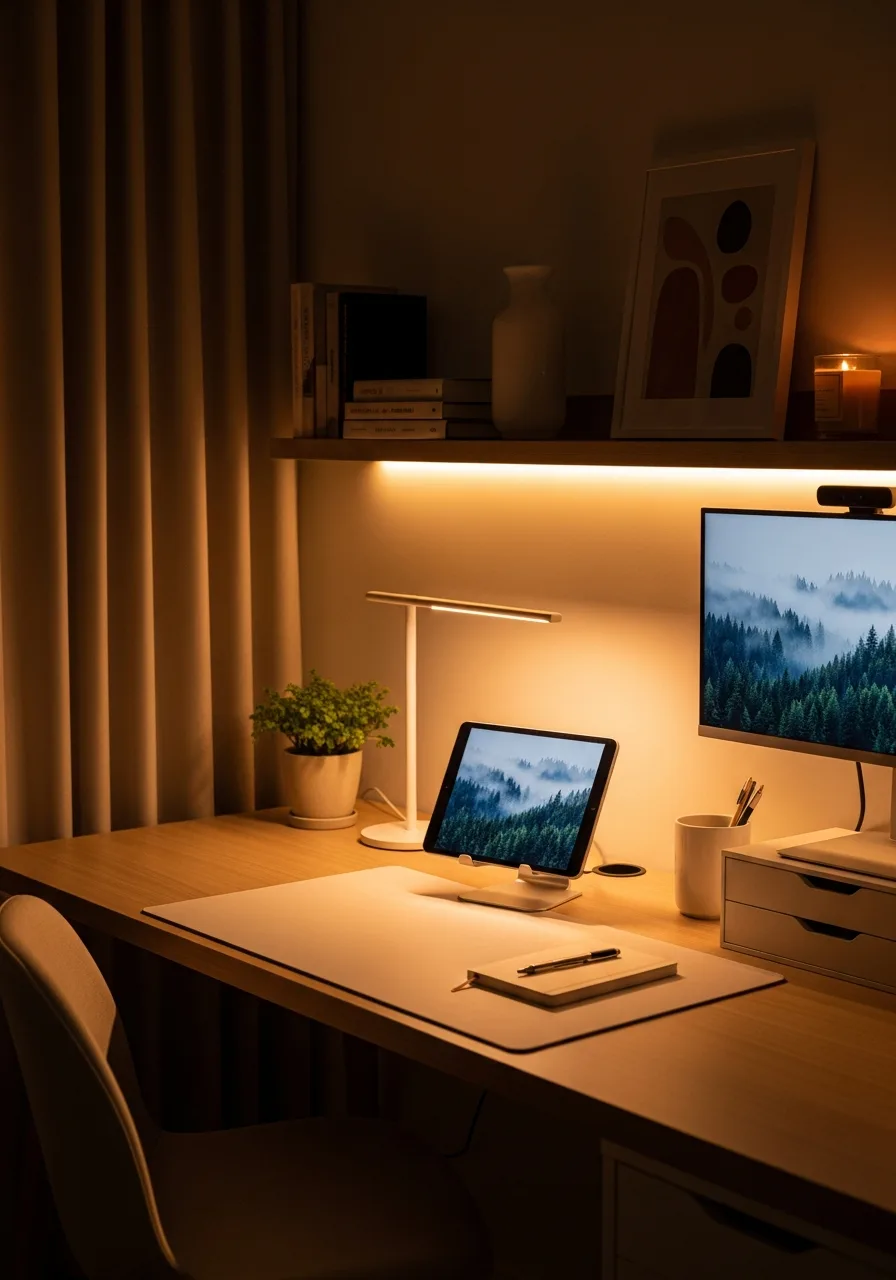
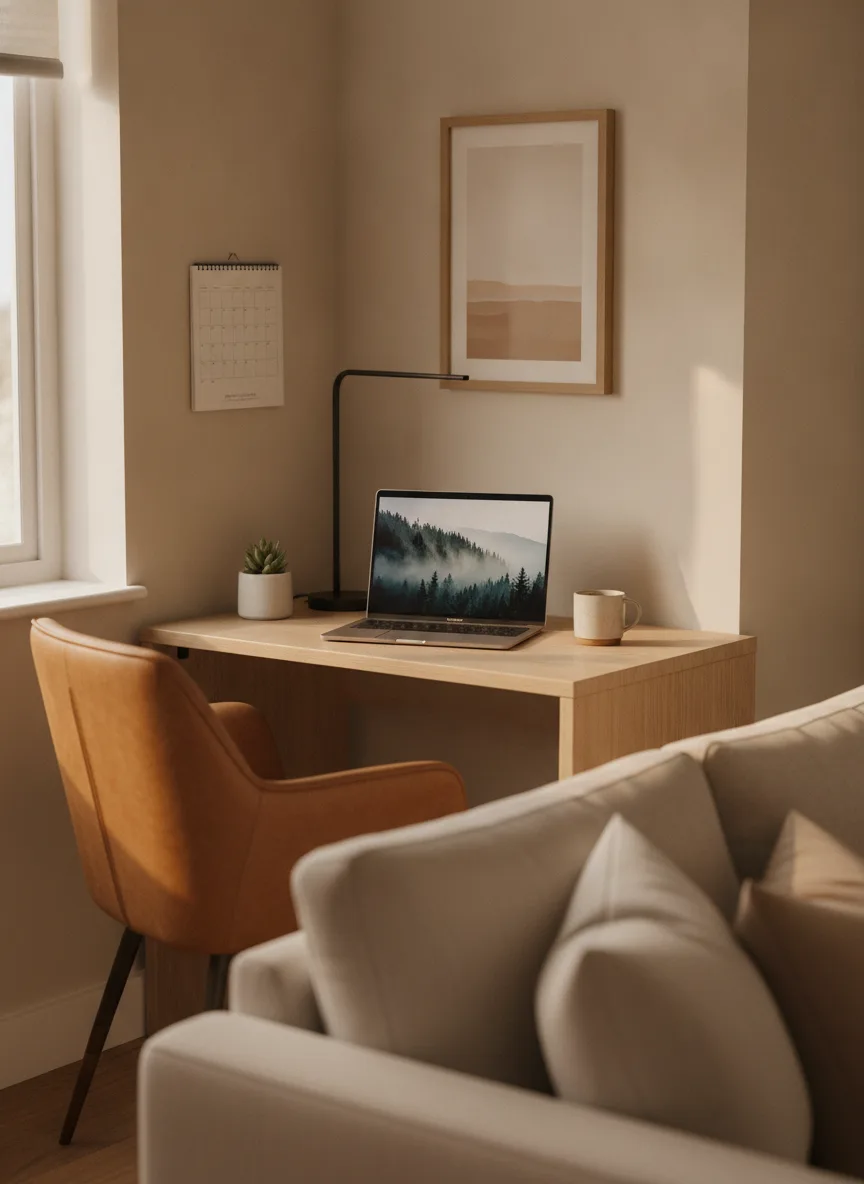
Minimalist
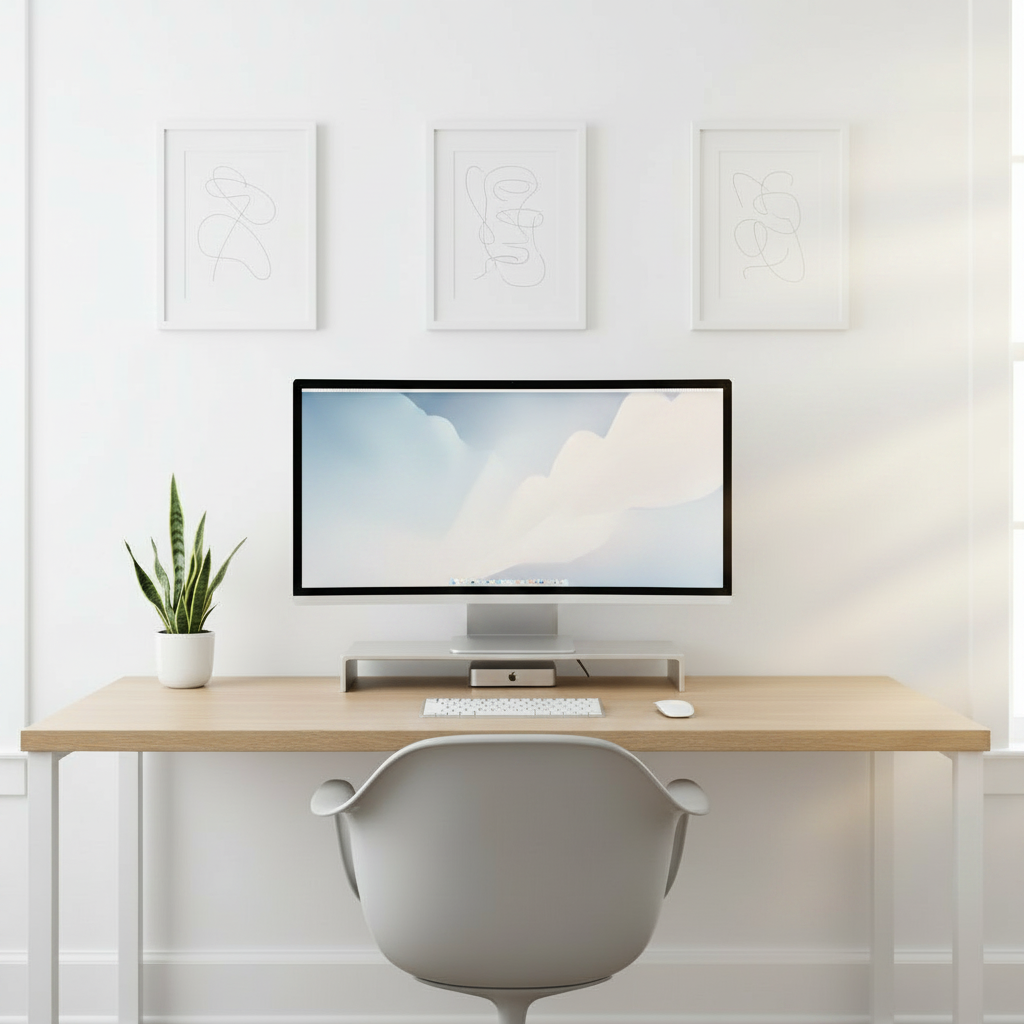
Mac · oak top · zero cables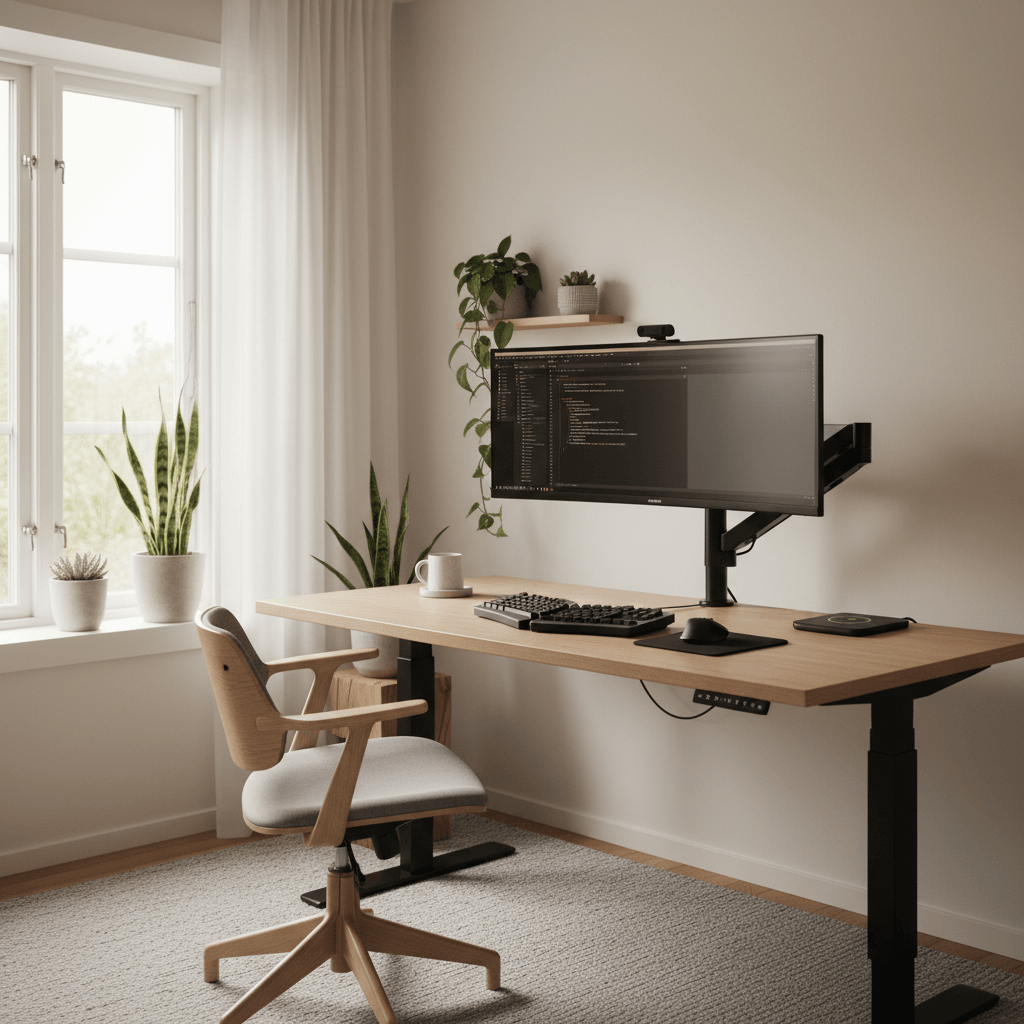
Developer
Ultrawide · split-key · standing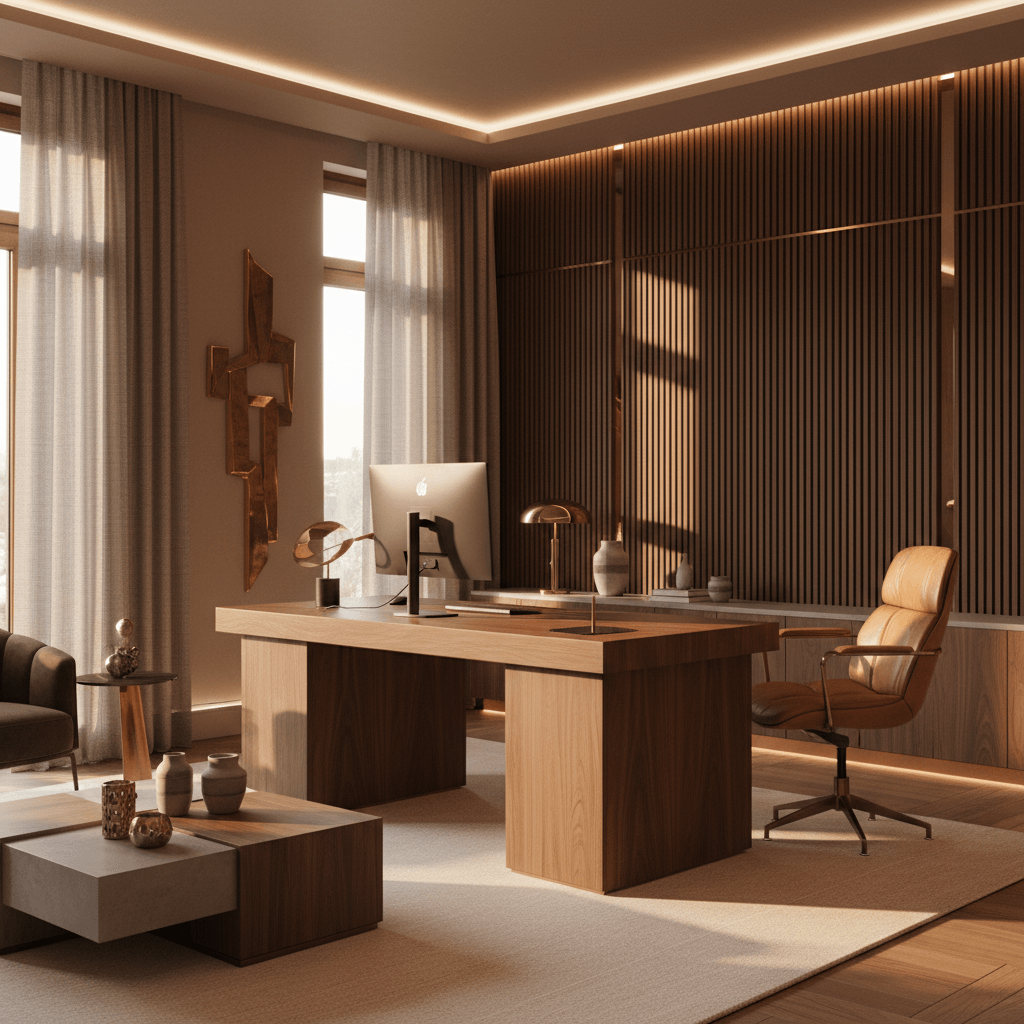
Luxury
Walnut · ambient · acoustic panelsMost setups
look great in the cart.
Not in the room.
You're not bad at design. You just don't have a way to see the result before you spend the money.
Can't visualize before buying
You order a desk, a monitor arm, a chair — they arrive and nothing fits together. Returns are a nightmare.
Mismatched gear, wasted money
Spend $1,800 only to realize the warm-wood desk fights your cool-tone keyboard. The whole vibe is off.
Layout, lighting, ergonomics
Where does the light go? Will the chair clear the desk? Is the monitor at the right height? Guesswork until it isn't.
No one place to plan it
Pinterest is inspiration. Spreadsheets are torture. You need to see your room with the stuff in it. That's it.
Preview your exact space
before buying anything
DeskSetupCreator understands your actual room, layers products into it, and renders the result like a photo. Every decision is visible before you spend a dollar.
Real room context
AI reads your actual walls, light, and footprint — not a generic 3D box.
Layered products
Drop in real desks, monitors, lights. Swap any item, regenerate, done.
Layout accuracy
Sized to scale. Monitor arm clearance, desk depth, chair rollout — all honest.
Instant iterations
20+ variations per minute. Cycle through styles until it clicks.
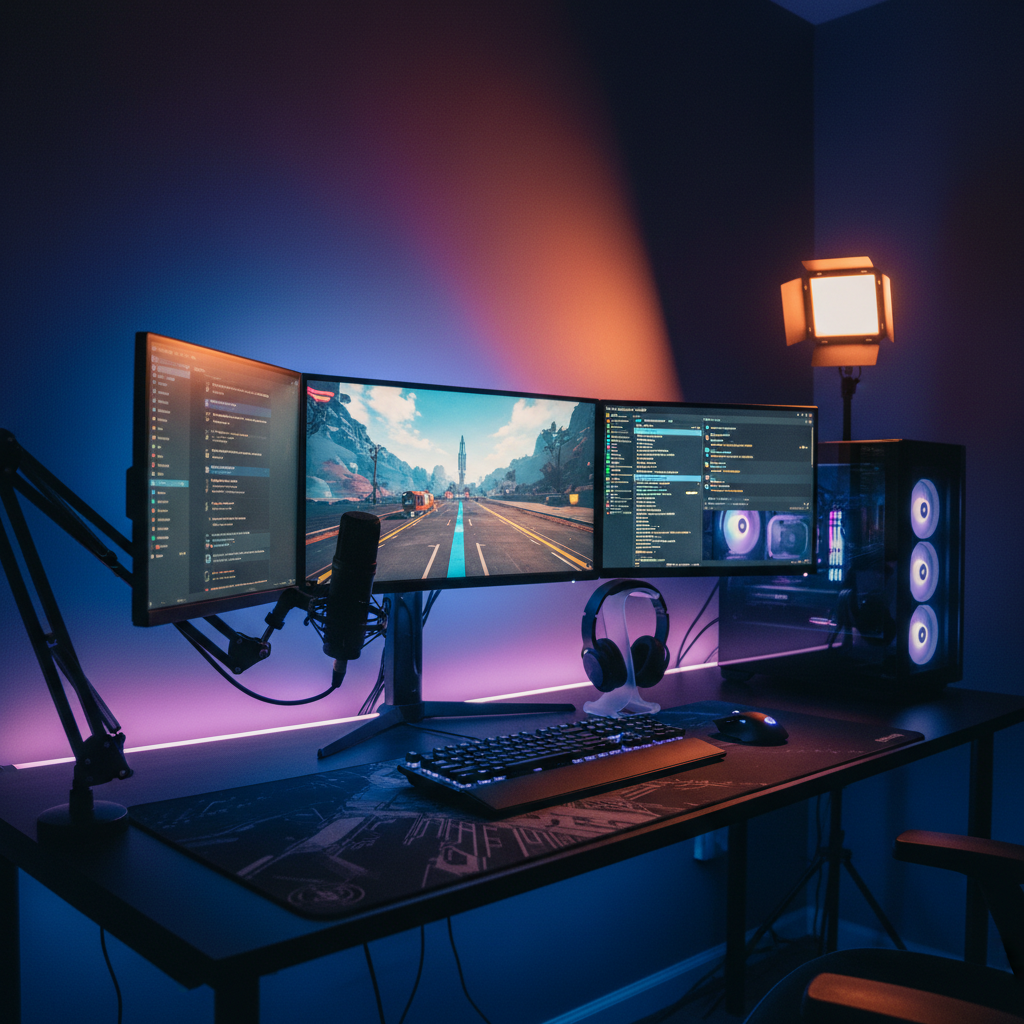
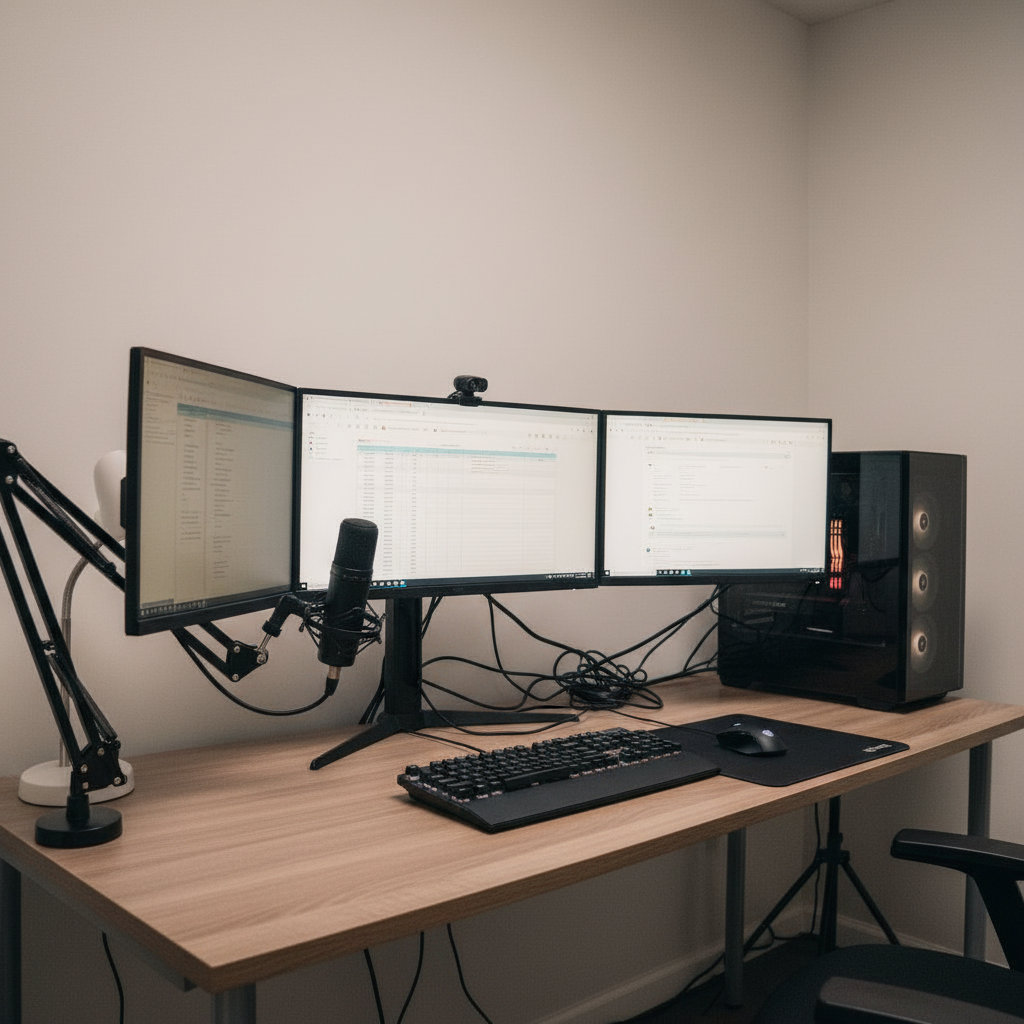
This could be
your room.
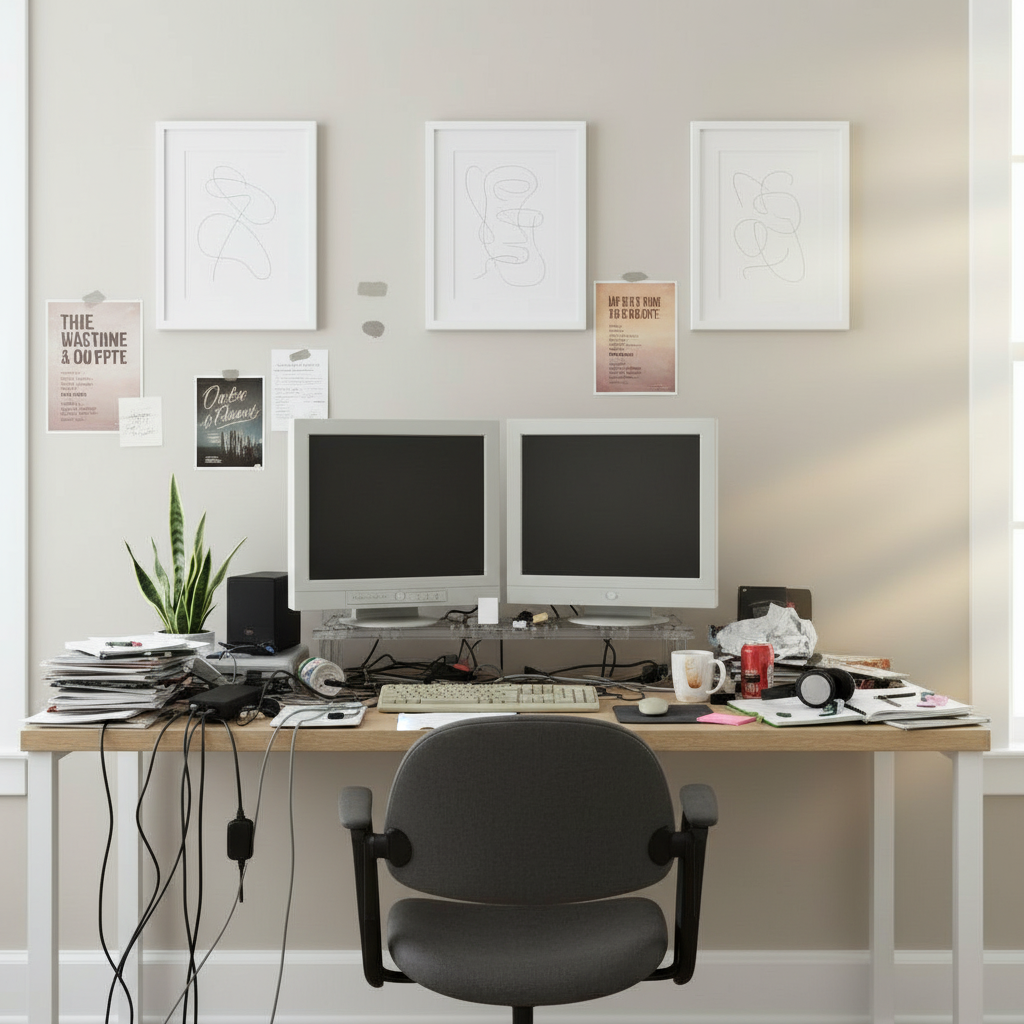
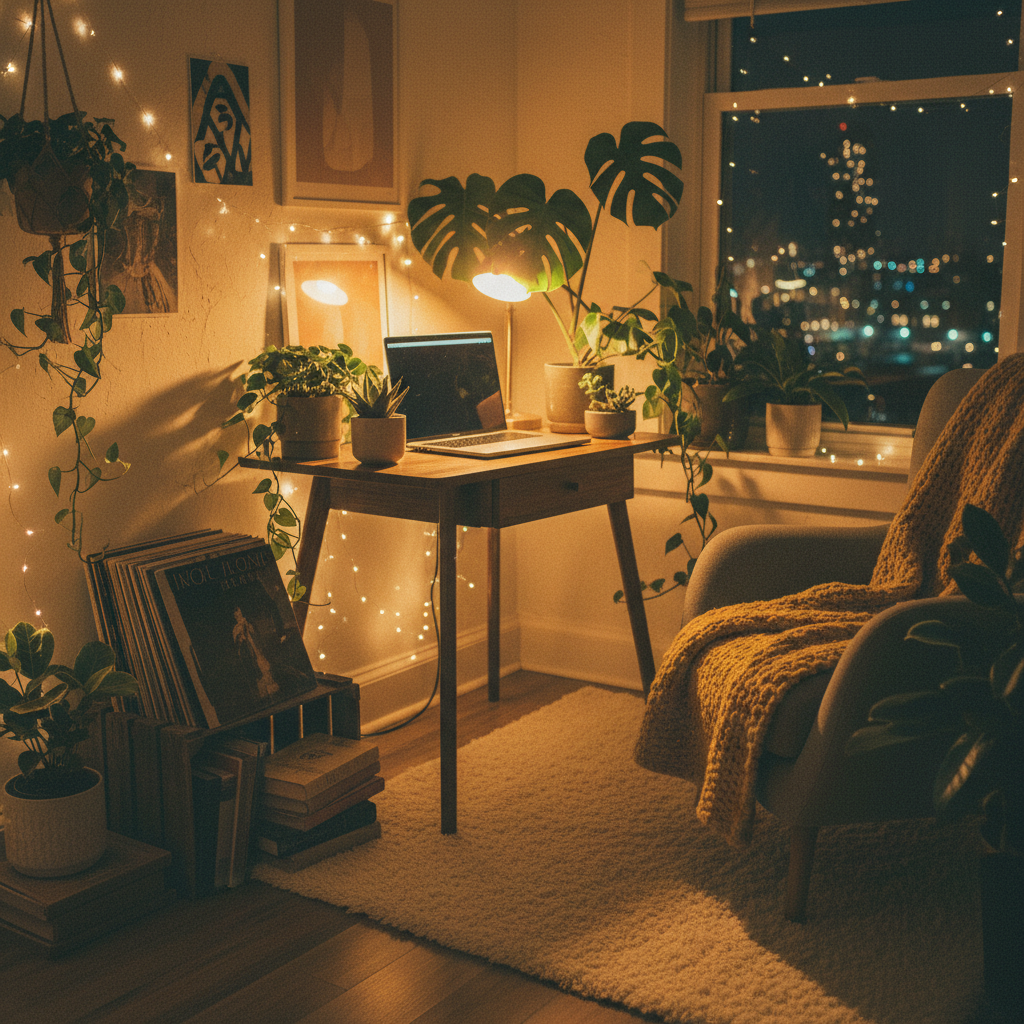
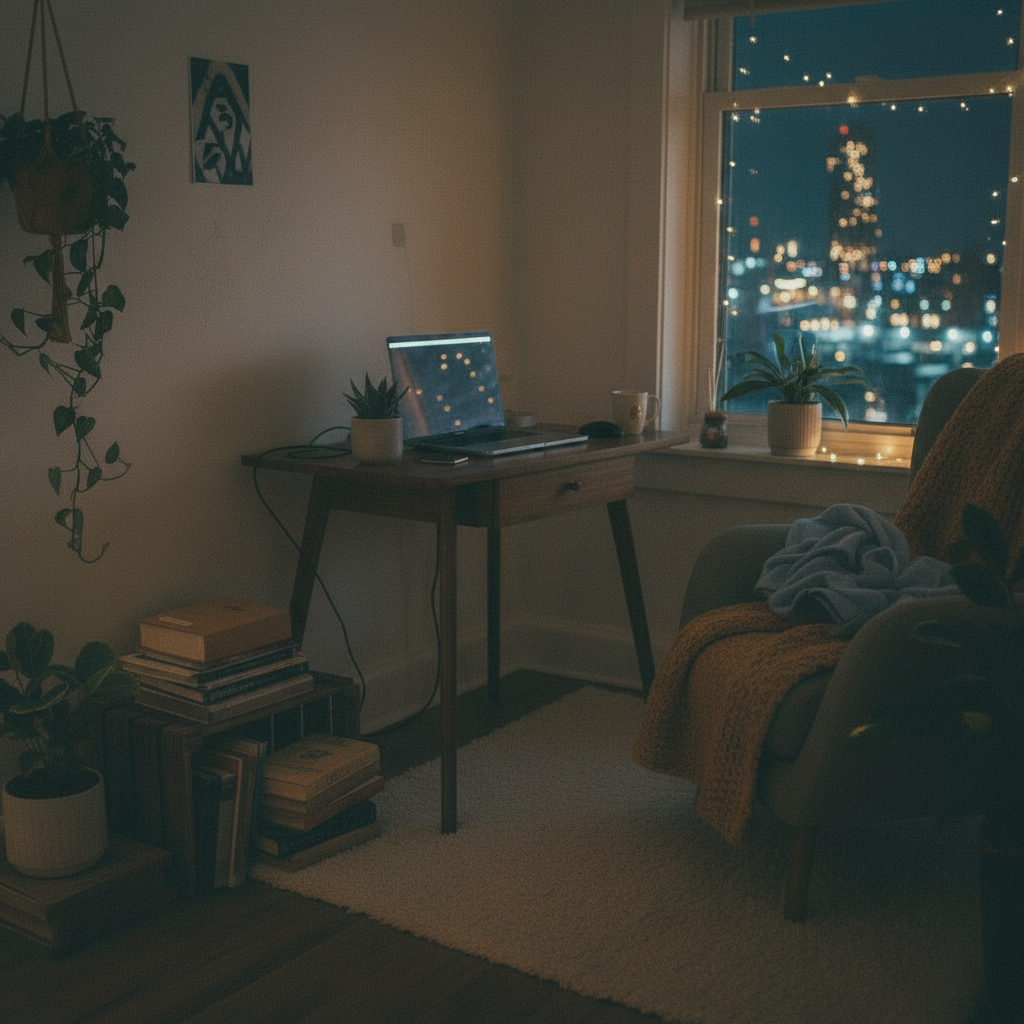
Before and after, rendered by DeskSetupCreator. Drag any divider to see the starting room — we promise you've seen worse.
Everything you need
to plan the perfect setup
Outcome-focused tools — no jargon, no settings to learn. Drop a photo, get a render, iterate.
Spatial understanding
Room scan reads walls, light, dimensions, and existing furniture from a single photo.
01Product placement
Layer real products at real scale. Move, rotate, swap brands without re-rendering everything.
02Style presets
Gaming, minimal, productivity, luxury, cozy, dev — or build your own from saved boards.
03Lighting simulation
See bias light, RGB, ambient, golden hour. The render shows the real glow, not an idea of it.
04Variations on tap
One click, a fresh take. Cycle warm to cool, dense to clean, until something hits.
05Accurate layout
Desk depth, arm reach, chair rollout, cable routing — everything sized to your room.
06Four steps. No design skills needed.
If you can take a photo, you can use DeskSetupCreator.
Upload your room
A phone photo or any image. We handle weird angles and bad lighting.
Pick style or products
Choose a preset or pull from our product catalog. Mix and match.
Generate your setup
AI renders your space, layered with the gear. About 30 seconds.
Iterate until perfect
Swap one item, change the light, regenerate. As many tries as you need.
1 photo
All it takes~30 sec
To your first renderFree
To try — no cardYour room
Not a generic templateSee it in your room
before you spend a cent
Skip the expensive guess
Most desk regret starts with buying before you can picture it. See the whole setup in your actual room first, so you commit with confidence instead of hoping it fits.
Test the combos you can't picture
Warm wood against a cool keyboard, a 60-inch desk in a tight room, dual monitors on one arm — see how they really look together before anything ships.
Iterate for the cost of a click
Swap a piece, change the lighting, regenerate. Explore as many directions as you like without moving furniture or returning a single box.
From cyber battlestation
to walnut writing desk
Built for any setup style. Switch presets mid-render to see your room in a completely different world.
Gaming setups
RGB, ultrawides, sim-rig clearance, light bars dialed in.
Developer desks
Multi-monitor, ergonomic, low-distraction. Standing or seated.
Content creators
Stream lighting, key wall, acoustic treatment, on-camera framing.
Minimal workspaces
One device. Clean wood. Cables hidden. Zero visual debt.
Luxury office builds
Walnut, leather, brass, ambient lighting, statement pieces.
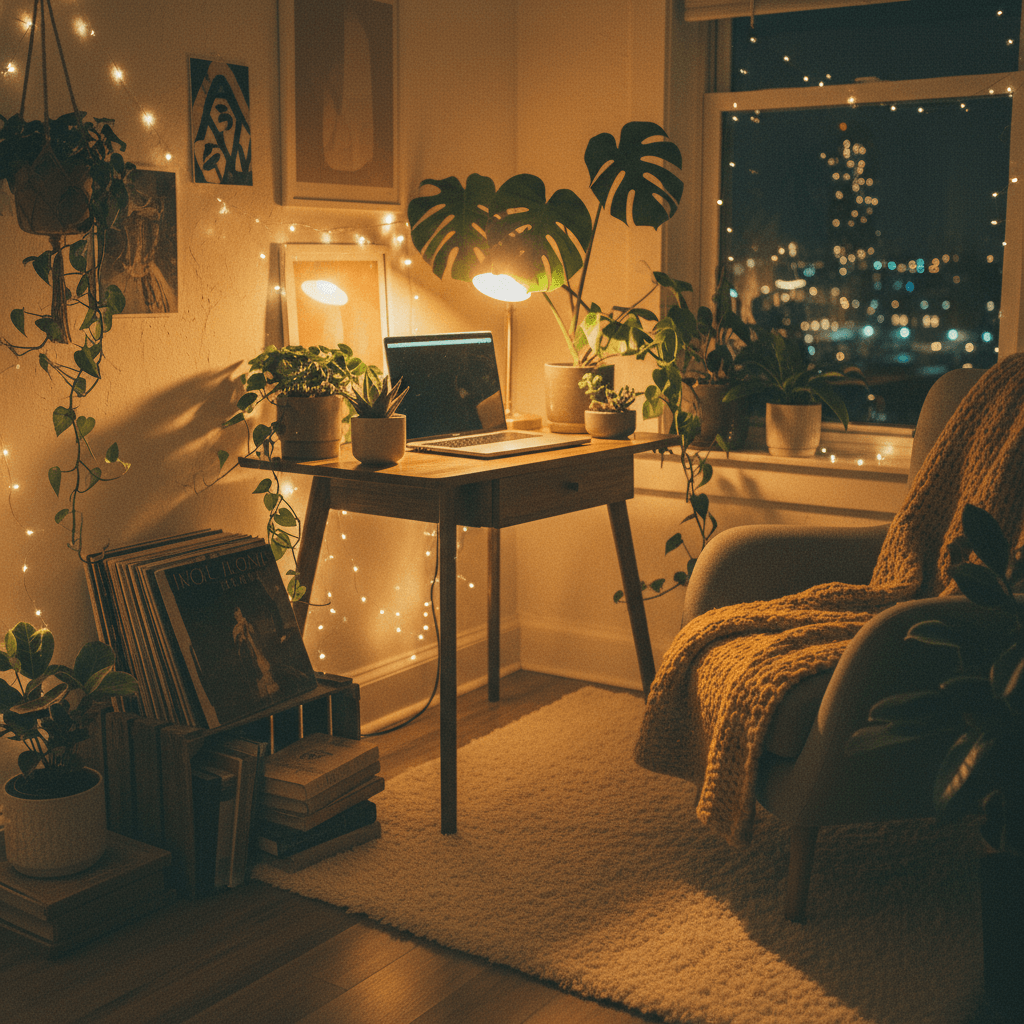
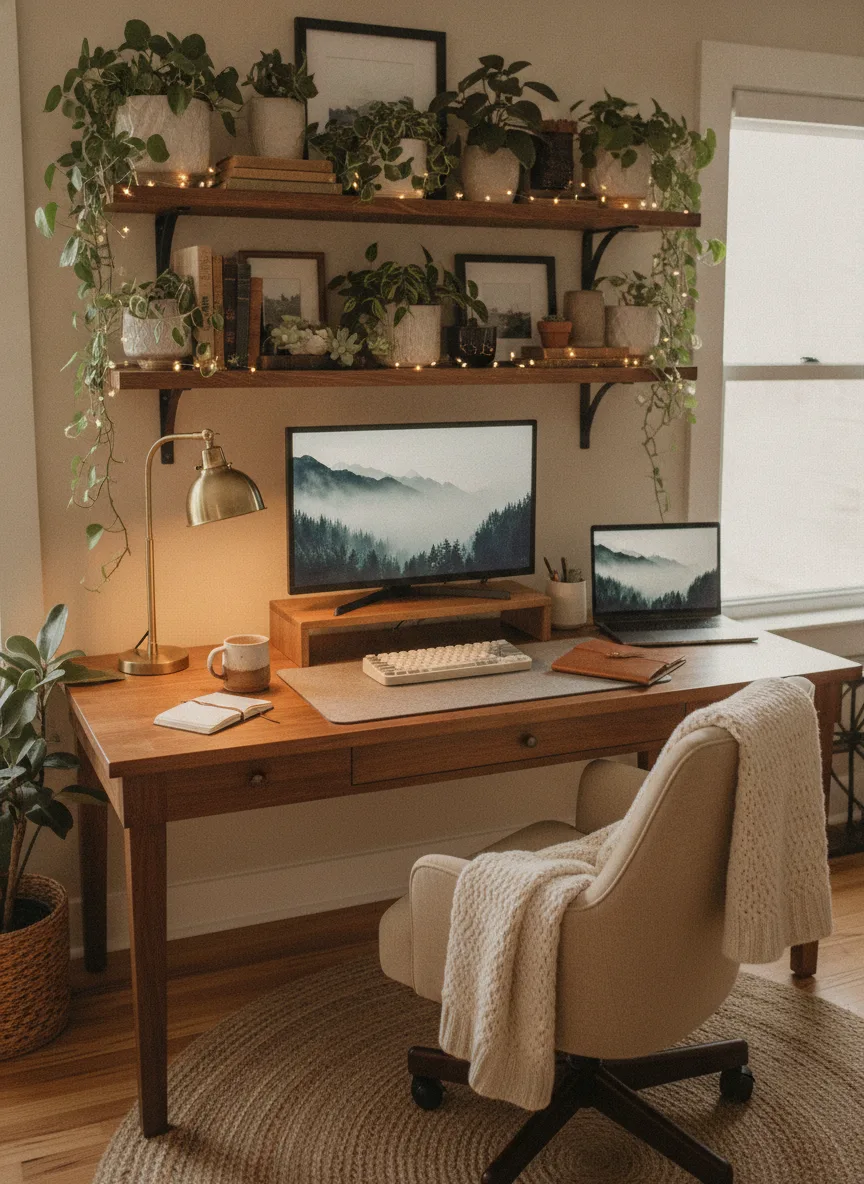
Cozy lo-fi corners
Warm light, plants, soft surfaces, ergonomic on a budget.
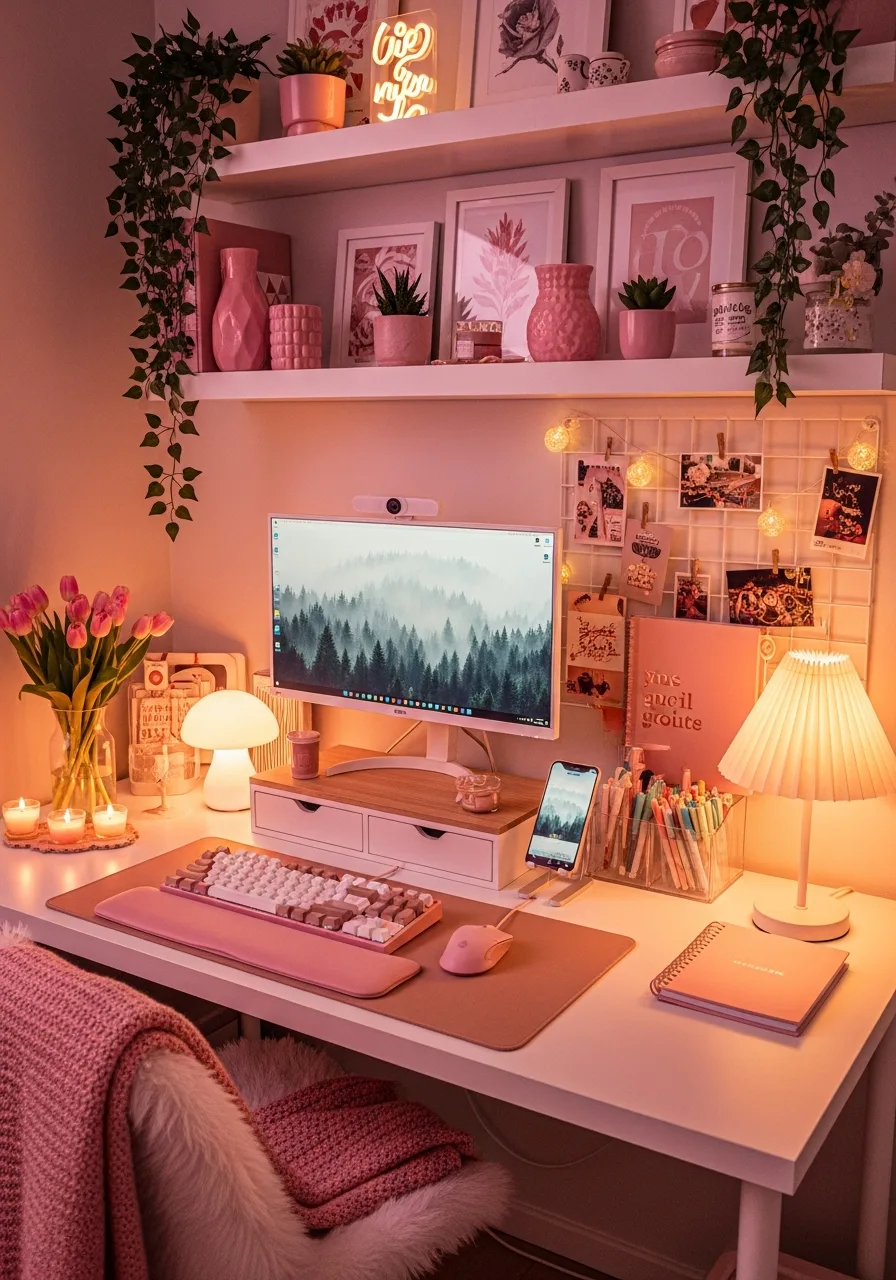
Browse by style
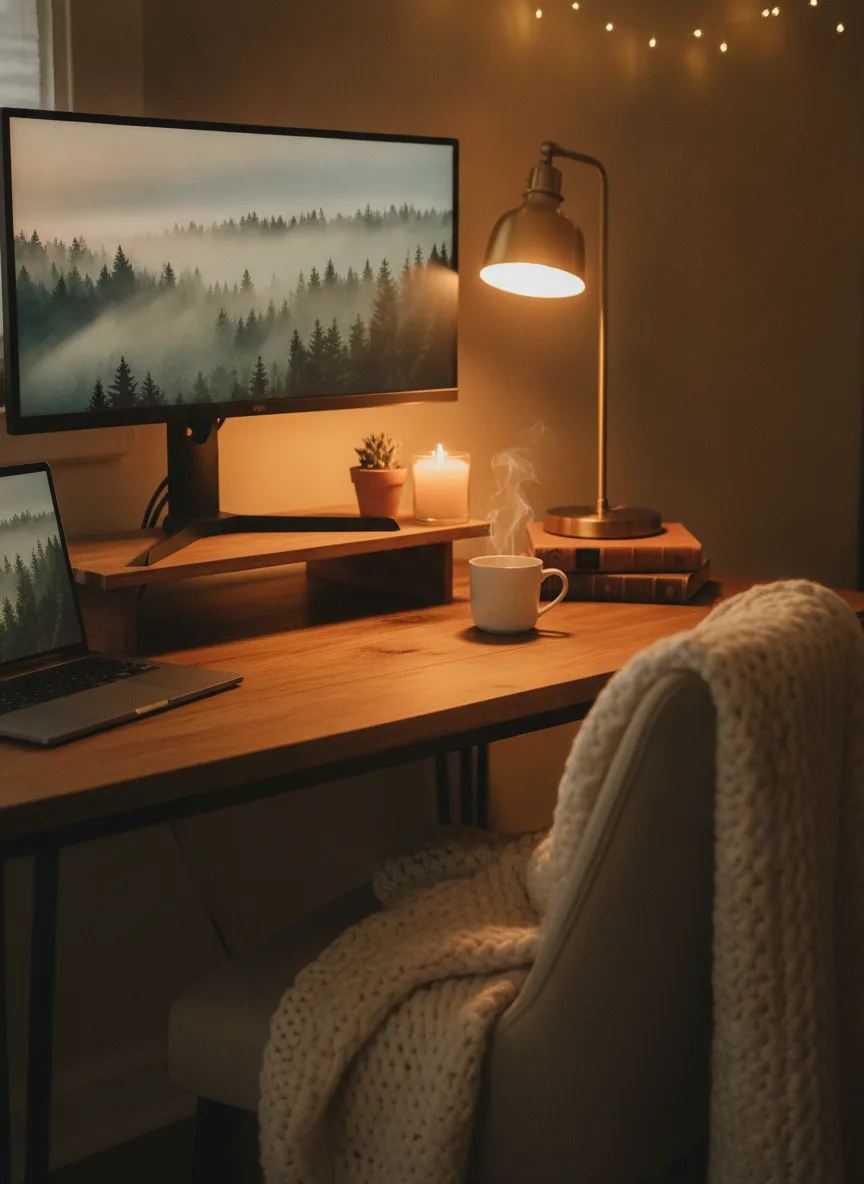
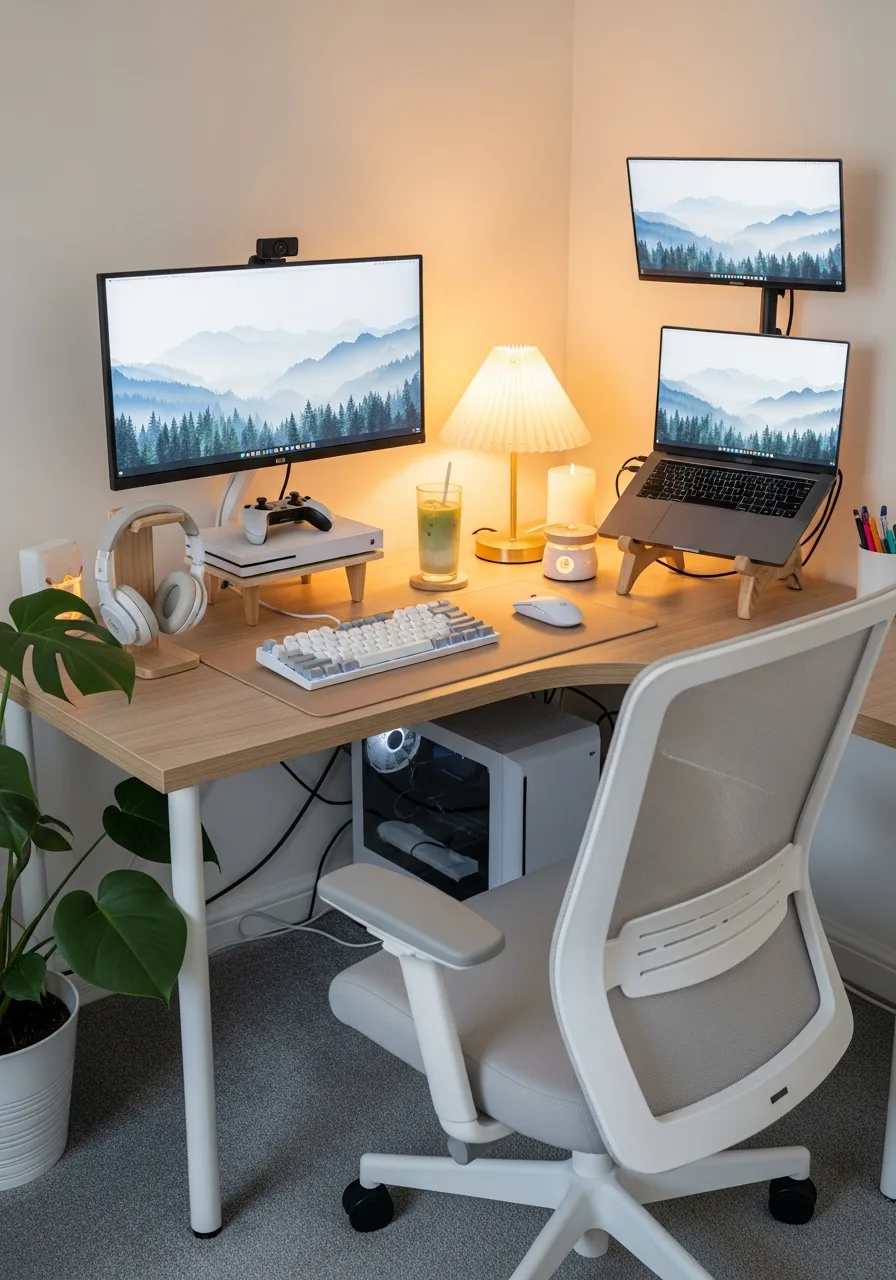
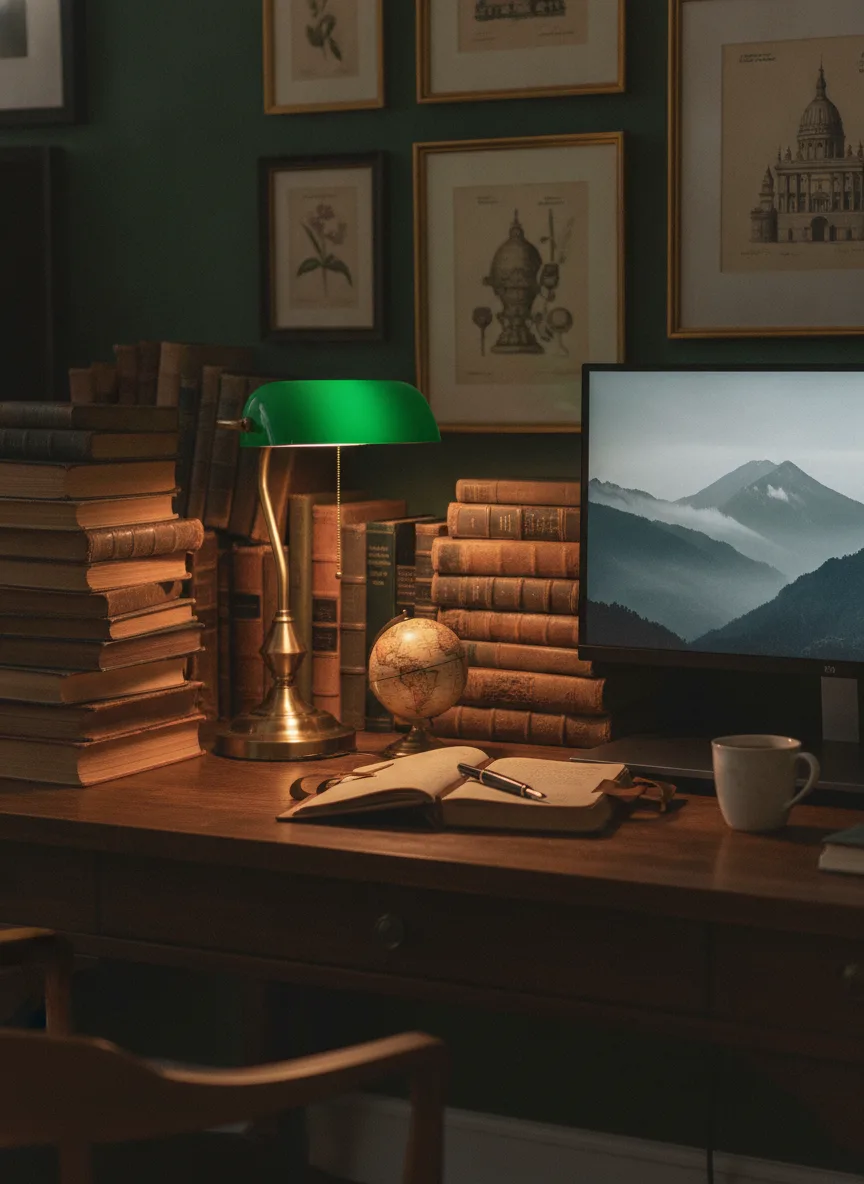
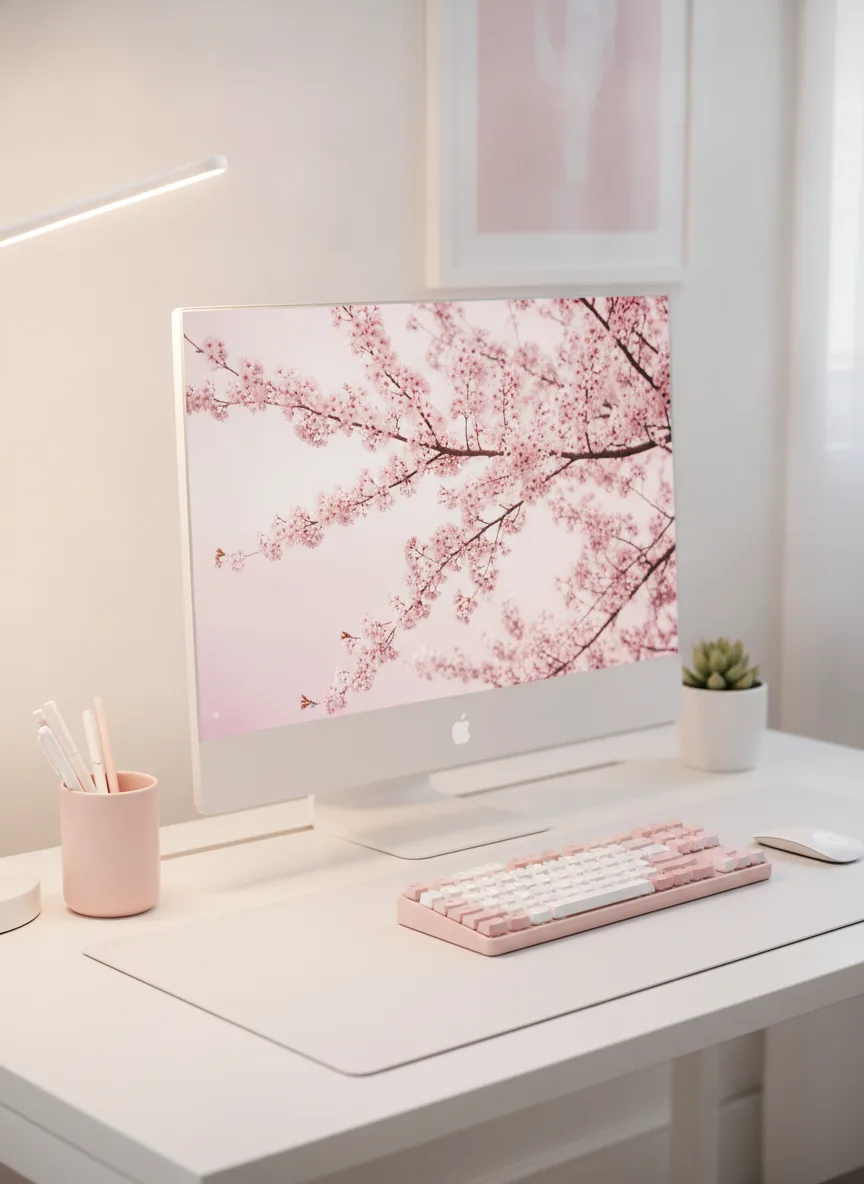
Hundreds of real desk setups, sorted by vibe — from minimalist and cozy to full gaming battlestations. Pick a look you love, then make it your own.

Your dream setup,
in your pocket
The same tool, running right in your phone's browser. Scan a room, pick a vibe, and watch the render build — wherever you are.
Scan in seconds
Point, capture, done. The room map builds live as you pan.
Swipe through styles
Flick between presets and watch your room re-render instantly.
Save to your gallery
Every render syncs across devices. Pick up on web where you left off.
Find your perfect setup
Start designing your
space today
Try it free with 3 credits. Add more whenever you need — credit packs are one-time purchases, never a subscription, and never expire.
Free
Try it before you buy
Creator Pack
Enough to design a whole setup
Pro Pack
For heavy iteration and bulk renders
Questions, answered
What is an AI desk setup visualizer?
An AI desk setup visualizer takes a photo of your real room and renders a complete workspace — desk, monitors, lighting, accessories — directly into that space, so you can see exactly how a setup will look before buying anything.
How does DeskSetupCreator generate my setup?
Upload a photo of your room or start from a blank virtual canvas, pick a style (minimal, cyber, cozy, gaming), and our AI composes a render-quality setup matched to your space — including monitor arm clearance, desk depth, and lighting that fits your room's geometry.
Is DeskSetupCreator free?
Yes — free to try, with no credit card required. New accounts start with three free credits and every style preset, so you can generate setups, save them, and browse the gallery. After that you buy one-time credit packs (the Creator Pack is $8.99 for 50 credits, the Pro Pack $29.99 for 200) — one-time purchases, never a subscription, and the credits never expire.
Can I see specific products like a particular monitor or desk in my room?
Yes. The Add to Setup flow lets you pick exact products from the catalog (LG ultrawides, IKEA desks, Keychron keyboards, Govee lights, and more) and renders them composited into your room photo.
How long does it take to generate a setup?
About 30 seconds for the first render, and re-rendering variations is usually quicker.
What rooms work — bedroom, office, studio?
Bedrooms, offices, studios, gaming rooms, WFH corners and custom spaces. Any photo with the desk and at least one wall visible works well.
See your future setup
before you buy a single item
Free to try. 30 seconds to your first render. The setup of your life is one photo away.